





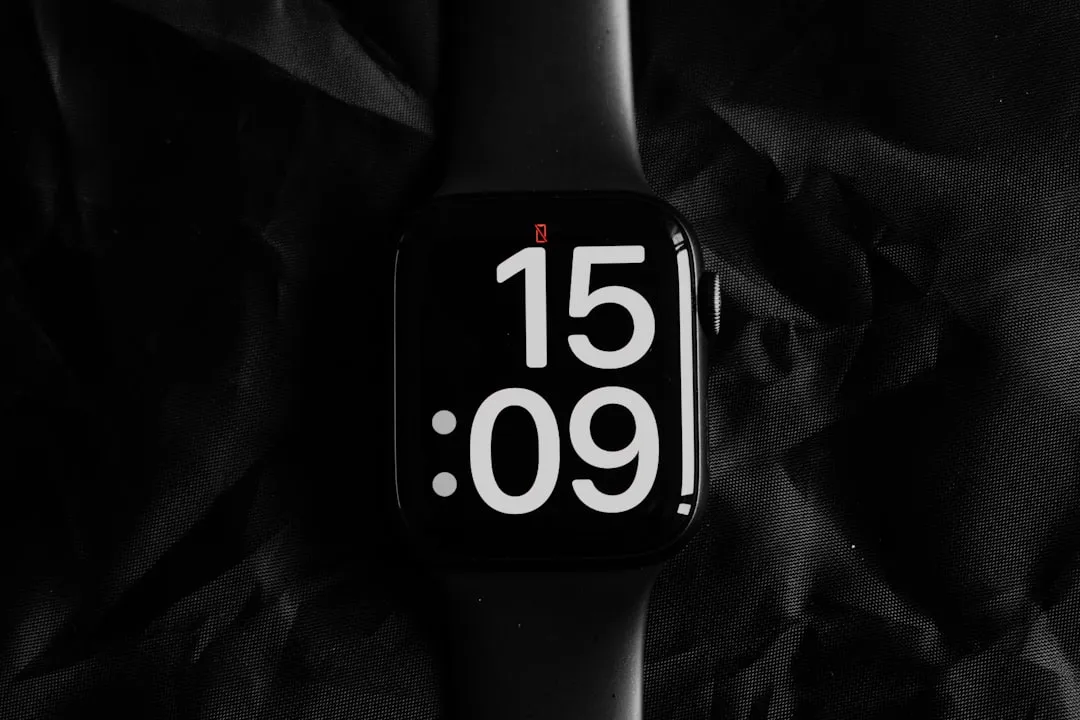
Wear OS 6.1 Time Zone Feature: What It Does and Who Gets It
Google formally documented the Wear OS 6.1 time zone feature yesterday, and the headline capability is straightforward: the watch now sets its time zone automatically from the wearer's physical location, with no network connection required. 9to5Google reported that the platform build is currently available only in the Android Studio emulator. Pixel Watch owners who want to know whether it's live on their wrist will need to do some digging and the answer isn't as simple as checking the version number.
Here's where the timeline gets complicated. Android Authority reported in December that Pixel Watch 2, 3, and 4 received Wear OS 6.1 as part of that month's update, rolling out through the Pixel Watch companion app. Those two accounts aren't contradictory. What they leave unresolved is whether the offline time zone detection specifically shipped in December or is arriving with a subsequent quarterly update. Wear OS 6.1 on your Pixel Watch and the location-based time zone feature being active are not guaranteed to be the same thing.
That distinction matters more than it might sound. The rest of this piece covers what the feature actually does, what Wear OS 6.1 delivers by device generation, and what to check on your watch right now.
Why the Wear OS 6.1 time zone feature matters more than most Wear OS updates
A watch earns trust by being right without being asked. Obvious in principle, surprisingly hard to achieve in practice. Wear OS has historically handled time zone detection by leaning on a paired phone or an active network connection. That's fine until it isn't. Land somewhere new with your watch in airplane mode and your phone still hunting for a local carrier, and you have a device whose entire purpose is to show the correct time doing the opposite with complete confidence.
Wear OS 6.1 closes that gap. The watch now adjusts its time zone based on physical location, independent of network state, per Google's platform documentation via 9to5Google. The user-facing toggle lives at Settings > System > Date & time > Use location, though that path only matters once the feature is confirmed live on a specific device.
Some questions haven't been answered publicly. Google hasn't detailed the offline location mechanism whether the watch uses onboard GPS, cached location data from a paired phone, or another method. Battery impact and the exact scope of location permissions required are also undocumented. None of that is a reason to dismiss the feature; it's just information a traveler should want before enabling it, and the current reporting doesn't supply it.
The broader context: Wear OS 6.1 is built on Android 16 QPR2 (API level 36.1) and introduces no behavior changes for app developers, according to Google. This is a refinement release, not a flagship one. A minor platform increment that ships a practical reliability fix is doing exactly what minor platform increments should do.
What Wear OS 6.1 actually delivers on your watch, by model
Running Wear OS 6.1 and benefiting from its features are different things. The gap widens considerably with older hardware.
Pixel Watch 4 gets the most out of this update. Two gesture controls arrive enabled by default: a double pinch that handles scrolling lists, sending Smart Replies, and snoozing alarms, plus a wrist-turn gesture that silences calls and dismisses notifications, per Android Authority's December coverage. Apple Watch and Galaxy Watch users have had comparable hands-free input for some time. The Pixel Watch line is catching up.
Pixel Watch 3 and 4 both receive an upgraded on-device model powering Smart Replies faster and more power-efficient than the previous version, according to Google via Android Authority.
Pixel Watch 2 qualifies for the version number and the security patches. No gestures, no upgraded Smart Replies Android Authority confirmed it won't benefit from those features. The security patches are still worth installing.
The original Pixel Watch received its last promised update in October 2025 and is excluded from Wear OS 6.1 entirely, per Android Authority.
As for where the offline time zone feature fits in that hierarchy: the December reporting from Android Authority documented the gestures and Smart Reply upgrades in detail but didn't confirm the location-based time zone detection as part of that rollout. It's possible the feature shipped quietly alongside them; it's also possible it's part of the next quarterly update that 9to5Google says is presumably coming. Current reporting doesn't resolve it.
What to check on your watch right now
The availability ambiguity is real, but there are three concrete steps worth taking.
First, open the Pixel Watch companion app and check for pending updates. Wear OS 6.1 rolled out to Pixel Watch 2, 3, and 4 in December via that app, according to Android Authority, so if the update hasn't been applied yet, start there.
Second, once updated, navigate to Settings > Date & Time > Use location on the watch. If the toggle is present and available, the feature has shipped to that device. If it isn't there, it likely hasn't arrived yet.
Third, verify against Google's official Pixel Watch support documentation. Given that the platform build only reached the Android Studio emulator as of yesterday, and consumer device availability remains unconfirmed in current reporting, Google's own support pages are the authoritative source for what's actually live on shipping hardware.
The update Google should have shipped years ago
Getting the time right without user intervention, without a signal, without a prompt that's the foundational promise of a watch. The fact that Wear OS took this long to close the gap doesn't undercut the improvement. It just makes it more overdue.
The shape of Wear OS 6.1 points toward something worth noting: Google is using quarterly point releases to ship practical reliability improvements rather than holding them for a major version announcement. For a product category where a single bad moment wrong time zone, travel day, important meeting can erode months of trust, that's a reasonable approach.
The one open question this article can't answer is whether Pixel Watch 2, 3, and 4 owners already have the location-based time zone feature active on their wrists from December's rollout, or whether it's still incoming. Check for the update, look for the toggle, and cross-reference against Google's support pages. If it's there, it's worth turning on.














Comments
Be the first, drop a comment!