





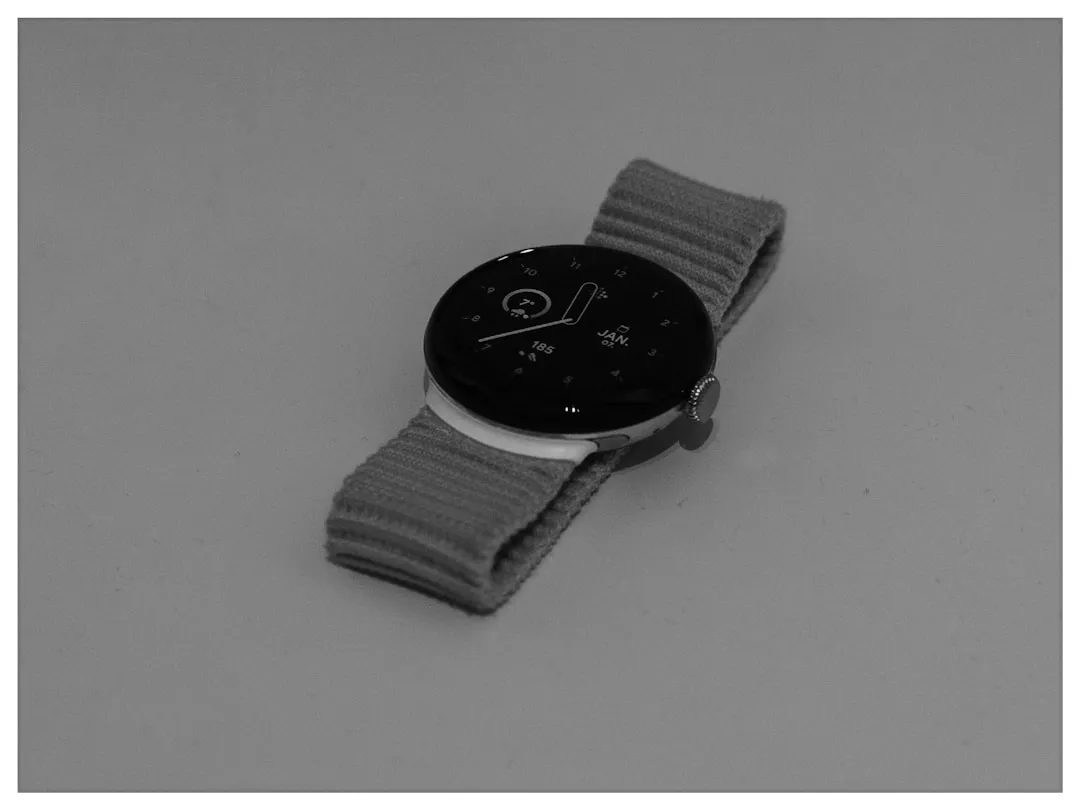
Some Pixel Watch 2 owners are waking up to a message that shouldn't be there: "No recent data. Wear your watch to sleep." They wore it. The watch tracked them. It just won't show them anything.
The Pixel Watch sleep stats bug surfaced recently after a user posted on Reddit about the sleep tile displaying that error prompt despite wearing the device overnight for multiple consecutive days. Android Authority also reported on the issue. Sleep tracking doesn't appear to be fully broken. Recorded data is still showing up in the Fitbit app on paired phones, which points to a failure somewhere in the on-watch display or access rather than in data capture itself, though the exact cause remains unidentified.
Reports are concentrating on Pixel Watch 2 owners specifically. How many users are affected, whether this is limited to certain regions, and whether it extends to other Pixel Watch models remain unknown.
Pixel Watch sleep data not showing: what users are reporting
The error message is particularly frustrating because it instructs users to do the thing they already did. The watch's sleep tile has read "No recent data. Wear your watch to sleep" not for one morning but across multiple consecutive nights, according to Android Authority.
After the original Reddit post went up, other Pixel Watch 2 owners confirmed in the comments they were hitting the same wall. Based on those reports, the bug appears to be primarily affecting Pixel Watch 2 users, though whether it extends to other models in the lineup hasn't been determined.
Sleep data is still showing up in the Fitbit phone app for affected users. The watch appears to be recording overnight sessions; the data just isn't accessible on the wrist. What makes this more than one person's configuration problem is the consistency of reports: multiple users, the same persistent error, across multiple nights, on the same device model.
Why the Fitbit app shows sleep data but the Pixel Watch doesn't
The Fitbit app on paired phones is still receiving and displaying overnight sleep records. That's the key data point. It narrows the failure to somewhere between data collection and on-watch presentation, though it doesn't rule out a sync or backend issue. The sensors appear to be working. The record exists. The watch just isn't surfacing it.
No publicly confirmed cause has been identified. Whether a Wear OS update, a Fitbit app regression, a backend sync change, or something else triggered this is unknown. Android Authority notes that it's unclear whether any "behind-the-scenes changes" created the bug, and no specific update or changelog has been flagged as the culprit.
The concentration of reports among Pixel Watch 2 users is itself a diagnostic clue, if a limited one. It suggests a device-specific software interaction, whether a firmware build, an app version pairing, or an integration layer particular to that model, rather than a Fitbit-wide platform outage hitting all connected devices. That's inference, not a confirmed cause.
On the question of a fix: Reports suggest the problem may be in the process of being resolved. However, that claim is not attributed to Google or any official source, so it should be treated as unconfirmed.
What affected users can do right now
The data is not gone. Overnight sleep records are still accessible in the Fitbit app on a paired phone. Users worried their tracking failed can open the app to check; if data appears there, the watch recorded the night correctly. The on-wrist view is the part that's broken, not the underlying record.
For users who can't see sleep stats on their Pixel Watch but find the data intact in the Fitbit app, that's the workaround for now: treat the phone app as the primary display until Google addresses the issue. It's not how the product is supposed to work, but it preserves access to the data that was actually captured.
If the Fitbit app isn't showing sleep data either, that would suggest a more complete failure than what's currently being reported. No official troubleshooting guidance has been issued. Contacting Google or Fitbit support directly is the appropriate next step if the app workaround isn't working.
One thing worth clarifying for users tempted to log sleep manually: the Fitbit app does offer a manual sleep logging option, accessible from the Today page. That feature is designed for older devices without heart-rate sensors. Pixel Watch models detect sleep automatically using heart-rate and motion data; manually entering times produces a basic duration entry, not the detailed sleep-stage breakdown the watch is capable of generating. A manual log could also conflict with automatically detected data if the watch resumes normal on-device display. Affected users may prefer leaving automatic tracking enabled until this is resolved.
Earlier sleep tracking confusion on Pixel Watch
The current bug echoes an earlier pattern, though the specifics differ. A discussion thread from early 2024 documented Pixel Watch owners struggling to locate sleep data in the Fitbit app, with some attempting to manually log sleep times and running into conflicts when automatically recorded sessions overlapped with their manual entries. One user described starting sleep tracking manually, then finding the recorded data had disappeared after waking up because it overlapped with a manually added time entry.
Community guidance in that thread clarified the source of confusion: the manual sleep start and stop feature in the Fitbit app is built for older, heart-rate-free devices that can't detect sleep on their own. Pixel Watch models should detect sleep automatically. The advice was to stop manually starting sessions and let the watch handle it.
That 2024 issue wasn't identical to what's happening now. Then, the problem was the Fitbit app failing to display or retain data; now, the app is working correctly while the watch isn't. But the underlying shape of the problem is familiar: users are uncertain whether their overnight data was captured, displayed, or lost somewhere in between, with no clear explanation from Google about what changed.
What comes next
What's confirmed is narrow. Some Pixel Watch 2 owners cannot see sleep stats on their watch. Sleep data still appears in the Fitbit app. The problem has persisted across multiple days for multiple users. Android Authority has reached out to Google for comment.
Everything else, including the cause, the full scope, whether other Pixel Watch models are affected, and whether a fix is actively underway, remains open. Until Google responds or pushes a resolution, the most defensible guidance is straightforward: open the Fitbit app, confirm your overnight data is there, and wait.
Sleep tracking is a core selling point for the Pixel Watch line. When Google launched the Pixel Watch 4 last August, the company specifically marketed it as delivering an 18% improvement in sleep-stage classification accuracy, using new machine learning models to track time spent in each stage of a complete sleep cycle. Google has also positioned the watch as a health monitoring platform, describing it as giving users a "24/7 health coach" on their wrist. A multi-day disruption to sleep stats on an earlier model, unacknowledged and without a confirmed fix, sits awkwardly alongside that positioning.
Whether this points to a deeper integration issue between Wear OS and Fitbit's data layer is a question the current evidence raises but cannot yet answer. The more immediate question is whether Google will respond before the problem widens.















Comments
Be the first, drop a comment!