



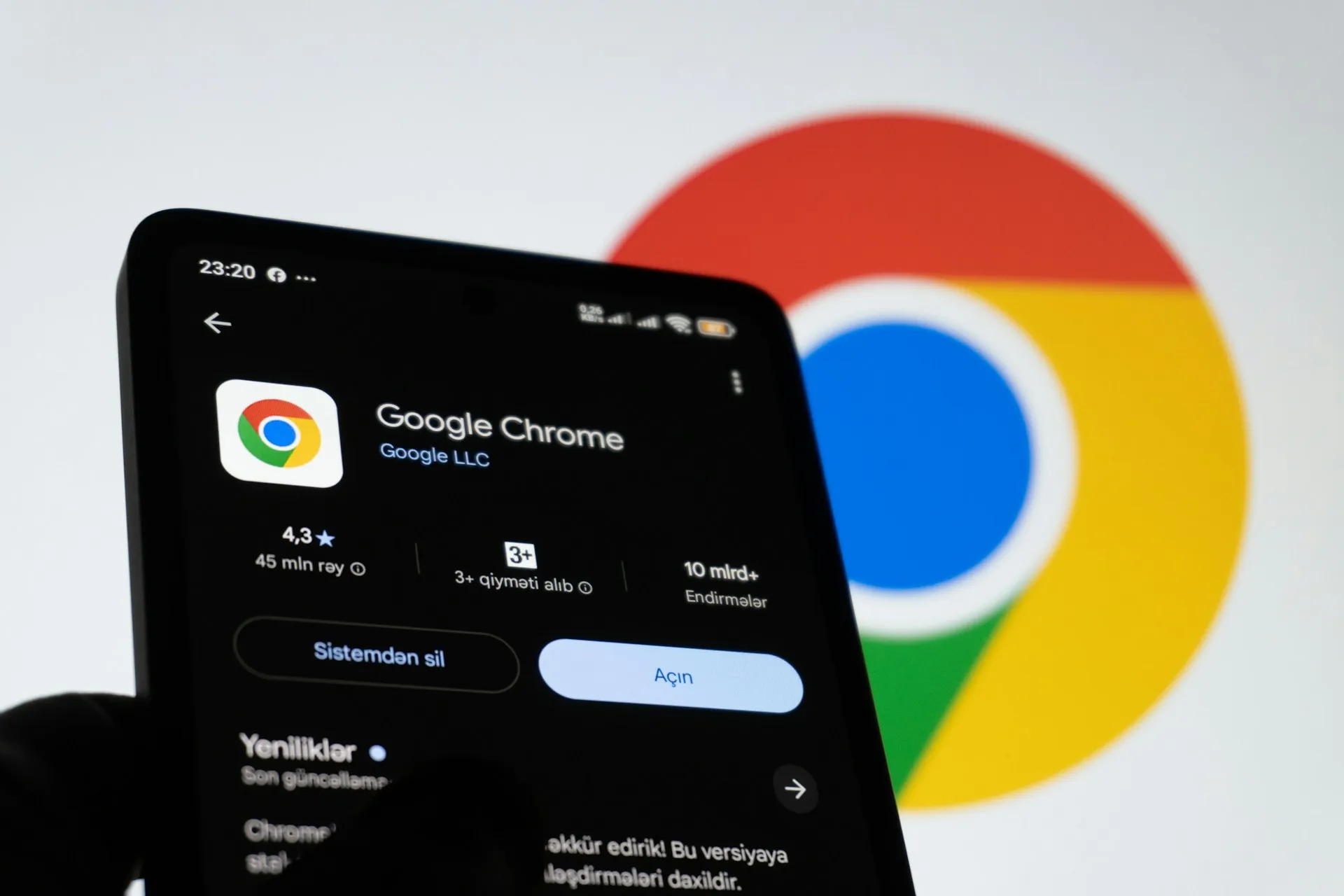
Chrome for Android is getting a dedicated back button in its three-dot overflow menu, closing a gap that Chrome on iPhone has filled for years. The catch surfaced immediately in device testing: a phone running Chrome 149 showed the redesigned menu, while a separate phone on the newer Chrome 150 still displayed the old layout. Updating to Chrome 150 is not a guarantee of anything.
That version mismatch is the central fact of this rollout. The following covers what the Chrome for Android three-dot menu changes actually look like, why the Chrome 150 update doesn't deliver them automatically, and what to do if the button hasn't shown up yet.
What the Chrome for Android back button actually changes
The top icon row of Chrome's three-dot menu on Android previously showed only a forward arrow, a control that stayed grayed out until the user had already navigated back through some other means, Gadget Hacks reported. That was a quiet but persistent annoyance: the one button in that row most likely to be tapped first was also the one that started out disabled.
The back button fills that gap directly. It now sits at the leftmost position in the row, with the forward, bookmark, download, and reload controls following in sequence, Android Police reported yesterday. Both navigation arrows carry equal visual weight in the same row, matching the layout Chrome on iOS has used for some time.
To make room, the page info icon has been removed from the top row entirely. Site information and permission controls move to a new "Site controls" entry further down the scrollable menu. The bookmark and download buttons each shift one position to the right as a result. The top row is better for navigation; site information now requires one extra tap to reach.
Lower in the menu, "Add to Home screen" has been renamed "Install and create shortcut," though Android Police confirmed the label change carries no functional difference. It does the same thing under a new name. The back button is the most visible addition, but Gadget Hacks noted the overflow menu has been restructured in several ways at once, and the components are not necessarily arriving together.
It's also worth noting what came before this change. According to Gadget Hacks, the most recent addition to the overflow menu prior to this redesign was "Show Reading mode," added in February. The back button and the broader menu reshuffle represent the most significant structural change to that menu in months.
Why the Chrome 150 Android update doesn't guarantee the new menu
The device testing data here is specific enough to be worth reading carefully. PiunikaWeb's testing, cited by Gadget Hacks, found a phone running Chrome 149.0.7827.200 already displaying the redesigned menu, while a separate phone on the newer Chrome 150.0.7871.63 still showed the old layout. Newer build, older menu. That combination doesn't fit the normal update model.
Android Authority reportedly couldn't find the back button or the new "Site controls" entry on most of its test devices running the current Play Store version at all, though the renamed install option appeared on at least one. So across multiple independent testing environments, the results were inconsistent in every direction.
The components of the redesign are also arriving separately, not as a single package. The Chrome 149 device had the dedicated back button but still showed the old "Add to Home screen" label. The Chrome 150 device had the renamed "Install and create shortcut" label but no back button. Two phones, two different incomplete states of the same update.
The explanation: the app version functions as a floor rather than a trigger. The Chrome version alone does not determine whether a device receives the changes. Whether any given device actually sees the new menu depends on Google's server-side configuration, not the version number alone.
Two phones running the same Chrome build can display entirely different menus, and there is no user-facing step that forces the change through. This pattern is consistent with Google pushing features from its servers rather than tying them to a specific app release.
Google has not made any public announcement about this rollout, which makes the testing evidence the only available signal. Google has not published a rollout timeline or a user-facing setting for enabling the redesign early.
What to do if the Chrome for Android back button hasn't appeared
Update Chrome from the Play Store if you haven't already. Chrome 150 is rolling out this week for those with automatic updates enabled and can also be installed manually, Android Police reported yesterday. Updating is still advisable, but reports show that the redesigned menu can appear independently of the major Chrome version.
After updating, open the three-dot menu and check the top icon row. A back arrow at the far left, to the left of the forward arrow, confirms the redesign has reached that device. If the row still shows only the forward arrow, the server-side push hasn't arrived yet.
If it isn't there, Google hasn't published a rollout timeline, and there is no manual step that changes the outcome. The reports show the redesign appearing on some devices and missing from others, with no public schedule for when the gap closes. Checking back after a few days is the only practical option.
Updating is worth doing, but seeing the new menu afterward is not guaranteed. The Chrome Android three-dot menu changes are real and already confirmed on multiple devices. They just haven't reached every phone yet, and there's no telling when they will.






Comments
Be the first, drop a comment!