



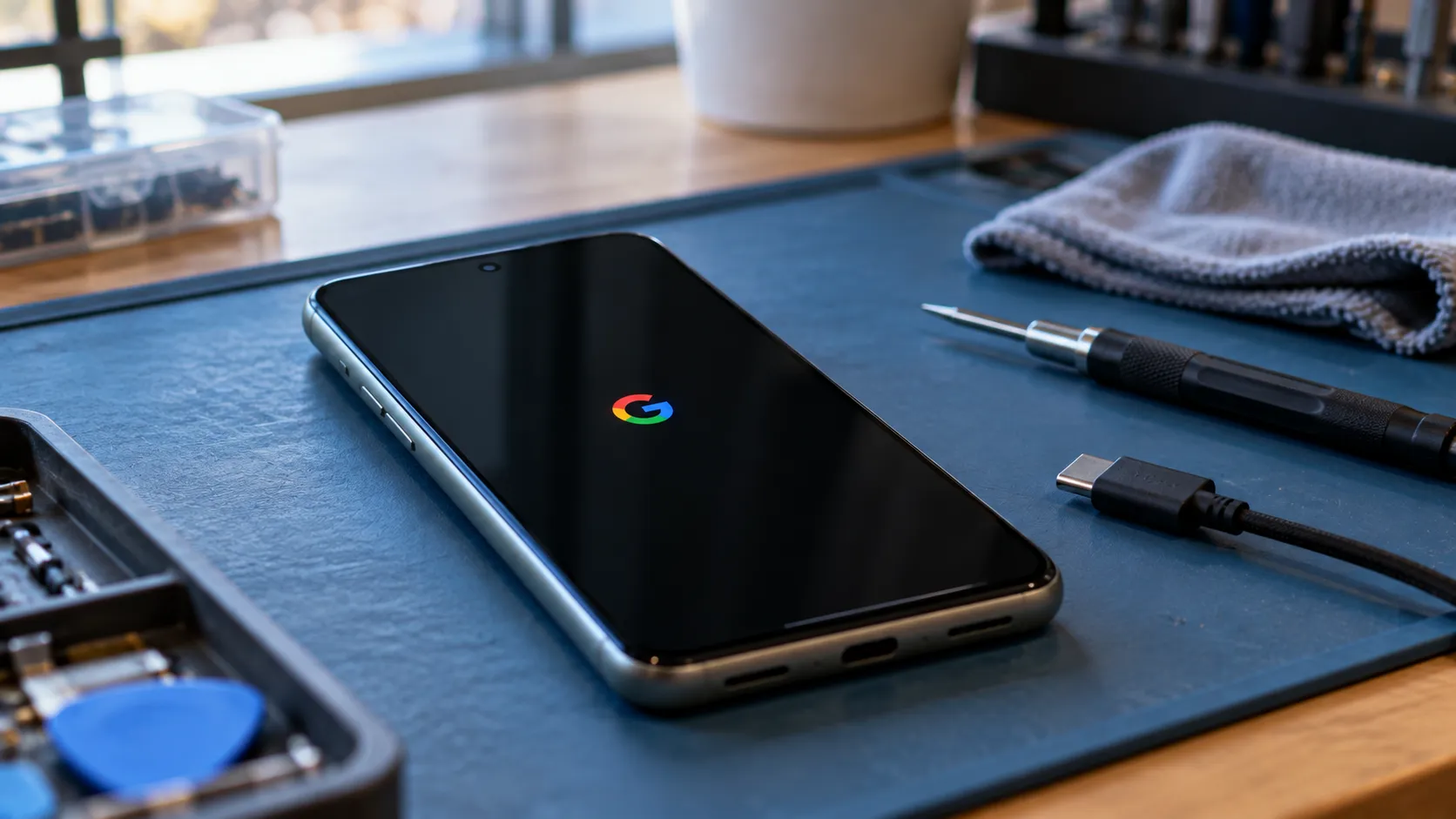
Some Pixel owners reported getting stuck in a bootloop after installing the March Android 16 QPR3 update, with phones hanging on the Google logo or failing to boot at all, according to a report from XDA Developers earlier in 2026. The reports span models from the Pixel 6 through the Pixel 10 and surfaced across several Reddit threads, according to the same report.
A Google Issue Tracker thread collected dozens of complaints, suggesting Google was aware of the reports, though XDA did not quote a formal company statement identifying the cause or committing to a fix date. At the time of that reporting, a factory reset was the only solution reported as working for affected users, but it erases data stored locally on the phone.
Google also provides a software repair tool that may resolve some boot problems without a factory reset. Its effectiveness against this specific issue hasn't been established. The available reporting doesn't confirm whether Google subsequently fixed the March-update problem, so the original reports shouldn't be treated as proof that the same bug remains unresolved today.
Pixel bootloop symptoms after the Android 16 QPR3 update
The failure isn't uniform. Some phones reportedly won't power on at all, while others enter a restart loop or get stuck on the Google logo screen, XDA Developers reports. That distinction matters for anyone trying to size up their own situation, since a phone that never powers on is a different repair conversation than one that at least reaches a recovery screen.
Some affected users also reported seeing a warning that the Android system or data "may be corrupt," according to the same report. That message names a symptom, not a diagnosis. It doesn't confirm what's actually corrupted or whether the warning accurately describes what's causing the loop.
The reports span several Pixel generations rather than clustering on one chipset or model year. XDA's reporting doesn't identify a shared carrier, storage configuration, or software setting across affected units, and it remains unclear why only some devices experienced problems while others running the same update worked normally.
Which Pixel models are affected
Owners spanning the Pixel 6 through the Pixel 10 reported the problem, according to XDA Developers. That's a five-generation spread, which suggests the reports aren't limited to a single hardware generation, though it doesn't establish a common cause or rule out hardware-related factors.
No total affected-unit count, regional breakdown, or carrier pattern appears in the cited reporting. Owners on any of those models who haven't seen symptoms have no documented reason to assume they'll develop the problem, and there's no confirmed preventive setting tied to this specific issue.
What the Issue Tracker thread confirms, and what it doesn't
A Google Issue Tracker thread with dozens of matching complaints suggests Google knew owners were reporting this problem. It does not, by itself, establish that Google identified a root cause, assigned it to an engineering fix, or set a release window.
XDA's framing was cautious, suggesting a fix might arrive because Google appeared to be tracking the issue, without pointing to an announced timeline.
Treat that as an expectation rather than a confirmed release plan.
That distinction matters for anyone deciding what to do next. The original reporting didn't identify a specific corrective patch or setting, and the available evidence doesn't establish whether later updates resolved the issue.
Checking the Issue Tracker thread and Google's official update information is more useful than assuming a fix is close simply because the problem received attention.
What the Google Pixel bootloop issue means for your data
A factory reset was the only reported working solution in XDA's coverage, and it wipes the device's locally stored data. The report didn't establish a data-preserving recovery method for this specific bootloop.
However, Google's current Pixel factory reset guidance recommends trying the Update and Software Repair tool before erasing a phone.
The tool supports Pixel 4a and later, including Pixel Fold models, and may be able to update the phone's software manually without a factory reset. You'll need a computer, a USB cable, and a device that can communicate with the tool.
That doesn't mean the tool is a confirmed fix for the March Android 16 QPR3 bootloop. It means there's a Google-supported option worth checking before choosing an irreversible reset.
If a device still reaches the lock screen intermittently, back up accessible photos, documents, and other important files before attempting repairs. Simply connecting a locked phone to a computer may not provide access to its files.
Owners whose phones haven't shown symptoms don't have a specific preventive action identified in the original reporting. The trigger wasn't established, so there's no confirmed setting to prevent the issue or rollback demonstrated to resolve it.
What to do now
If a Pixel 6 through Pixel 10 hasn't shown any boot problems, there's nothing in the cited reporting that calls for changing a setting or rolling back the update preemptively. Keep regular backups and check Google's official update information if you're concerned.
If a phone still reaches the lock screen some of the time, backing up anything accessible is worth trying before attempting any fix.
If a phone repeatedly restarts or gets stuck on the Google logo, photograph the exact wording of any error message first. Then check Google's restart and crash troubleshooting guidance, which includes the software repair tool.
The tool is available at Google's Pixel software repair website. Follow its instructions carefully and confirm whether the selected procedure preserves data before proceeding.
If those options fail, a factory reset may still be necessary, but it erases local data. Google documents the reset procedure separately, including how to use Fastboot and Recovery modes when Settings is inaccessible.
If a phone won't power on at all, start with Google's power and charging troubleshooting steps. A blank screen or unresponsive device isn't necessarily the same failure as a phone repeatedly restarting after an update.
If the phone remains unresponsive, contact Google Support or your carrier for diagnosis rather than assuming the reset procedure used for a bootloop is appropriate.
For an affected phone containing important data that hasn't been backed up, avoid erasing it until you've checked the supported repair options and spoken with support. A factory reset can restore a usable phone, but it cannot recover files that were never backed up.


















Comments
Be the first, drop a comment!