



YouTube Server Error 400 Android fix: Google says it's resolved, again
Google has marked the YouTube Server Error 400 Android fix as resolved for a second time, updating its official support thread to label the bug "FIXED," Android Authority reports. The update went up yesterday, and it follows an initial fix from Nov. 1 that didn't hold for every affected user. Anyone who has run into "Server Error 400" or "There was a problem with the server [400]" while opening YouTube or loading a video on Android should test this latest update on their own device before assuming the problem is gone for good.
This is the second time in less than two weeks that Google has called the bug resolved, according to Android Authority. The full saga, from the first fix on Nov. 1 to yesterday's announcement, spans more than a week and two separate fix attempts, and the first one collapsed within 48 hours. That back-and-forth is worth tracing before anyone reaches for a more drastic fix of their own.
YouTube Server Error 400 Android fix: what Google says to do
In the support-thread update, Google told Android users they should now be able to open YouTube and load videos without hitting the error, Android Authority reports. The company's message read in part: "This issue is now fixed! You should now be able to access YouTube and load videos normally on Android without seeing a 'Server Error 400' message. In case you're still experiencing the issue on your device, please update the YouTube app to the latest version and open the app again," according to Android Authority.
That's two steps: update the app, then reopen it. Google hasn't named a version number tied to the fix, and it hasn't said what changed on its end between the failed Nov. 1 attempt and yesterday's announcement, Android Authority notes.
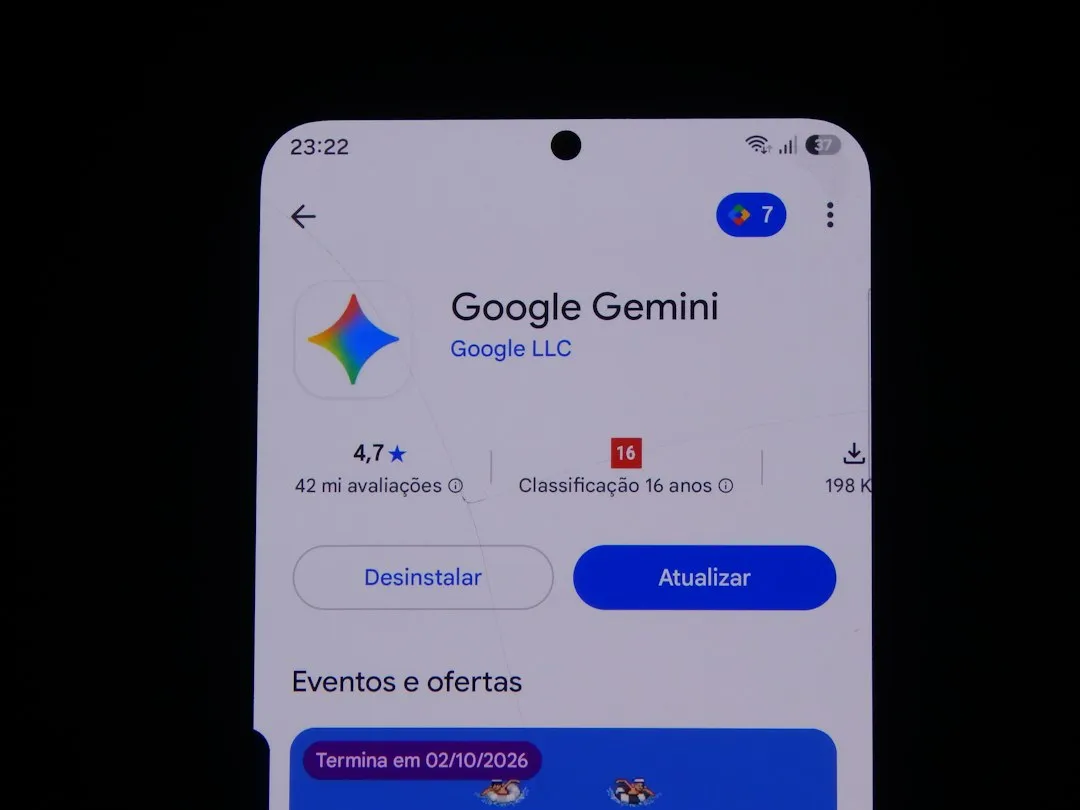
For anyone still seeing the error, that's the current recommended move, and it's also the least disruptive thing to try first since it doesn't touch anything else stored on the device. Check the Play Store for a pending YouTube update before doing anything more involved.
How Google's guidance compares across this incident and older threads
Anyone searching for help with this error will find several different sets of instructions floating around, and they don't all apply to the same problem.
The current guidance, posted yesterday, stops at updating YouTube and reopening it, per Android Authority. Earlier this month, before that fix went out, Google's advice for this same outage was more invasive: uninstall and reinstall YouTube, or clear the app's storage through Android settings rather than just its cache, Android Authority reported at the time. Both of those earlier steps wipe out any videos downloaded for offline viewing, which matters for YouTube Premium subscribers or anyone who leans on downloads for flights or dead zones.
A third set of instructions predates this outage entirely and isn't tied to it. A Google Community thread from February 2025 lists a longer, generic checklist for Server Error 400 complaints: update the app, clear its cache and data, confirm a Google account is synced, remove and re-add that account, switch between Wi-Fi and mobile data, and reinstall if nothing else works. A similar Spanish-language Community thread from earlier this year repeats much of that same list: update the app and the Android version, switch networks, clear cache, and reinstall only as a last resort.
Neither thread names the November 2026 incident or its cause, so neither one proves those steps fix this particular outage. Treat them as standing troubleshooting advice for a recurring error message, not a record of what actually fixed this bug. If the update-and-reopen step doesn't work, those older checklists are a reasonable fallback, just not a guaranteed one.
Why the fix didn't stick: the Nov. 1 to Nov. 3 timeline
Google first declared the Server Error 400 bug fixed on Nov. 1, telling Android users they should be able to access YouTube and load videos normally, Android Authority reported. Within two days, the company reversed course in a fresh update to the same thread. That update read: "We're aware that some users are still seeing 'Server Error 400' messages when accessing YouTube on Android. Our teams are continuing to work on a fix and we'll let you know here as soon as we have updates!" according to Android Authority. No revised timeline came with it.
The problem never looked universal, which is part of what made it hard to pin down. Android Authority staff tested YouTube on multiple Android phones without reproducing the error, while Reddit users described a mixed picture: some said updating the app or clearing its cache did nothing, while others reported that a full reinstall restored access. That's a user account rather than confirmation the reinstall fixed anything, Android Authority noted at the time.
That inconsistency helps explain why the first all-clear didn't hold for everyone. It's also reason enough to treat yesterday's "FIXED" label as Google's current position rather than a guarantee that covers every device, especially for anyone who was never able to reproduce the error in the first place.
What Google still hasn't explained
Google hasn't disclosed what actually caused the bug, and it hasn't detailed what changed behind the scenes between the Nov. 3 acknowledgment and yesterday's fix announcement, per Android Authority. There's also no public breakdown of which Android versions, phone models, regions, or account types got hit hardest. That gap makes the fix hard to verify independently, though it doesn't prove coverage is incomplete either.
Google is asking anyone still seeing the error after updating to report it in the official support thread, Android Authority reports, rather than assume it's a separate, unrelated problem. That's the channel to use if the error shows up again after an update, since it keeps the report tied to the same incident Google is already tracking.
Open the Play Store, confirm YouTube is on its latest version, and relaunch the app. If the error is still showing up after that, hold off on reinstalling or clearing storage unless losing downloaded videos isn't a concern, and post what's happening in Google's support thread so there's a record of it if a third fix attempt turns out to be necessary.


Comments
Be the first, drop a comment!