



Google Play immersive watch face previews: what's confirmed
"Google Play immersive watch face previews" sounds like a real, shipped feature, but nothing in Google's own documentation backs up a redesigned, interactive preview on Wear OS watch face listing pages. The claim appears to conflate Google's Wear OS 6 announcement, which covers a new watch-face format version and a developer marketplace API, with a Play Store browsing feature the cited documentation never mentions (Android Developers Blog, last year).
What's actually documented is narrower, and more useful to know before buying or reinstalling anything. Android Authority reported last year that Google Play started showing battery-impact warnings on some watch face listing pages, tied to a Play Store update the outlet identified as version 47.7. Google also confirmed last year that legacy AndroidX and Wearable Support Library watch faces became impossible to newly install from Play once a January 14, 2026 cutoff took effect. This article separates the unverified "immersive preview" claim from what Google and independent reporting actually back up, so current owners and prospective buyers know what to check before installing or repurchasing anything.
Are Google Play immersive watch face previews real?
Google's own Wear OS 6 post names two developer-facing changes: "new options for customizing the appearance of your watch face using version 4 of Watch Face Format" and "a new API for building watch face marketplaces" (Android Developers Blog, last year). Neither describes how a watch face appears on a Google Play listing page before someone installs it.
The marketplace API referenced there, Watch Face Push, supports third-party marketplace apps on devices running Wear OS 6 and above. Google says developers publish these watch faces in a similar way to publishing through Google Play, with some additional checks, and the API only covers the watch component of a broader marketplace system; the phone app and cloud infrastructure remain the developer's responsibility (Android Developers Blog, last year). Google built the API with partners including Facer, TIMEFLIK, WatchMaker, Pujie, and Recreative, according to the same post. None of that describes a change to how Google Play's own listing pages work.
The one real-time, interactive preview tool Google has actually introduced is built for creators, not shoppers. Watch Face Designer, a Figma plugin Google introduced last year, works on devices running Wear OS 4 or higher and supports core Watch Face Format features including digital and analog time, interactive and ambient modes, custom fonts, and complications (Android Developers Blog, last year). Its plugin window shows live previews as designers edit, and a "view on device" option lets them check the result on an actual Wear OS watch before publishing, with export paths going straight to the Play Store or into Android Studio and Watch Face Studio for more advanced builds. That's a design workflow tool for people making watch faces, not a feature that shows up on a listing for people shopping for one.
No release notes reviewed here describe a shopper-facing feature under an "immersive preview" name. Treat that claim as unconfirmed, and don't assume a creator's design-time tool is something buyers can also access before installing.
What Watch Face Format v4 actually changed on the wrist
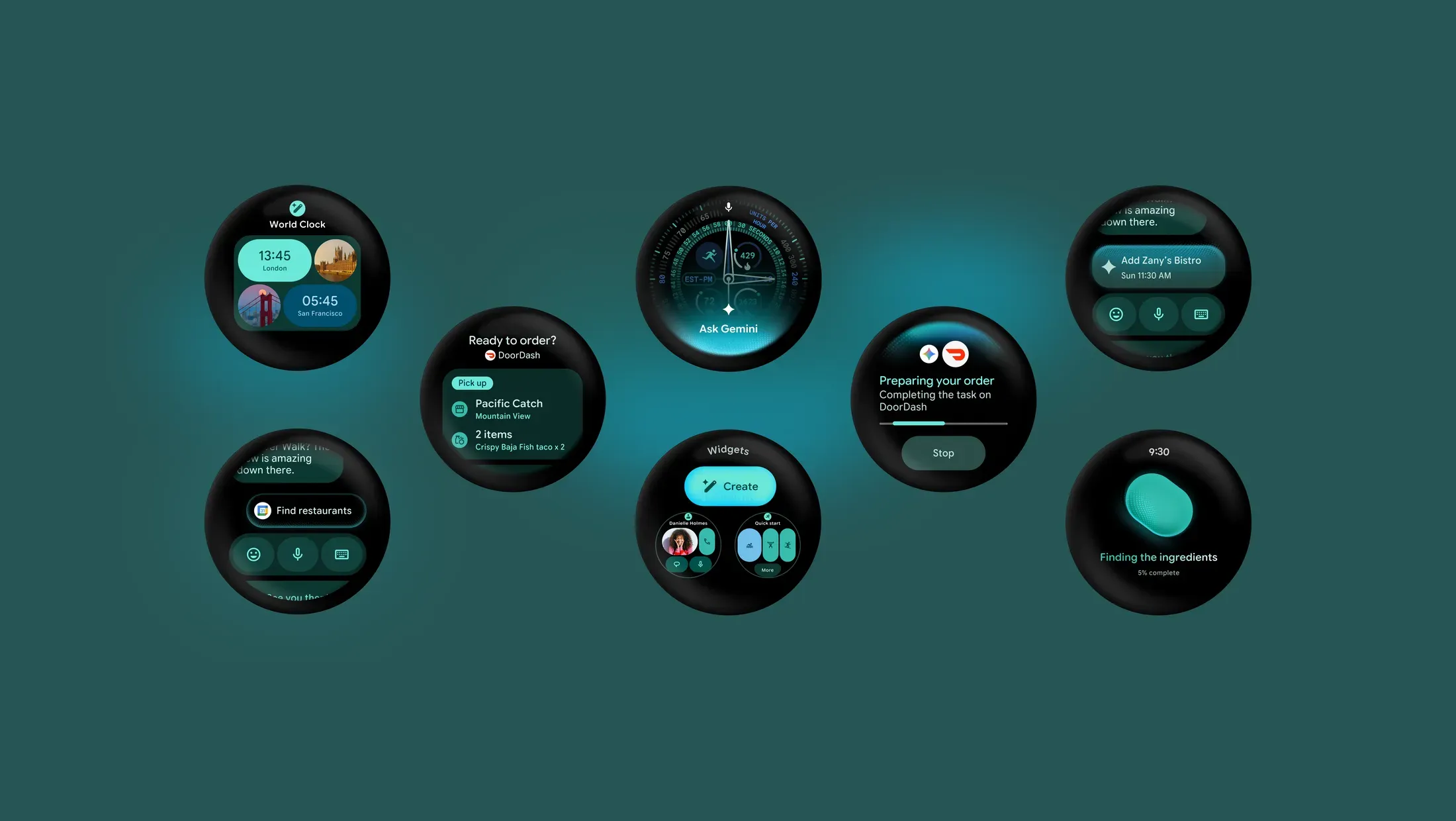
Watch Face Format version 4, available as part of Wear OS 6, does make watch faces more expressive once they're running on a wrist. A new Photos element lets developers build faces that show user-selected images either individually or as a rotating gallery, and for galleries, developers can choose whether photos advance automatically or only when the wearer taps the screen (Android Developers Blog, last year).
The format also adds animated transitions for when a watch moves between ambient and interactive mode, controlled through a new interpolation attribute. Google's own example uses an "OVERSHOOT" setting for a bouncier, more playful effect, paired with a duration attribute that controls how much of the allowed transition time the animation uses (Android Developers Blog, last year). Google's Wear OS 6 post notes that broader general-availability details would follow later, so how widely these capabilities have reached devices isn't fully spelled out in that announcement.
All of this runs on the device after a watch face is installed. It says nothing about how a face is presented on its Play Store listing page before purchase, which is the specific claim an "immersive preview" would need to prove. Google separately reported that published Watch Face Format listings grew by more than 180% year over year, a figure that reflects developer adoption of the format, not any change to how Play's catalog gets browsed (Android Developers Blog, last year).
What Android Authority found about battery warnings
Android Authority reported last year that the Play Store began showing warnings on some Wear OS watch face listings that may negatively affect battery life, flagging heavy animations, live data, and constant phone interaction as likely causes. The outlet tied the change to Play Store version 47.7 based on its own observation, not on Google's release notes, and no Google documentation reviewed here corroborates the feature by name.
The same report noted the outlet hadn't seen the warning on its own Galaxy Watch 8 running Wear OS 6 at the time of publication. A missing warning on a given listing doesn't confirm a face is battery-friendly; by the reporter's own account, the rollout wasn't reaching every device at once.
That reporting is the strongest evidence currently available for this change. Until Google documents the detection criteria directly, treat the warnings as real but unevenly surfaced, not as a guaranteed signal on every listing.
Legacy watch faces: a hard cutoff, not a rollout
Google announced in June 2025 that it was "moving towards supporting only the Watch Face Format" and phasing out AndroidX and Wearable Support Library watch faces. Under that policy, users can no longer install legacy watch faces from Play on any Wear OS device after the January 14, 2026 cutoff, including a face purchased before that date. Google frames this as a permanent shift away from the legacy format, not a staged rollout.
A legacy face already installed on a device should keep working. Google's stated policy says existing purchases and subscriptions will continue to function, though subscriptions specifically won't renew going forward, including auto-renewals. Google doesn't spell out an expiration timeline beyond that, so what happens at the next billing cycle is clearer than how long a given subscription has left.
Anyone who uninstalled a legacy face, or switched watches, runs into that policy directly: Play no longer offers an install path for legacy formats, regardless of purchase history.
Before you buy, reinstall, or check battery info
Three scenarios cover most readers dealing with Wear OS watch faces right now.
Buying a new face: Check the listing page for a battery-impact warning, but don't treat its absence as proof the face is efficient. Android Authority's own testing shows the label hadn't reached every device consistently as of last year. No interactive or video preview is documented, so don't expect one on the listing itself.
Reinstalling an old purchase: If a legacy watch face is still installed, it should keep running, and the purchase or subscription tied to it continues under Google's stated terms, with subscriptions not renewing going forward. If the face is already gone from the device, Google's policy blocks reinstalling it from Play no matter when it was originally bought.
Checking battery information: Confirm the Play Store app is updated, since the warning labels are tied to a specific version update, and keep in mind that coverage isn't guaranteed on every device or listing even after updating.
Skip the search for a richer, "immersive" Play Store preview until Google documents one by name. For now, the only documented preview that shows a watch face coming to life in real time belongs to Watch Face Designer, and it's built for the person making the face, not the person buying it.





Comments
Be the first, drop a comment!