



Google Wallet Digital Home Keys: What Android Users Need
Google Wallet can now store a digital home key, letting compatible Android phones unlock smart locks with an NFC tap or a hands-free approach that relies on ultra-wideband (Google, yesterday; The Verge, last week). The eligibility picture is narrow. The feature is live only through Google Home's Public Preview program, with a wider rollout promised "in the coming weeks" but no firm date attached (Android Police, last week; Nuki, last week).
This isn't a universal smart-lock upgrade. It's a specific set of phone, lock, hub, and settings requirements that determine whether Google Wallet digital home keys actually work on a given door.
What you need to unlock smart locks with Google Wallet
- A supported Aliro lock. Google's current launch list names three: the Aqara U400, Schlage Sense Pro, and Nuki Keypad 2 NFC, with more locks promised but not yet named (The Verge, last week).
- A Matter-enabled Google hub that also functions as a Thread border router, such as the 2nd-gen Nest Hub, Nest Wifi Pro, or Google TV Streamer (Android Police, last week; Matter Alpha, last week).
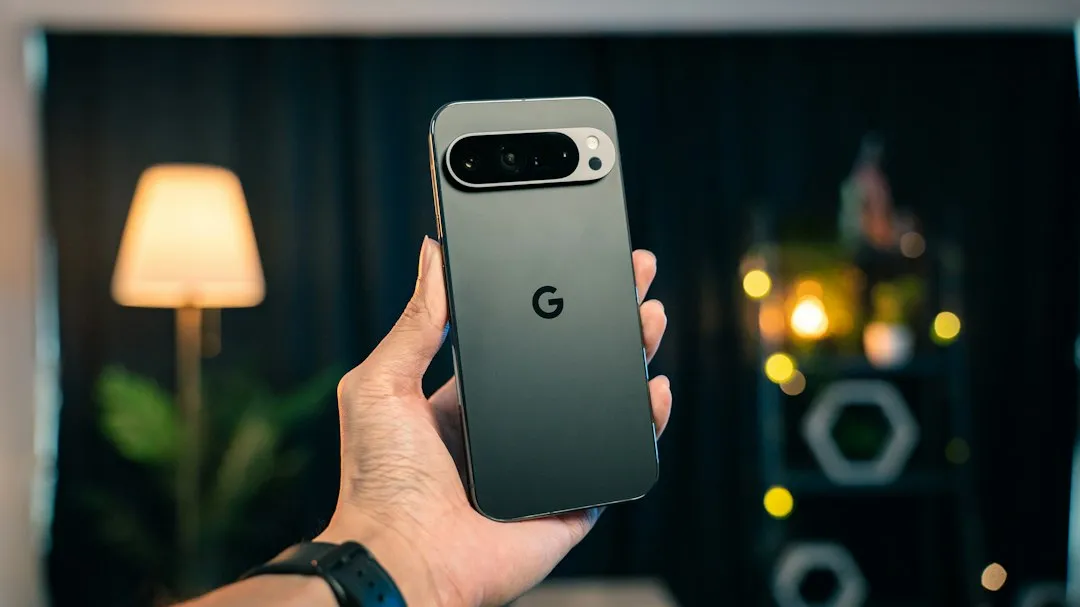
- An Android phone running Android 9 or later with NFC for basic tap-to-unlock, or a UWB-capable device like the Pixel 10 Pro series for hands-free "Unlock on Approach" (Matter Alpha, last week; The Verge, last week).
- Active enrollment in the Google Home Public Preview, since general availability hasn't rolled out yet (Android Police, last week; Nuki, last week).
The sections below break down why each of these pieces matters and what happens when one is missing.
How Google Wallet digital home keys work, and why Android is only just catching up
Setup starts in the Google Home app, not Wallet itself. Once a compatible lock is paired, Google Home prompts the user to create a digital key and add it directly to Google Wallet, sitting alongside IDs, payment cards, and car keys already stored there (Android Police, last week; Matter Alpha, last week).
That single key does more than open one door. It covers every compatible lock tied to a single Google Home profile, since the key links to the home rather than to an individual lock (Android Police, last week). Household members get the same convenience: anyone added to the Google Home profile can generate a personal key that syncs automatically across their own signed-in Android phones (The Verge, last week; Android Police, last week).
None of this is a first for mobile digital keys. Apple and Samsung devices have supported similar unlocking features for a while, so this update gives Android its own native Android digital home key system, closing a gap users previously filled with manufacturer-specific apps (Matter Alpha, last week).
Which smart locks support Google Wallet and Aliro digital home keys
The underlying technology is Aliro, a new access-control standard from the Connectivity Standards Alliance, the same group behind Matter. Aliro acts as the translation layer between a phone's digital key and a lock's receiver, using NFC, Bluetooth LE, or UWB to communicate, while Matter handles broader smart-home interoperability around it (Matter Alpha, last week).
Google's current list names three locks that work with Wallet home keys at launch: the Aqara U400, which supports both NFC and UWB; the Schlage Sense Pro, which supports NFC now with UWB coming later; and the Nuki Keypad 2 NFC (The Verge, last week). Google says more locks are coming but hasn't named them or given a timeline.
The Verge notes a gap between Aliro's goal of broad interoperability across brands and the current hardware list, describing today's supported devices as "fairly limited" (The Verge, last week). Anyone shopping for a lock specifically to try this feature should check the exact model number against that short list before buying anything.
Nuki's entry is worth a closer look. The Keypad 2 NFC retails for $179 and was the first Aliro-certified residential keypad on the market, launching earlier this year before this Wallet integration arrived (Nuki, last week). It can retrofit an existing Nuki smart lock just by adding the keypad hardware to the door, which matters for anyone who already owns a Nuki lock and doesn't want to replace the whole unit.
NFC vs. UWB: which unlock experience your phone and lock support
Google Wallet's NFC and UWB door unlock options split into two distinct tiers, and which one a reader gets depends entirely on hardware.
Tap-to-unlock is the lower bar. It works on any Android phone running Android 9 or later with NFC, and the process is simple: hold the back of the phone near the lock's reader (Matter Alpha, last week). It doesn't require the phone to be unlocked first, and it still works with the screen off as long as the phone was unlocked within the past few hours (Android Police, last week).
Hands-free "Unlock on Approach" sits in a different tier. It requires both an Aliro UWB-compatible lock and a UWB-capable phone, and Google currently lists the Pixel 10 Pro series, including the Fold and XL models, along with select Samsung Galaxy phones as supported devices (Matter Alpha, last week; The Verge, last week).
This mode doesn't turn on by itself. It has to be manually enabled inside Google Wallet's home-key settings, a deliberate choice Google made for security reasons rather than a bug (Android Police, last week). Wear OS watches aren't part of either tier at launch; The Verge notes Google's "at launch" framing leaves room for watch support later, especially since Apple Watch already offers comparable unlocking, though nothing beyond that wording has been confirmed (The Verge, last week).
Hub requirements and security settings to check before setup
A Matter-enabled Google hub that also functions as a Thread border router connects the lock into the Google Home network the key depends on. Without one, a compatible lock and phone still won't talk to each other (Android Police, last week; Matter Alpha, last week).
Access itself is gated behind enrollment. The feature is currently limited to users signed up for the Google Home Public Preview, and Nuki's own announcement says general availability will follow "shortly" without committing to a date (Nuki, last week; Android Police, last week).
Security-minded readers have one setting worth flagging. Google's default tap-to-unlock behavior doesn't require the phone to be unlocked at the moment of the tap, only that it was unlocked at some point in the past few hours, which is worth weighing for anyone concerned about a lost or stolen device (Android Police, last week). A "Required device unlock" toggle in the home-key settings forces a phone unlock before the door opens, overriding that default. It's off by default, so anyone who wants that extra step has to go find it.
What to do now
Current Google Home users should check their Public Preview status and confirm their exact lock model against Google's current list before assuming this works on their door. Anyone considering a new smart lock purchase should verify compatibility first rather than assume a planned purchase will support Wallet home keys, since Aliro's promise of broad, brand-agnostic compatibility is still ahead of what's actually shipping and Wear OS support remains unconfirmed (The Verge, last week).

Comments
Be the first, drop a comment!