



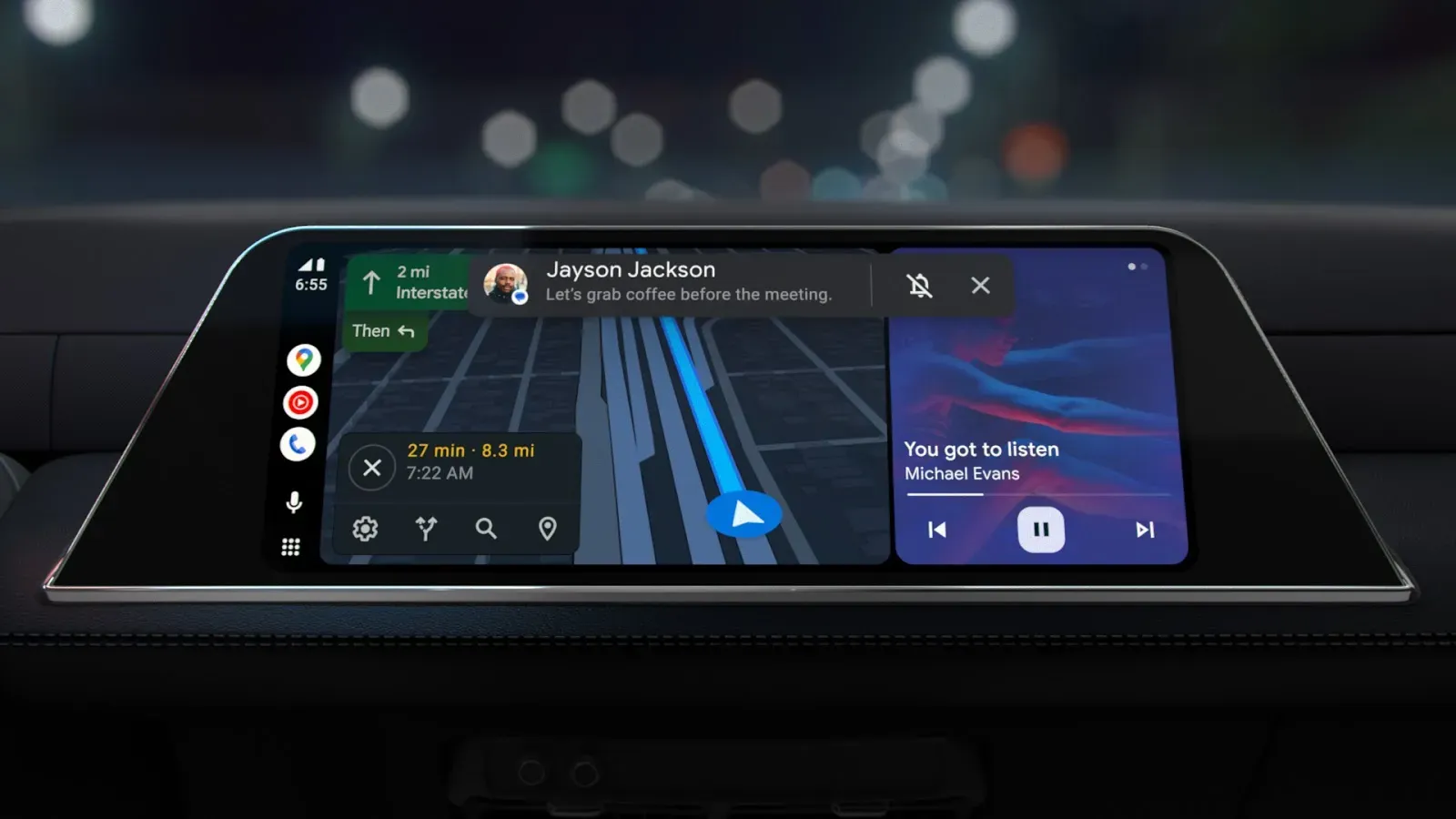
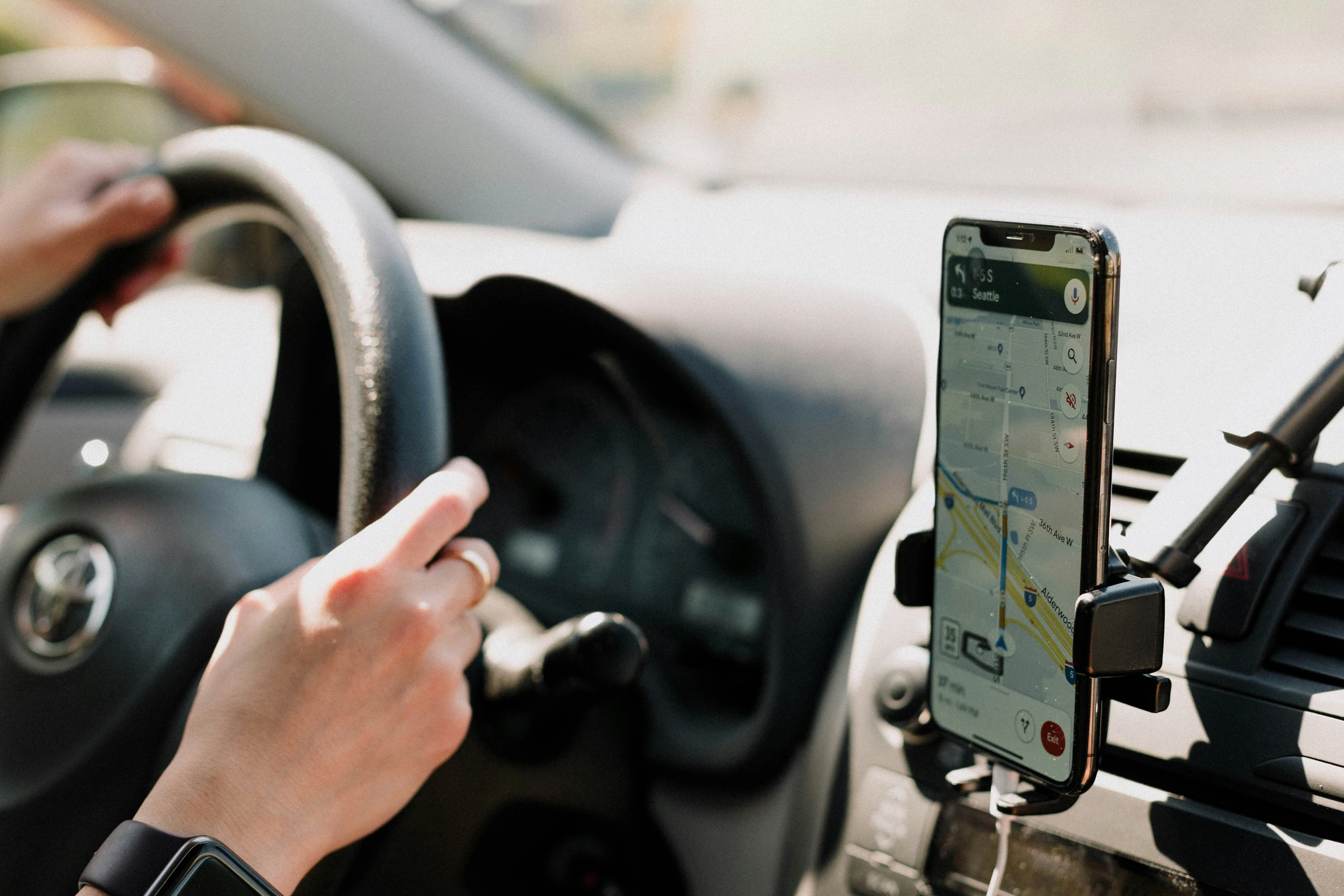
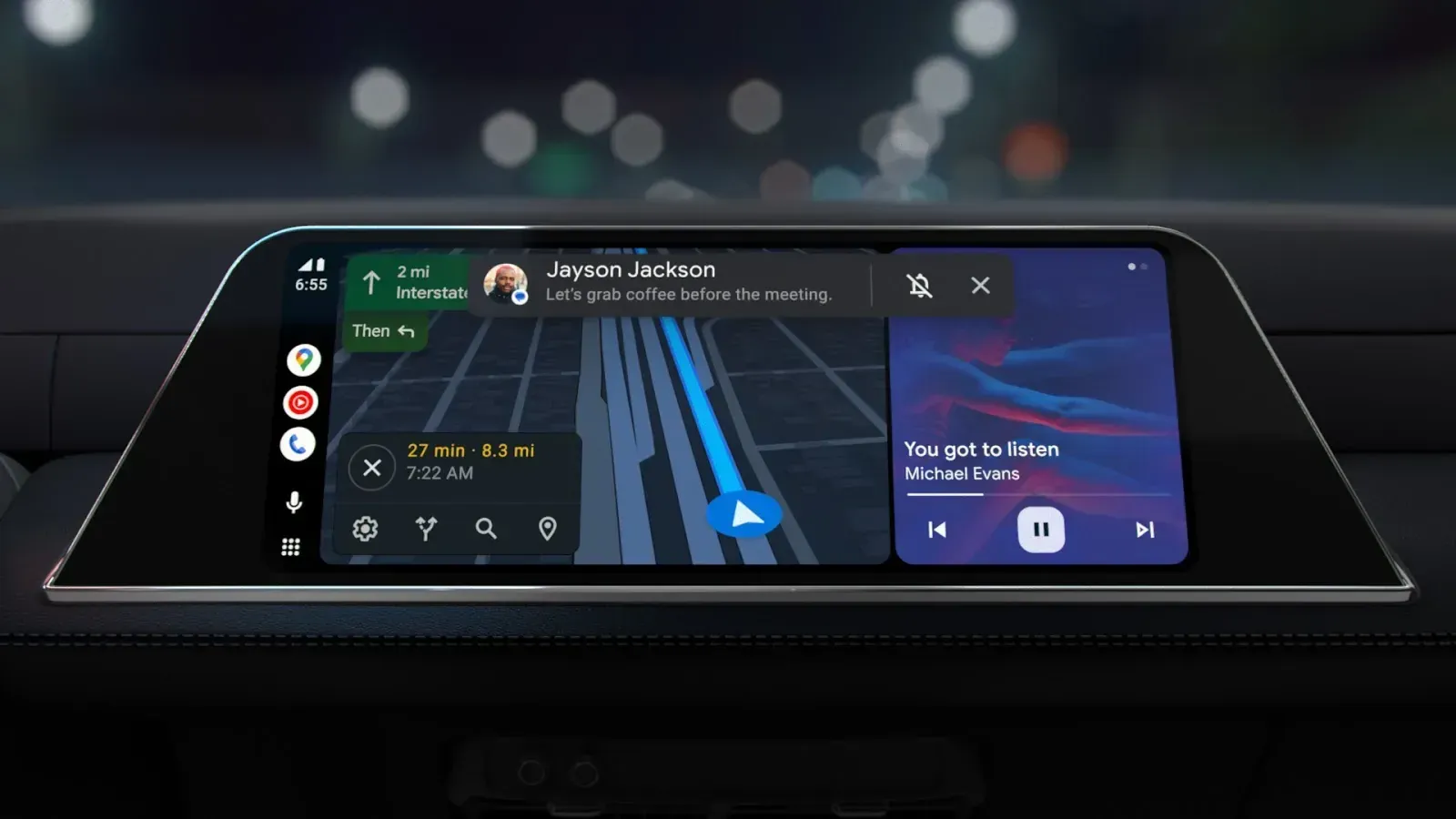
Android Auto suddenly refusing to connect after a Samsung software update can turn a routine drive into a frustrating troubleshooting session. That's what some Galaxy owners experienced after installing One UI 9, with phones failing to connect to their cars or repeatedly dropping connections that previously worked.
Google confirmed on November 2 that it had deployed a fix for the Android 17/One UI 9 connectivity issue. The company said the correction was rolling out, although it did not identify which software version carries it or when every affected device would receive it.
The problem isn't limited to wireless Android Auto. Some users reported that plugging their phones into their cars didn't help, either. If Android Auto still won't connect after the update, checking a few Samsung settings could help rule out other problems while Google's correction reaches affected devices.
How One UI 9 is disrupting Android Auto
Reports began surfacing as Samsung expanded its Android 17-based One UI 9 update to more Galaxy devices. Owners described Android Auto refusing to launch, disconnecting unexpectedly, or struggling to maintain a stable connection.
According to 9to5Google's November 3 report, complaints appeared across Reddit, Samsung Community, and Google's support forums. Some users also experienced stuttering performance rather than complete connection failure.
The issue doesn't appear to affect every Galaxy phone running One UI 9. Some owners reported normal Android Auto performance after updating, while others encountered failures immediately afterward.
Switching from wireless Android Auto to a USB cable didn't restore connectivity in several reported cases. Re-pairing devices and clearing app data also proved unsuccessful for some owners, suggesting that ordinary connection troubleshooting might not resolve this particular software problem.
However, not every Android Auto failure after a software update necessarily has the same cause. USB settings, incompatible cables, vehicle software, and wireless pairing problems can produce similar symptoms.
Google has deployed a fix, but the rollout remains unclear
Google confirmed on November 2 that a correction had already been deployed for the connectivity problem. A spokesperson told Android Authority that the fix was rolling out to affected Android 17/One UI 9 devices and that the issue should be resolved soon.
The company did not specify whether the correction would arrive through Android Auto, Google Play services, or a Samsung firmware update. It also did not publish an affected-device list, a software build number, or a rollout completion date.
Those missing details make it difficult to determine whether an individual phone has received the correction. Installing the latest available software is sensible, but no specific Android Auto or Samsung update version has been publicly identified as carrying this fix.
Google's confirmation establishes that a correction exists and has been deployed. It doesn't establish that every affected Galaxy phone has received it or that every Android Auto connection failure has the same underlying cause.
Which Galaxy phones have reported problems?
Reports have involved multiple Galaxy models, although Google hasn't released an official list identifying every affected device.
Galaxy A55: Google's Android Auto support team acknowledged a user's connection complaint and forwarded it internally for review.
Galaxy S24 Ultra: A user reported that Android Auto worked on a Galaxy S25 Edge running One UI 8.5 but failed on a Galaxy S24 Ultra running One UI 9.
Galaxy S26: One owner reported losing Android Auto connectivity after installing One UI 9. Re-pairing devices, clearing app data, and switching to a wired connection reportedly failed to restore it.
These cases appeared in Android Authority's original reporting, which documented complaints before Google's fix confirmation.
The S24 Ultra comparison is particularly relevant because the reported failure occurred on One UI 9 while the S25 Edge running One UI 8.5 worked normally. However, the comparison involved different devices, so it cannot establish that the software update alone caused the problem.
Google also hasn't confirmed whether every reported failure belongs to the same incident. The affected-device reports are useful clues, not proof that all Galaxy owners running One UI 9 will encounter connection problems.
Android Auto still won't connect? Try these fixes
Google hasn't identified which update delivers its correction, but several troubleshooting steps can help eliminate other common causes of Android Auto connection failures.
1. Check for Android Auto and Samsung updates
Open the Google Play Store, search for Android Auto, and install an update if one is available. Then check for pending Samsung software updates:
Open Settings on your Galaxy phone.
Tap Software update.
Select Download and install, if available.
Follow the prompts if a new update is offered.
Neither update channel has been confirmed as the delivery method for Google's One UI 9 correction. Still, keeping both Android Auto and your phone's system software current can help address known compatibility problems.
2. Clear Android Auto's cache
Corrupted or outdated temporary app data can sometimes interfere with Android Auto connections. Clearing the cache is a relatively simple troubleshooting step that doesn't require resetting your phone.
To clear Android Auto's cache:
Open Settings on your Galaxy phone.
Tap Apps and select Android Auto.
Tap Storage.
Select Clear cache, then try reconnecting to your vehicle.
Samsung recommends clearing Android Auto's cache as part of its general connection troubleshooting guidance. However, this is not a confirmed workaround for the One UI 9 compatibility issue, and some affected owners reported that clearing app data did not resolve their connection failures.
3. Unlock your Galaxy phone before connecting
Starting with One UI 7, Samsung requires Galaxy devices to be unlocked before Android Auto can start. This security requirement can prevent a connection from launching when the phone remains locked.
Unlock your phone using your PIN, password, fingerprint, or another configured authentication method before connecting it to your vehicle.
Samsung confirms this behavior in its official Android Auto troubleshooting instructions. If Android Auto starts after unlocking, the problem may be related to this security requirement rather than the reported One UI 9 bug.
4. Change the USB connection mode
If you use wired Android Auto, check whether your Galaxy phone is set to charging-only mode.
Starting with One UI 8, Samsung changed the default USB connection setting to Charging phone only. That setting can interfere with Android Auto because the connection requires data transfer, not just power.
To change it:
Connect your Galaxy phone to your vehicle using a USB cable.
Swipe down from the top of the screen to open the Quick panel.
Tap the USB for charging phone notification, then open the available USB options.
Select Transferring files / Android Auto.
Samsung explains these steps in its USB connection mode guide.
This setting is worth checking even if Android Auto worked before the update. However, changing USB mode is not a confirmed workaround for Google's One UI 9 compatibility issue.
5. Restart your phone and reconnect
Restart your Galaxy phone and your vehicle's infotainment system, then attempt to reconnect Android Auto.
If your car supports both wired and wireless Android Auto, test each connection method separately. A successful wired connection could help narrow the problem to wireless pairing, while failures with both methods may point to a broader compatibility issue.
For wireless connections, confirm Bluetooth and Wi-Fi are enabled and that your vehicle is still paired with your phone. If necessary, remove the existing pairing and set up the connection again.
Remember that some affected One UI 9 users reported failures even after re-pairing their devices. These steps are diagnostic checks, not guaranteed solutions.
6. Check the USB cable and vehicle settings
For wired Android Auto, use a compatible USB cable that supports data transfer. A cable that charges your phone isn't necessarily capable of maintaining a reliable Android Auto connection.
Try another compatible USB port if your vehicle has one, and avoid USB hubs or cable extensions. Check that Android Auto is enabled in your infotainment system and that the correct input is selected.
Samsung's vehicle connection troubleshooting guide also recommends checking cable quality, USB ports, and the vehicle's software when connections fail.
If Android Auto worked normally before One UI 9 and these checks make no difference, replacing cables or resetting the entire phone may not address the underlying issue.
What if Android Auto still fails?
If Android Auto continues disconnecting or refuses to launch after these checks, report the problem through Samsung Members rather than immediately performing a factory reset.
Include your Galaxy model, One UI version, vehicle make and model, and whether the failure occurs over USB, wireless, or both. Note whether the problem began immediately after updating and which troubleshooting steps you've already tried.
Google has confirmed that a correction was deployed, but it has not identified a specific version that owners can use to verify installation. Until those details are available, a successful connection test is more useful than assuming the latest update contains the fix.
If your Galaxy phone still won't connect, start with the software updates, USB mode, and vehicle settings before considering more disruptive measures. A connection that stopped working after One UI 9 doesn't automatically mean your phone, cable, or car needs replacing.

Comments
Be the first, drop a comment!