



Google Find Hub's "Notify when left behind" alerts are rolling out to Android users, warning them when a tagged item, like a wallet, keys, or bag, separates from their phone. The rollout was first reported by 9to5Google.
So far the alert has been observed on Chipolo trackers and Motorola's Moto Tag, running Find Hub version 3.1.787-06, and 9to5Google reported sightings among users in the US and Europe, but that reporting doesn't establish a complete regional availability list or a timetable for any remaining rollout.
Google previewed the "Left-Behind" concept, describing it as designed to "proactively help prevent leaving your items behind." The evidence points to a staged rollout rather than a finished feature. Here's how to turn it on, which trackers qualify right now, and how it lines up against separation alerts Apple and Samsung have offered for years.
How to enable Google Find Hub Notify when left behind alerts
Setting up Find Hub separation alerts takes a few taps, based on steps confirmed across multiple outlets. Open the Find Hub app, select a tag from the device list, tap the settings gear icon in the top-right corner of the bottom sheet, then switch on "Notify when left behind." The toggle is per tracker, so it has to be switched on separately for each item.
For alerts to work, Find Hub must have notification permission, and the phone must have Bluetooth and location enabled. Google's documentation also says left-behind notifications won't be sent while Battery Saver is active.
Once enabled, Find Hub sends a notification when a tag is separated from the phone, described in the app as a way to "receive a notification when this tag is separated from your phone." Google Find Hub automatically excludes the Home address saved to a user's Google Account, but users can also add other locations, such as an office, where they don't want to receive left-behind alerts. To configure these exceptions, open the tracker's settings, select "Notify when left behind," and tap "Add location." Users can also remove the default Home exception.
Google says only the item's owner can receive left-behind notifications; people with shared access to the tracker won't receive them. Notifications are delivered to one Android device at a time.
Reports differ on whether the option can be configured when a tracker is first registered. SammyGuru says Google has updated the tag registration flow so the toggle can be set during initial setup instead of being dug up later, while Android Authority frames the same Google Play services changelog more cautiously, noting that setup-time configuration "may" be available. Anyone unboxing a new tracker should check the setup screen first and fall back to the settings gear if the option isn't there.
Which trackers support left behind alerts right now
9to5Google observed the option working with Chipolo trackers and Motorola's Moto Tag paired to an Android phone. The observed support includes third-party hardware, not just devices Google makes itself.
Find Hub version 3.1.787-06 marks where 9to5Google observed the toggle working, not a stated minimum requirement. Someone running that version with a different tracker brand attached isn't guaranteed to see the option. It's also worth separating the kind of evidence behind each claim: the Chipolo and Moto Tag confirmation comes from 9to5Google's hands-on use of the app, while the headset and multiple-item evidence further down comes from Android Authority digging through app code rather than anything users can currently trigger.
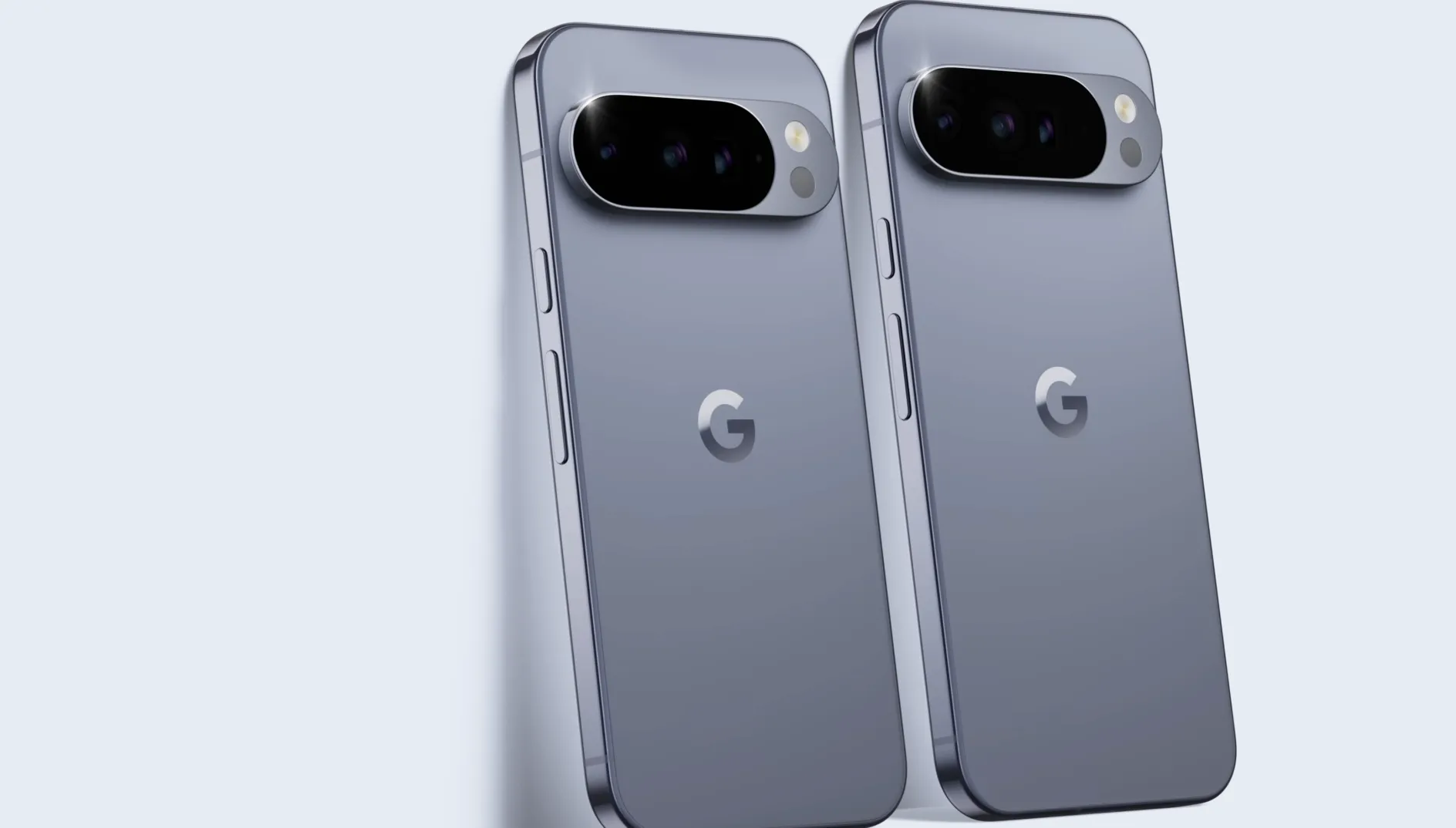
Google's own Pixel Tag launched on November 11, 2026. Google had confirmed that left-behind notifications were coming to Find Hub when it announced the tracker earlier in the year.
Google's own Pixel Tag launched on November 11, 2026. Google had confirmed that left-behind notifications were coming to Find Hub when it announced the tracker earlier in the year.
The alert does not currently extend to other Find Hub-connected device types, including headphones. Android Authority's teardown of the app found code suggesting Google is working on headset support, and app strings 9to5Google spotted referenced "headsets" and a "multiple_items_left_behind" string. None of that is functional yet, so treat it as a roadmap signal, not a feature available today.
Early reporting confirmed the feature on Chipolo trackers and Motorola's Moto Tag, while Google now officially documents support for its Pixel Tag. These confirmed examples don't establish compatibility with every Find Hub-certified tracker. Regional availability is just as narrow: the feature is observed only in the US and parts of Europe, and the cited reports give no timeline for a wider geographic rollout.
Google Find Hub left behind alerts vs. Apple and Samsung's separation alerts
The rollout brings Find Hub closer to separation-alert features Apple and Samsung have offered for years. Apple's Find My has included separation alerts for compatible tracking devices for years, and Samsung added similar functionality to SmartThings, covering Galaxy SmartTags and Buds.
Samsung's version also includes Safe Places, which are designed to reduce unwanted alerts. The reports document an automatic exception for the Home address in Find Hub, but none of them confirm whether users will eventually be able to add other saved locations, like an office or a school. App strings 9to5Google found referenced per-location, per-device exceptions under development, but that functionality isn't confirmed as live.
What's still unconfirmed before you rely on this feature
Google now documents left-behind notifications in its official Find Hub help materials, including setup instructions, location exceptions, and notification requirements. These instructions don't establish a complete regional rollout schedule.
None of the reporting reviewed here specifies how far a tracker needs to travel from the phone, or how long that separation needs to last, before the alert fires. A crowded transit platform, an airport security line, or an area with weak connectivity are the kinds of situations where that timing would matter most. The reports therefore don't establish whether an alert would arrive before an item is already out of reach.
What to do now
Owners of compatible Chipolo trackers, Motorola Moto Tags, and Google's Pixel Tag can check Find Hub for the "Notify when left behind" toggle. Make sure Find Hub notifications, Bluetooth, and location are enabled, and turn off Battery Saver if alerts aren't arriving. Other tracker models should be checked individually for compatibility, and users should review Google's official Find Hub documentation for supported settings and updates.

Comments
Be the first, drop a comment!