






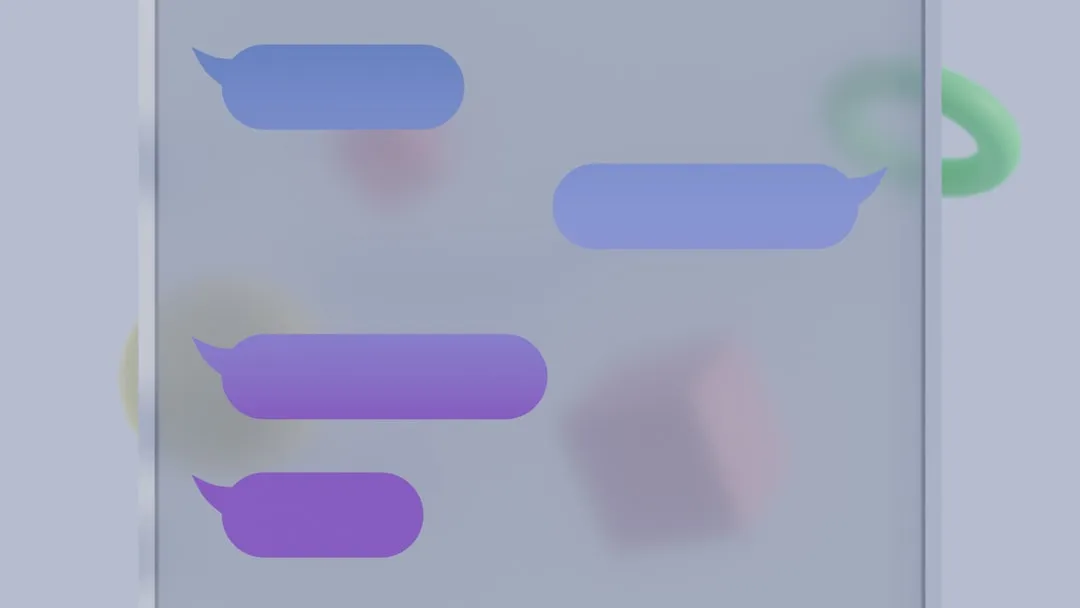
Google Messages' app manifest now contains a receiver component explicitly tied to custom backgrounds, and that single implementation detail separates today's findings from the text strings that surfaced last month. Current reporting indicates the feature remains unavailable to users, but the engineering work has moved to a qualitatively different stage. This is credible beta evidence of a feature under active development, not a launch announcement.
The timing matters for a specific reason. Samsung has confirmed it is retiring Samsung Messages in favor of Google Messages, citing Google's broader RCS ecosystem and feature support. For years, Samsung Messages users had access to a surprisingly deep level of chat personalization: custom wallpapers pulled from the gallery, themed bubble colors, contrast adjustments, and wallpaper-based themes through the Good Lock module. What Google Messages currently offers in its place is a color-swap menu restricted to RCS chats, and nothing beyond that.
From text strings to manifest: why the May evidence is different
Last month's teardowns established intent. Beta build messages.android_20260410_02_RC00 contained a cluster of new strings, including "Upload photo," "Your photos," "Theme Preview," "Backgrounds," "Bubble Color," and "Apply." UI strings show what a feature is intended to say. They do not confirm that the underlying system is being constructed.
A receiver entry in the app manifest is a different category of evidence. Manifest components are the app's wiring diagram, the scaffolding that gets added when development moves from specification to implementation. That's why Android Authority's report today provides stronger implementation evidence than the prior month's teardown, even though the feature itself hasn't reached any users. Strings can describe a planned feature; manifest components tend to appear when someone is actually building it.
The same report found that Google is also refining how users configure Smart Replies, moving toward a toggle-style control that more clearly communicates whether the feature is active. One sentence is enough on that: it fits the same pattern of Google tightening controls rather than just adding them.
No one has surfaced the custom background interface in any build. The direction is clear; a timeline is not.
What Google Messages custom chat themes may add
The April strings point toward a modular system rather than preset bundles. Separate entries for "Backgrounds" and "Bubble Color" under a parent "Custom" section suggest independent controls, so users could theoretically pair a photo background with a bubble color of their choosing rather than being locked into fixed packs. That design sits closer to Samsung Messages' approach than to Google's current one-tap color swap.
The "Theme Preview" and "Apply" strings appearing as distinct steps suggest a wallpaper-picker-style flow, see the result, then confirm, rather than the immediate application the current "Change colors" menu uses. Prior reporting also found hints of Google Photos integration baked into the strings, which would make pulling personal images into a chat background a more direct process, though reports noted that interpretation is inferred from the string structure rather than a live feature.
What Google Messages still doesn't do is provide significant context for measuring any future release. Google Messages' current color customization is limited to RCS threads and includes no image support at all. The incoming system appears to address the most visible parts of that deficit, but only if the final implementation is broad enough to close the gap with Samsung's deeper personalization options.
What we know vs. what we don't
It's worth drawing the line plainly between what the evidence shows and what it leaves open.
On the confirmed side: the manifest now contains a receiver for custom backgrounds. The April beta contained strings for photo uploads, background selection, bubble color controls, theme preview, and apply actions. None of it is activatable. Features spotted in development do not always reach the final product, and timelines can stretch.
On the open side: whether Google Messages custom colors and backgrounds will apply per conversation or globally across the app is undocumented, and it's the most consequential unknown. Whether photo backgrounds would extend beyond RCS to SMS and MMS conversations is also unclear. Current color customization is restricted to RCS threads, and nothing in the available evidence suggests that restriction will change. A third gap: nothing in the strings or manifest establishes whether a custom background is visible to both sides of a conversation or only to the person who set it. That distinction matters more than it might seem, the difference between decorating your own view and creating a shared experience.
The questions that will determine whether this delivers
The per-chat vs. global question will do more to shape the shipped feature than any other variable. Samsung Messages offered a deeply personalized experience where users could customize the look of individual conversations. If Google's first version applies a single theme across the entire app, it narrows the feature considerably relative to what Samsung users are used to. The code provides no answer.
On timing, reports say that Google Messages routinely A/B tests features and that new functionality can take a long time to reach stable builds. Some outlets speculated that an upcoming Android Feature Drop could carry the update, but offered no confirmed date. The new manifest entry suggests the work is still active; it does not indicate timing, and the feature could still be shelved internally even if it's less plausible now than it was a month ago.
The broader stakes here are practical, not cosmetic. Samsung users arriving in Google Messages without a choice will measure the app against what they left behind. The system taking shape, with independent controls for Google Messages custom colors and backgrounds and a preview-before-apply flow, could close the most visible part of that gap. Whether it actually does depends on implementation decisions the code doesn't yet reveal.
A beta build that surfaces the live UI, or a Feature Drop announcement, will answer most of what the manifest currently cannot.















Comments
Be the first, drop a comment!