



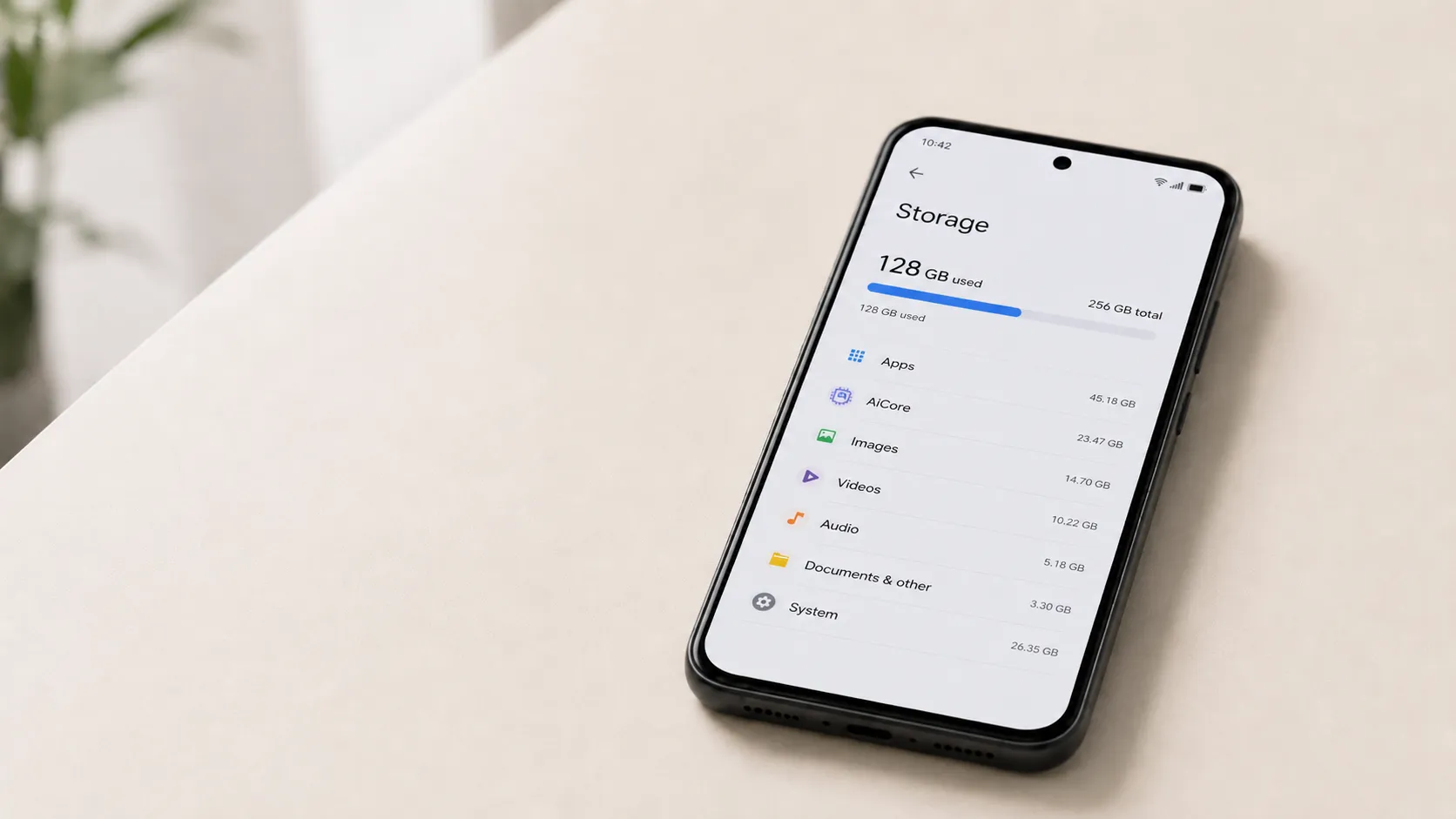
Android users spotted something unfamiliar in their Play Store update queues last Saturday, Aug. 22, 2026: an app called "Android Pulse," often showing up as a blank square with no icon at all. So what is the Android Pulse app doing on millions of phones? According to 9to5Google, it's a first-party Google tool built for diagnostics rather than anything malicious, and its Play Store listing shows more than 10 million downloads.
Google's listing frames it as a background system component, not a consumer app anyone is meant to interact with. Google has since confirmed Android Pulse is a system service and said its appearance in the Play Store update queue was accidental.
What is the Android Pulse app on an Android phone, according to Google?
The Play Store listing is the clearest starting point. Under the package name com.google.android.apps.pulse, it states the app "facilitates rule distribution for anomaly detection in critical system resource consumption by the Android operating system and installed applications."
Reporters at 9to5Google and The Next Web describe it, in practice, as a watchdog for software misbehaving on battery, processor, or memory, per The Next Web. That's the outlets' characterization, not Google's own wording. Google's listing doesn't use the word "watchdog," and it doesn't spell out how detection actually works or where flagged information goes.
There's also nothing to open. Android Pulse has no accessible user interface, 9to5Google reports. On the outlet's own Pixel devices, it already appears in system settings labeled simply "Pulse," with a green icon, while other users encountered it for the first time as an unlabeled square in their update queue, per the same report.
The listing identifies Google as publisher of record, which means this isn't third-party or sideloaded software, at least based on that identification. That makes it a Google diagnostic tool for Android's resource monitoring, at least according to the listing.
Update queue versus new install: a distinction worth making
It's easy to read "Android Pulse just showed up" as "Google just installed this." That's not quite what happened. APKMirror records show the app first appeared in March 2026 and shipped seven builds before this month, all distributed without public notice.
Saturday's event wasn't the app arriving on phones. It became visible in the Play Store update queue, an appearance Google later said was accidental.
The "rule distribution" phrase in the listing raises its own question. It implies Pulse's job is to push down criteria that flag abnormal resource use, rather than necessarily running the monitoring itself on-device. Neither 9to5Google nor The Next Web clarifies whether Pulse performs detection locally, sends usage data back to Google, or simply distributes thresholds that some other system process applies. The listing describes a function; it doesn't describe a mechanism.
The timeline: how a five-month-old app suddenly became visible
For the five months between its first appearance and its Play Store debut, Android Pulse was already distributed to devices without any public notice, per 9to5Google and The Next Web. It existed as background infrastructure, present but unseen.
That changed on Aug. 22, 2026, when 9to5Google reported it appeared to be the first time Android Pulse surfaced in the Play Store as an update users could manually install, rather than staying buried as a system component nobody scrolls past.
The visual contrast made the confusion worse. Pixel owners had already seen the app labeled and iconized in Settings for months, while others met it for the first time as a nameless square sitting in their update list, per 9to5Google.
Google did not publicly announce the earlier builds, but on August 25, it said Pulse is a Google system service and that its appearance in the Play Store was accidental.
What's still unknown: data, permissions, and whether you can remove it
Neither 9to5Google nor The Next Web confirms several basic operational details. As of this week, the following remain open questions rather than settled facts:
Whether Android Pulse can be uninstalled or disabled on a given device
How Pulse uses its documented permissions in practice
Whether removal options differ by device, manufacturer, or region
Exactly what app-info and performance data Pulse collects and sends in practice
Anyone hoping to answer whether you can uninstall Android Pulse won't find a clear yes or no in the current reporting.
That gap intersects with an active regulatory framework. Article 6(3) of the EU's Digital Markets Act requires designated gatekeepers to let users easily uninstall applications on their operating system, part of a broader push to open up how Android works. Whether Android Pulse falls under that requirement, or whether system-level components qualify for an exception, isn't addressed by anything published so far. That's a question the rollout raises, not evidence that a rule was broken.
The cited reports focus less on a security threat than on Google's lack of explanation for the app's sudden visibility. The Next Web's own framing states plainly that nothing suggests Pulse is dangerous; the issue is that roughly 10 million people learned about a system component that had been running for five months only when it turned up, unexplained, in an update queue, per The Next Web.
What you can actually check right now
There's one thing anyone can verify without waiting on Google: the app's identity. The package name, com.google.android.apps.pulse, matches Google as the publisher listed in the Play Store entry, per 9to5Google, which at least confirms it isn't a spoofed or third-party listing riding on a familiar name.
Beyond that, current reporting doesn't establish what a device's settings menu will actually show. Pixel owners already see the app listed under its own name with an icon; other users have only encountered it as an unlabeled entry in an update queue, per 9to5Google. Whether an uninstall or disable toggle exists on any particular phone isn't something either cited report tests or confirms.
A quick note on the name
Android Pulse handles software diagnostics on phones and has nothing to do with the Pixel Watch's "Loss of Pulse Detection," a separate, opt-in health feature. Google's separate Pixel Watch 3 feature uses pulse and movement signals to detect possible loss of pulse; if the wearer doesn't respond to a check-in and countdown, the watch or connected phone can call emergency services, according to Google in 2024. The shared name is a coincidence worth noting once, not a connection worth dwelling on.
What comes next
The Play Store listing says what Android Pulse is designed to do: distribute rules for flagging unusual resource consumption by the operating system and installed apps. It doesn't say what happens to the data those rules generate, what permissions the app runs on, or whether users get a way to remove it.
For now, the public record establishes Pulse's stated purpose, its listed permissions and broad Play Store data-safety disclosures, but not exactly how those permissions are used, what information is transmitted in practice, or whether removal options vary by device. Google's Aug. 25 statement clarified why Pulse suddenly appeared in Play Store updates but did not answer those operational questions.
















Comments
Be the first, drop a comment!