





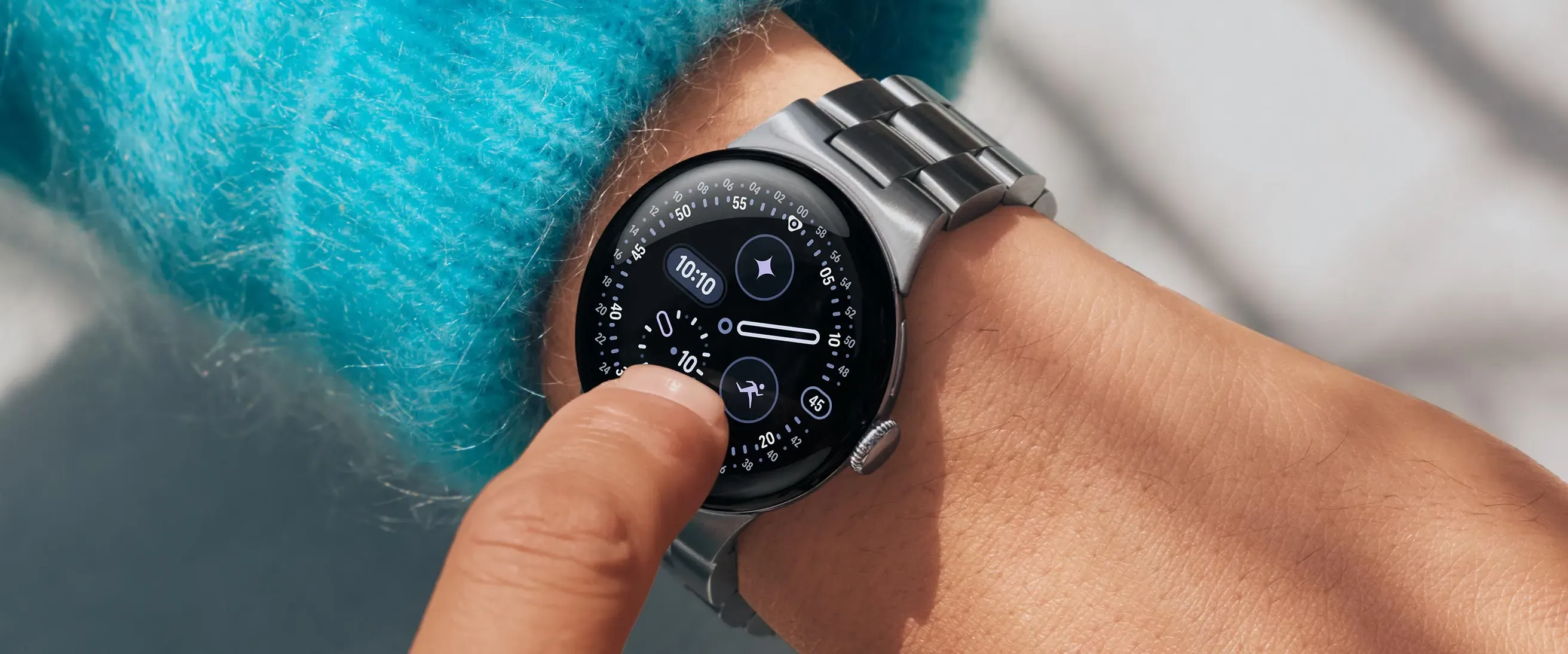
When you wake up and reach for your Pixel Watch to check your overnight health stats, the last thing you expect to see is a bunch of blank spaces where your SpO2 and skin temperature readings should be. But that's exactly what's happening to Pixel Watch owners after Google's March 2026 update, and it's turning what should be a routine morning health check into a frustrating guessing game.
The complaints started rolling in almost immediately after the update dropped. Reports from 9to5Google confirm that a considerable number of Pixel Watch owners began experiencing these issues right after installing the March update. What makes this particularly annoying is that these health metrics are collected overnight, so you only discover the problem when you wake up expecting to see your vital stats—only to find empty health cards instead.
The pattern is unmistakable: users across Reddit, Google's support forums, and Fitbit communities are all reporting the same thing at the same time. Their blood oxygen and skin temperature readings have completely vanished, with reports flooding in from multiple Pixel Watch generations simultaneously. This kind of widespread, synchronized failure across different hardware models points directly to the March update as the culprit rather than random device malfunctions.
Which Pixel Watch models are affected?
Here's what makes this situation even more frustrating—it's not just hitting one specific model. The problem is spreading across multiple generations of Google's wearable, which confirms we're dealing with a software issue rather than isolated hardware failures.
The Pixel Watch 4 appears to have been the canary in the coal mine. Community discussions on Fitbit forums show that SpO2 data has been problematic for weeks, with many users reporting that the feature has only worked properly for about 5 or 6 days since getting their watch. The March update seems to have been the breaking point that pushed these existing issues over the edge while simultaneously creating new problems across the entire lineup.
Reports show that similar complaints quickly emerged from Pixel Watch 3 and Pixel Watch 2 users. Many are saying that Fitbit now displays no health data whatsoever for these specific metrics. The fact that users with different hardware generations started reporting identical problems immediately after the same software update creates a clear pattern that points to code-level issues rather than device-specific malfunctions.
This widespread impact across the Pixel Watch family suggests that Google's March update contained changes to core health tracking algorithms or sensor communication protocols that are universal across their wearable platform.
What exactly is broken with SpO2 tracking?
Let's break down what users are actually experiencing, because the SpO2 issues go way beyond simple delayed readings. We're talking about complete data blackouts that leave users questioning whether their expensive smartwatch is even working properly.
The technical challenge with SpO2 monitoring is that it requires specific conditions during deep sleep phases when your body is most still. The sensors use light absorption through your skin to measure blood oxygen levels, but this process is sensitive to movement, ambient light, and proper contact with your wrist. When the software that orchestrates this delicate sensing process gets disrupted, the entire measurement chain breaks down.
Many Pixel Watch owners report seeing "No Data" messages instead of their overnight SpO2 measurements, according to Fitbit community posts. Others encounter a persistent "Analyzing" status that never resolves—sometimes lasting for hours before either finally producing a reading or just giving up and showing "No data." Even more confusing, some users see prompts telling them to "wear watch to bed" despite having worn their device all night and receiving other sleep tracking data normally.
What makes this particularly maddening is that there's no manual way to trigger SpO2 readings. As one frustrated user put it, "there is no way to start/request an SpO2 reading yourself—you just have to wear the watch to sleep and hope that it actually takes a SpO2 reading at some point," as highlighted in community discussions. This design limitation means users can't even troubleshoot the problem in real-time.
This reliability issue is having a broader impact on user confidence. One user mentioned that these problems have "eroded my confidence in either the Fitbit app and/or the Pixel 4 watch itself as far as taking health stats," based on user feedback. When a core health tracking feature becomes this unreliable, it really makes you question whether you can trust the other metrics your watch is supposedly monitoring.
Beyond SpO2: other health features acting up
The March update's problems don't stop at blood oxygen monitoring. Users are reporting a cascade of health tracking issues that suggest the update may have introduced broader sensor calibration problems across multiple systems.
Skin temperature readings have also disappeared for many users, which is particularly problematic since this metric relies on baseline data collected over several nights, according to PiunikaWeb. Unlike SpO2, which provides nightly readings, skin temperature tracking builds a personal baseline over time to detect variations that might indicate illness or other physiological changes. When you lose that baseline, it takes time to rebuild it—assuming the feature starts working again at all.
The interconnected nature of these health systems explains why problems cascade. Both SpO2 and skin temperature monitoring depend on the same underlying sleep detection algorithms and sensor fusion technology. If the March update altered how the watch identifies sleep phases or communicates with its sensor array, it would naturally affect multiple health metrics simultaneously.
Some users are reporting additional quirky behavior that points to broader system issues. One user mentioned that calories burned seemed to double after the update, while another said battery life got noticeably worse. There have even been reports of the watch stopping step counting properly during workouts, as reported by PiunikaWeb.
Sleep tracking inconsistencies have also emerged, which creates a domino effect throughout the health ecosystem. Since SpO2 and temperature readings depend on proper sleep session detection, any disruption to sleep algorithms can prevent overnight health data collection entirely. This explains why some users see normal sleep duration data but missing health metrics—the watch knows they slept, but the specialized overnight monitoring protocols aren't triggering correctly.
What fixes are users trying?
With no official solution from Google yet, affected users are essentially experimenting on their own devices—and the results reveal interesting insights about where the problem might lie in the software stack.
The most drastic solution some users have tried is performing factory resets on their devices. One Reddit user reported success after going through the complete reset process, suggesting that the issue might be related to corrupted configuration data or sensor calibration settings rather than fundamental code problems. However, many users (understandably) prefer to wait for an official patch rather than reconfigure their entire watch setup from scratch, according to community discussions on PiunikaWeb.
The fact that factory resets sometimes work provides a clue about the underlying problem. It suggests the March update may have corrupted specific device settings or created conflicts with existing user data rather than introducing completely broken code. When you factory reset, you're essentially clearing all these potentially corrupted settings and forcing the watch to rebuild its sensor calibration from scratch.
Some have tried clearing the Fitbit app's cache and resetting their Pixel Watch, with mixed results reported, as noted by 9to5Google. The process involves syncing the Fitbit app, going to phone settings, forcing the app to stop, clearing cache and storage, uninstalling, restarting the phone, and then reloading everything. As one community member noted, having to do these kinds of troubleshooting steps "is ridiculous to do with apps in 2024 just to keep [them] working properly."
Basic troubleshooting steps like cleaning the watch's sensors and adjusting band tightness have also been suggested. Some users report wearing their band where they can fit a fingertip between their wrist and the watch strap for better readings. While these physical adjustments occasionally help, they seem more like temporary workarounds for what appears to be a software-induced sensor communication problem.
Users experiencing persistent issues are being directed to submit feedback through the Fitbit app's reporting system, as recommended in community forums. The process involves tapping your profile picture, selecting "Feedback" or "Report issue," completing the prompts, and submitting. While these reports are supposedly reviewed by the team, it's not exactly the quick fix users are hoping for when their expensive health tracking device stops tracking health.
What this means for Google's wearable strategy
This widespread health tracking failure following a major update raises some serious questions about Google's quality assurance processes for Pixel Watch software. When core health monitoring features—arguably the primary selling point of any fitness-focused smartwatch—stop working after an update, it's not just a technical problem; it's a trust problem that could have lasting implications for Google's position in the competitive wearables market.
Reports from 9to5Google confirm this isn't a server-side issue, since users on older software builds continue to receive proper readings. This points directly to the March update as the culprit, which means Google's quality assurance process somehow missed the fact that a routine update would break fundamental health tracking functionality for a significant portion of users.
The competitive implications are particularly concerning for Google. Apple Watch users aren't dealing with SpO2 readings that randomly disappear after iOS updates, and Samsung Galaxy Watch owners aren't losing core health features after routine software maintenance. This kind of reliability gap gives established players a significant advantage in a market where trust in health data accuracy is paramount.
What makes this especially problematic is the timing within Google's broader wearable strategy. As the company works to establish the Pixel Watch as a serious competitor to Apple and Samsung's offerings, having flagship health features become unreliable after routine updates undermines the fundamental value proposition. Health-conscious consumers who rely on consistent overnight monitoring for medical or fitness purposes can't afford to have their data randomly disappear.
Bottom line: Until Google addresses these problems with a follow-up update, Pixel Watch users are stuck in limbo. They might need to rely on alternative methods for monitoring their health metrics, or simply wait and hope their overnight readings eventually return to normal, as suggested by the widespread community reports on PiunikaWeb. For a company trying to establish itself as a serious player in the wearable market, this isn't exactly the kind of user experience that builds the long-term reliability reputation needed to compete with more established platforms.















Comments
Be the first, drop a comment!