





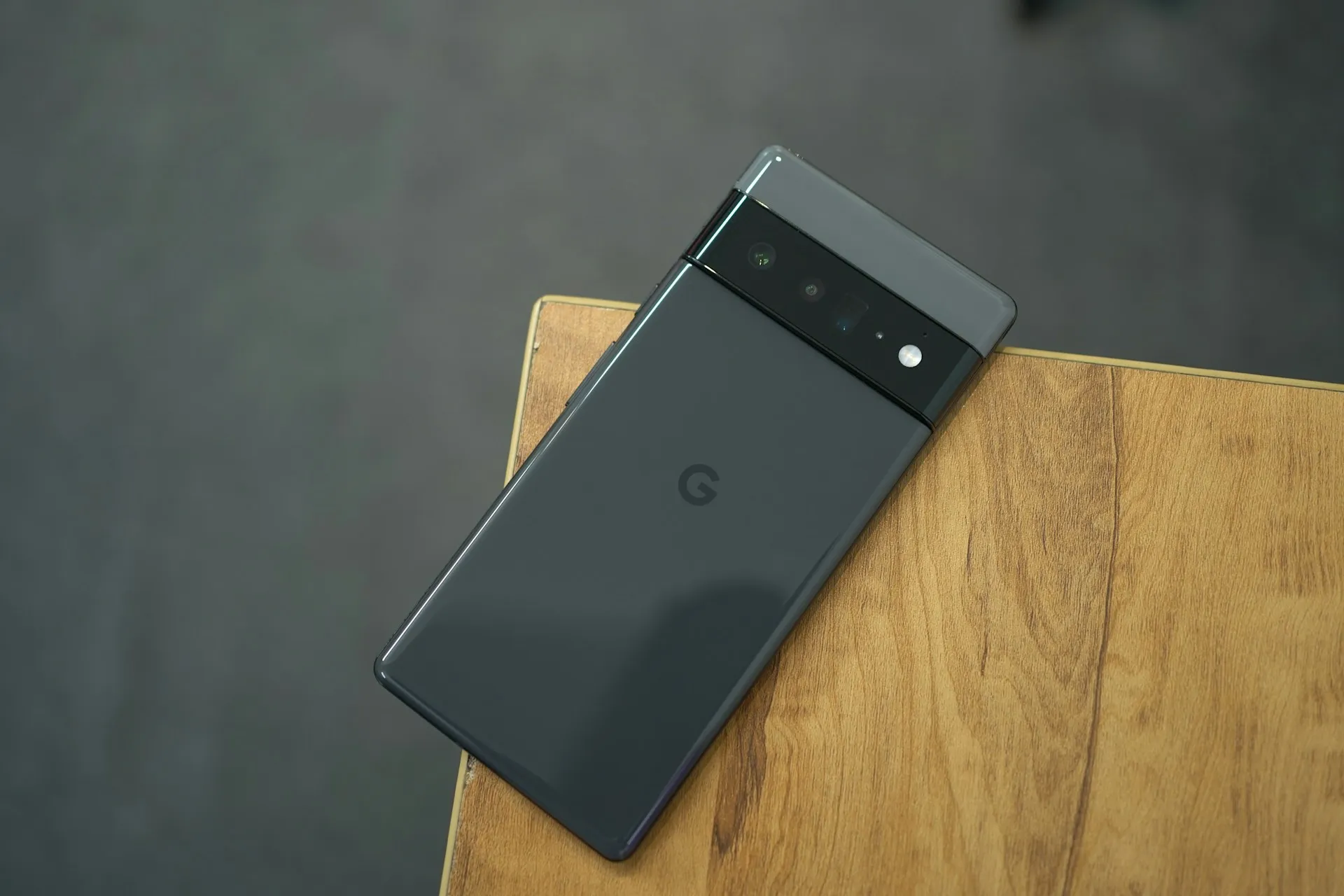
Pixel owners are missing incoming calls without realizing it. Phones set to vibrate are staying completely silent, and most users only discover the problem after the fact, when a missed-call notification shows silent mode was active despite vibration being switched on and no automation rules running. If your Pixel isn't vibrating for calls, there are two settings worth checking before you contact support, and one of them takes about 30 seconds.
Reports are coming from users across multiple Pixel device lines, not a single model, which points to a software-level issue rather than a hardware fault. Pixel Support is aware, has been gathering information from affected users, and a patch is expected. No timeline has been given.
Why your Pixel isn't vibrating: what the evidence suggests
Pixel phones manage vibration at two separate layers. There's a system-wide control under Sound & Vibration, and a per-app toggle buried inside individual notification channels. Both need to be enabled for vibration to work. Users and community reporters believe a recent Pixel software update may have disabled the app-level vibration setting for some devices while leaving the system-level control untouched, which would explain why a phone can appear correctly configured while calls still arrive in silence.
The strongest evidence for that theory: at least one reported case was fully resolved by re-enabling the vibration toggle inside the Phone app's incoming call notification settings, a control buried several menus deep that most users would never think to check. One user also noted the same silent-notification behavior in Instagram, suggesting the problem may extend beyond phone calls, though that's a single data point, not evidence of a broader haptics failure.
Some important caveats apply. Google has not confirmed the root cause. The specific software build believed to be responsible hasn't been publicly identified. The current picture comes from Reddit threads and coverage from a single outlet, not an official incident report. The app-level notification toggle is the strongest available explanation for what's happening, but it hasn't been confirmed as a definitive diagnosis.
How to fix Pixel not vibrating for calls: two options
Neither fix requires a factory reset or a support ticket. Both are settings changes. Based on available reporting, try Option 2 first — that's where the confirmed resolution occurred. Option 1 is worth trying if Option 2 doesn't fully solve it.
Option 2: Check the Phone app notification vibration toggle (start here)
Open Settings
Tap Notifications
Tap App Notifications
Tap Phone
Tap Incoming Calls
Check whether the vibration toggle is enabled
This is not the system sound setting. It's a per-app control that lives several menus deep, completely separate from anything in Sound & Vibration. Finding it turned off is, according to the available reports, the most likely explanation for why calls are going silent. Switch it on, then place a test call from another phone and confirm the device vibrates before answering.
One thing worth doing after the next software update ships: recheck this toggle. If a future update overwrites app-level notification settings, the fix could quietly undo itself with no warning. Missed calls won't always come with an obvious explanation.
Option 1: Reset the ring vibration slider (if Option 2 doesn't resolve it)
Open Settings
Tap Sound & Vibration
Tap Vibration & Haptics
Slide the ring vibration intensity all the way to zero
Let a test call go to voicemail while the slider is at zero
Bring the slider back up to your preferred level
Place a second test call to confirm vibration has resumed
Check whether missed-call notifications continue to flag silent mode as active when vibration is switched on. If they stop, this slider reset worked. The fix is a bit roundabout, but the reported logic is that cycling the slider resets whatever internal state got stuck.
If neither workaround resolves it:
Note your device model and current software build version under Settings → About Phone → Android Version
Contact Pixel Support directly. The team has already reached out to some affected users to gather diagnostic information, and those reports are being used to scope the fix
Watch for an incoming patch update — Pixel Support has indicated a fix is in progress
If other apps have also stopped vibrating, run the same notification channel check through Settings → Notifications → App Notifications → [App Name] for each one affected
What's known about which Pixels are affected
Reports aren't concentrated on a single Pixel generation. Users across a range of device lines are describing the same behavior, which is consistent with a platform-level software issue rather than something specific to one model's hardware. The problem is believed to have arrived with a recent software update, though the specific build version hasn't been publicly confirmed, and Google has not issued a statement identifying which devices are affected or when the change was introduced.
There's no official device list to consult right now. If a Pixel is missing calls while set to vibrate, the checks above are worth running regardless of the model. Waiting for specific hardware to appear on a confirmed list means more missed calls in the meantime.
What's still unknown: exact affected models, the precise software version believed to be responsible, the total number of users impacted, and whether the issue appears in beta builds or only stable releases. The picture is community-reported and still developing.
Where things stand
Pixel Support is aware of the issue, has been collecting diagnostic information from affected users, and a patch is expected via a future update. No release timeline has been announced as of this writing.
The most immediate step: Settings → Notifications → App Notifications → Phone → Incoming Calls. Confirm the vibration toggle is on. That single check resolved the problem in at least one confirmed case and takes under a minute.
This isn't the first time Pixel's call-handling stack has run into trouble this year. In January, Google confirmed a separate bug in which the "Take a Message" feature was inadvertently sending background audio to callers on a very small subset of Pixel 4 and 5 devices under specific and rare circumstances, 9to5Google reported.
Google's response was to disable "Take a Message" and next-gen Call Screen features on those devices entirely, redirecting affected users to manual call screening or carrier voicemail. The current vibration problem is a different failure mode with different consequences: one is a privacy-adjacent audio issue, the other is a missed-call problem rooted in a notification setting, but both sit inside the same call-management workflow.
Google has not commented publicly on the vibration issue beyond Pixel Support's outreach to affected users. Until the patch arrives: check the notification toggle, document your device details, and keep an eye on incoming software updates.








Comments
Be the first, drop a comment!