





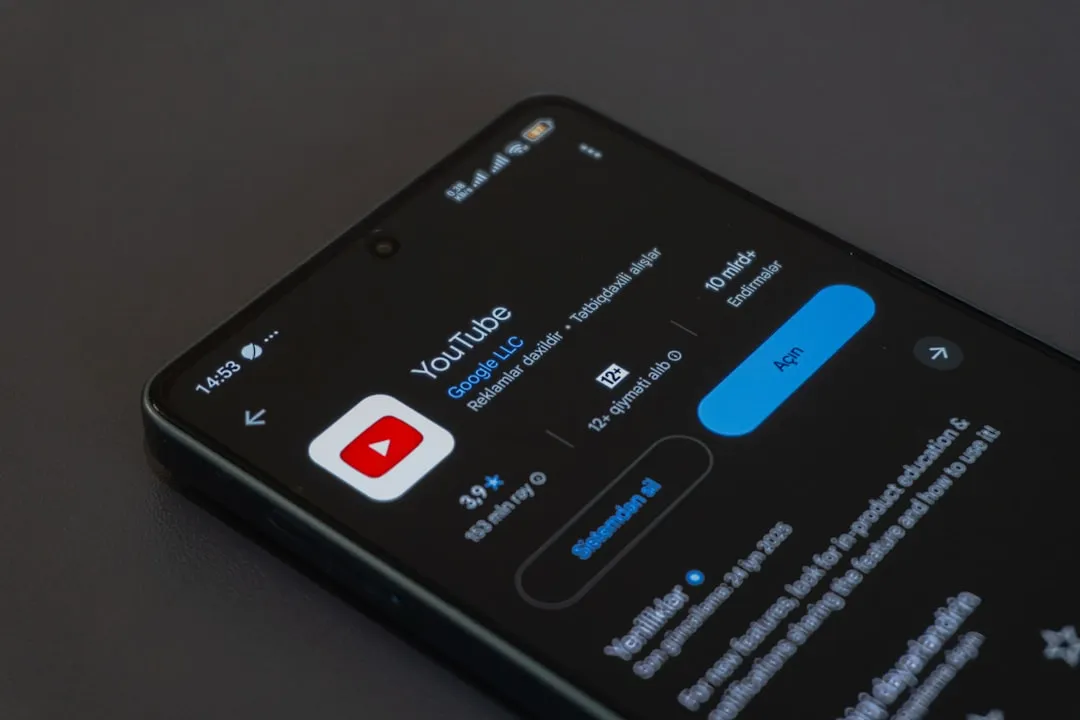
Nothing Warp Android to Computer File Sharing Tool: Why It Left Google Play
Nothing's Warp, an Android-to-computer file sharing tool that lets any Android user move photos, links, documents, and clipboard text to a Mac, Windows PC, or Linux machine, launched in mid-April, vanished from Google Play within hours, and returned two weeks ago as a manual APK download rather than a Play Store app. The company has said the temporary withdrawal was to "fine-tune" the product and that there are no security or privacy concerns. It has not explained why Warp still isn't back on Google Play, according to CNET.
The tool works. For Android users on Macs especially, it fills a genuine gap. But it currently requires sideloading an APK from Nothing's community page, with no timeline for a return to standard distribution and no public explanation for why that distribution changed.
The launch, the disappearance, and the unanswered question
Within a day of launch, Nothing pulled the Android app, the Chrome extension, and its own blog post, all without a public statement, as Android Authority reported. When the company did respond to press inquiries, it described the move as a "strategic pause" to make improvements based on early user feedback and technical evaluations, and assured anyone who had already installed the app that they faced no urgent risk and didn't need to take action. An improved version, the company said at the time, would roll out automatically, per Android Authority.
When Warp returned, Nothing's official statement read: the app is "built on Google's infrastructure," "handles no user data," and carries "no security or privacy concerns," CNET reported this week. The app came back not through the Play Store, but exclusively as a sideloaded APK from Nothing's community forum, with the Chrome extension returning separately. Nothing has not explained why the Play Store listing hasn't returned, and the company did not respond to press questions on that specific point, Android Authority noted last week.
That gap is the core tension here. "No privacy concerns" and "here's why we're outside the Play Store" are two different statements, and Nothing has only made one of them. Whether the Play Store absence reflects a Google policy review, a technical flag, or a deliberate choice on Nothing's part remains unknown. Users who want Warp now have to "jump through hoops" for a tool whose entire pitch is frictionless convenience, Digital Trends observed last week, and Nothing has offered no account of why those hoops exist.
How Nothing Warp Android file transfer works on Mac, Windows, and Linux
The target user is specific: an Android owner who works primarily on a Mac. Only a handful of Pixel and Samsung Galaxy phones currently support direct file transfers to Apple machines; Warp is designed to fill that gap for everyone else, and it works with any Android phone, not just Nothing's, The Verge found in its hands-on. By routing transfers through a Chromium browser extension rather than a proprietary protocol, it also runs on Windows and Linux, making it more broadly compatible than AirDrop.
Setup requires signing into the same Google account on both the Android device and the desktop browser. Warp then appears as an option in the standard Android share sheet. On the desktop, there are three ways to push content to a phone: right-clicking highlighted text or images to select "Send with Nothing Warp," opening the extension and pressing Upload, or pasting text directly into the extension window. The right-click method breaks inside web apps that override the browser's native context menu, with Google Docs being the most obvious example, The Verge noted.
The mechanism behind the simplicity matters here. Warp doesn't send files directly between devices; it uploads them to Google Drive-backed infrastructure, then triggers a download prompt on the receiving end. Nothing's senior global PR manager told The Verge there are Nothing says there are no practical file size limits beyond available Google Drive storage beyond available Google Drive storage, and Warp keeps only the ten most recent transfers, deleting the oldest when a new file is uploaded, per The Verge. Files don't show up in your main Drive folder, and the receiving device doesn't need to be active when a transfer is initiated.
That cloud-relay approach is the source of both Warp's privacy argument and its performance ceiling. Nothing can credibly say it doesn't handle user data because the data stays within Google's infrastructure. The tradeoff is speed. Text and images land in seconds. A 2GB video was still uploading after ten minutes in The Verge's hands-on, with a download still pending on the other end. Launch-day testing by Android Authority found it reliable for basic transfers but flagged that it requires required several browser permissions for what is, at its core, a more automated wrapper around Google Drive.
For the intended use case, photos, links, short documents, clipboard text, the performance is fine. For large video files, it isn't.
What the Nothing Warp APK download process actually involves
Getting Warp right now means enabling installation from unknown sources on your Android device, downloading the APK from Nothing's community page, and installing it manually. The Chrome extension has returned to the Chrome Web Store separately and is the simpler half of the setup. Nothing labels the current release a beta and has invited users to submit feedback directly on the community post, per Digital Trends.
There is no announced timeline for a return to the Play Store, CNET reported this week. The current beta is free.
The side loading requirement matters more than it might appear. Allowing installs from unknown apps is a deliberate security setting that Android asks users to override for a reason, and doing so for a convenience app whose Play Store removal remains unexplained is a calculation each user has to make for themselves. Nothing's assurances about Google's infrastructure are plausible on their face, but they don't explain the distribution change, and the two things aren't equivalent.
Android users on Windows have more native options available, though none as frictionless for the Mac side. Local-network tools like KDE Connect or Snapdrop work without a cloud relay, which makes them faster for large files, but they require both devices to be on the same network. Warp's cloud approach, frustrating for video, is the reason it can receive files on a device that's offline or in a different location.
Who Warp currently suits and who may want to wait
The case for trying it now is straightforward: Android users on Macs who regularly move photos, links, or small documents between devices and are comfortable with the sideloading process. For that profile, CNET described it this week as one of the easier ways to send files from an Android phone to a computer, Mac in particular. The core experience, once installed, delivers on what Warp promises.
The case for waiting is also straightforward. The friction of manual APK installation undercuts everything the app is supposed to make easy. Casual users or anyone unfamiliar with sideloading will likely find the setup more trouble than it's worth at this stage. More fundamentally, a file-transfer tool in beta, distributed outside the Play Store with no public explanation, is asking for a degree of baseline trust that a convenience app at this stage of release hasn't fully established.
What remains unresolved is a single question Nothing hasn't answered: why isn't Warp on Google Play? That answer matters for the product's future. A return to standard distribution with a clear explanation of what changed would move Warp from a community beta with an awkward backstory into a tool worth recommending without caveats. The underlying product is capable enough to get there. Whether Nothing clears the air is the part still to watch.








Comments
Be the first, drop a comment!