





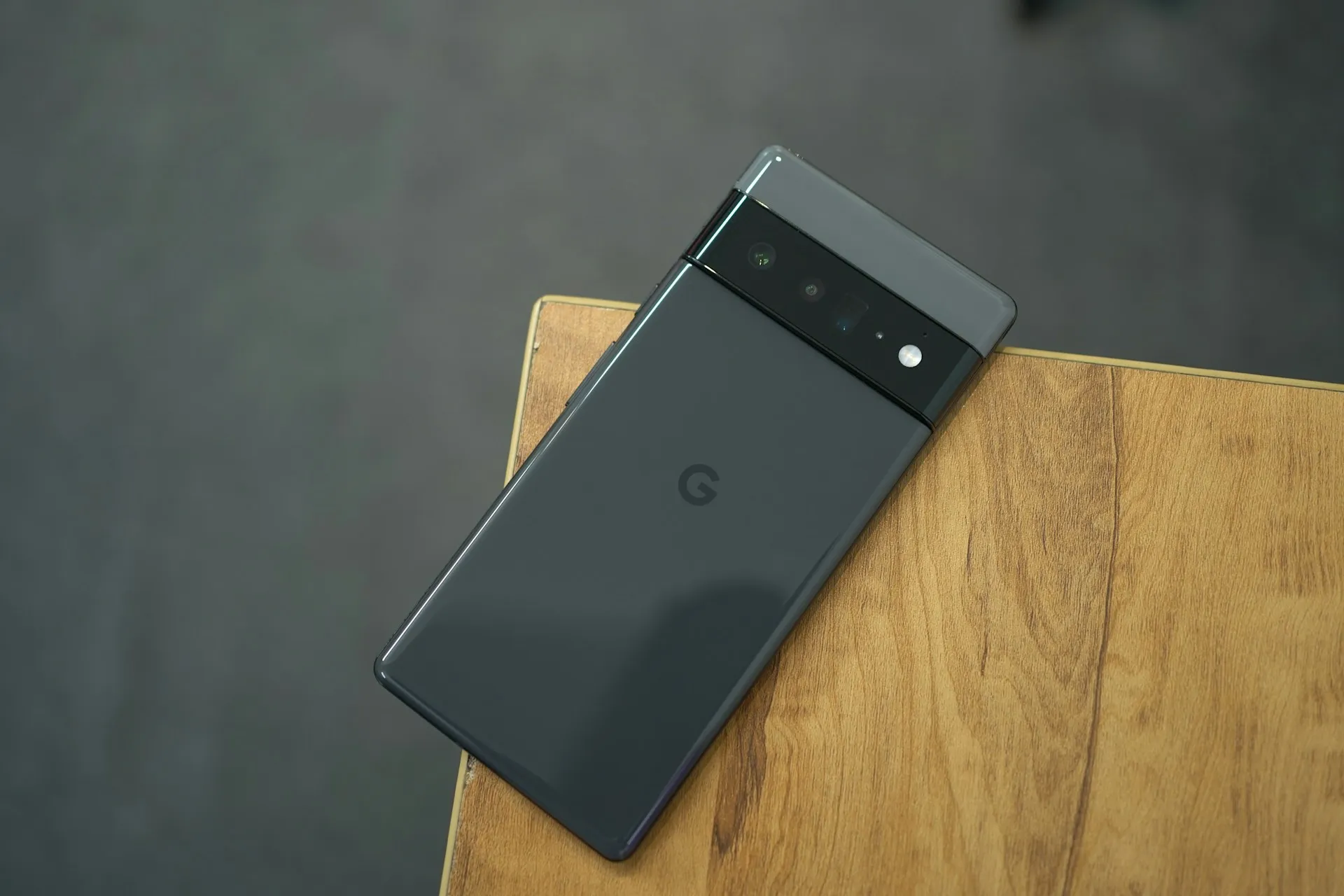
If you're a Pixel owner who's been scratching your head, wondering why your recent apps screen feels... different lately, you're not alone. Recent Pixel updates have introduced changes to the recent apps interface.
Let's break down what's happening, why it matters, and what you can do about it.
What Exactly Did Google Change?
The recent apps screen – you know, that handy multitasking view you get when you swipe up and hold or tap the square button – has undergone what can only be described as a "simplification" that feels more like a step backward.
Reported changes include:
Reduced information density in the app cards
Modified visual layout that prioritizes aesthetics over functionality
Changed app preview sizing that makes it harder to see what's actually in each app
The changes might seem subtle at first glance, but once you notice them, they're impossible to ignore. It's like Google decided that what users really wanted was a recent apps screen that looks prettier but works less efficiently.
Why This Matters More Than You Think
PRO TIP: The recent apps screen isn't just about switching between apps – it's the command center of modern smartphone multitasking.
This isn't just about visual preferences. The recent apps screen is fundamental to how we interact with our phones throughout the day. When you make it less functional, you're essentially making every user's workflow a little bit more cumbersome.
Think about it: How many times do you use the recent apps screen daily? If you're like most smartphone users, it's probably dozens of times. Even small friction points add up to significant frustration over time.
The Real-World Impact
Here's what these changes mean for actual day-to-day usage:
Slower app switching during busy work sessions
Some users report slower or less intuitive app switching
Reduced visual information about what's happening in background apps
Increased cognitive load when trying to find the right app quickly
The User Response Has Been... Colorful
The Android community hasn't exactly been shy about sharing their thoughts on these changes. Online forums and social media are filled with users expressing everything from mild annoyance to outright anger about the modifications.
Common complaints include:
"Why fix something that wasn't broken?"
"The old version was way more practical"
"This feels like change for the sake of change"
"Google keeps making Android worse with each update"
And honestly? A lot of these complaints have merit. There's a difference between innovation and unnecessary modification, and many users feel this falls squarely in the latter category.
What's Behind Google's Decision?
Google has not publicly detailed the reasoning behind these specific changes, but they likely stem from broader design philosophy shifts within the company. The move toward simplified interfaces and reduced visual complexity has been a consistent theme across Google's products.
The reasoning probably goes something like this:
Visual consistency across different Android devices and screen sizes
Simplified user experience that's supposedly easier for new users
Alignment with Material Design principles and modern UI trends
Preparation for future features that might require the interface changes
But here's the thing: sometimes "simplified" doesn't mean "better." And in this case, many users would argue that Google optimized for the wrong metrics.
Your Options for Dealing With the Changes
The good news? You're not completely stuck with Google's vision of how your recent apps screen should work.
Immediate Workarounds
Option 1: Adjust Your Usage Patterns
Give the new interface time to become familiar
Modify your gesture timing to account for sensitivity changes
Focus on using other multitasking methods when possible
Option 2: Alternative Launchers While you can't completely replace the system-level recent apps screen, some third-party launchers offer enhanced multitasking features that can supplement the native experience.
Long-Term Solutions
Third-Party Task Managers Several apps can provide additional multitasking functionality, though they can't fully replicate the integrated experience of the native recent apps screen.
Gesture Navigation Tweaks Experiment with different gesture navigation settings to see if you can minimize the impact of the changes.
The Bigger Picture: When "Improvements" Aren't
This situation highlights a broader tension in the smartphone world between innovation and user satisfaction. Companies like Google are constantly updating and modifying their interfaces, but not every change represents genuine improvement.
Key takeaway: Just because something is new doesn't mean it's better, and user feedback should play a more significant role in interface decisions.
The recent apps screen changes serve as a reminder that sometimes the best approach is to leave well-functioning features alone, especially when they're central to daily user workflows.
What Happens Next?
Based on the volume and intensity of user feedback, there's a possibility that Google might reconsider some of these changes in future updates. The company has reversed course on interface decisions before when user pushback was strong enough.
However, don't hold your breath for immediate changes. Google typically takes time to evaluate feedback and implement modifications, if they choose to do so at all.
Bottom Line
Google's recent apps screen changes may feel like a step backward to some users. While the company likely had good intentions around interface consistency and simplification, the practical result has been a less functional experience for many users.
PRO TIP: If you're frustrated with the changes, make sure to provide feedback through official channels. Companies do pay attention to user sentiment, especially when it's consistent and widespread.
The best approach right now is to adapt where possible, explore workarounds where necessary, and hope that future updates will address some of the most problematic aspects of these changes.
What's your experience with the recent apps screen changes? Have you found effective workarounds, or are you still struggling with the modified interface? The Android community's collective wisdom often produces the best solutions to these kinds of interface challenges.















Comments
Be the first, drop a comment!