



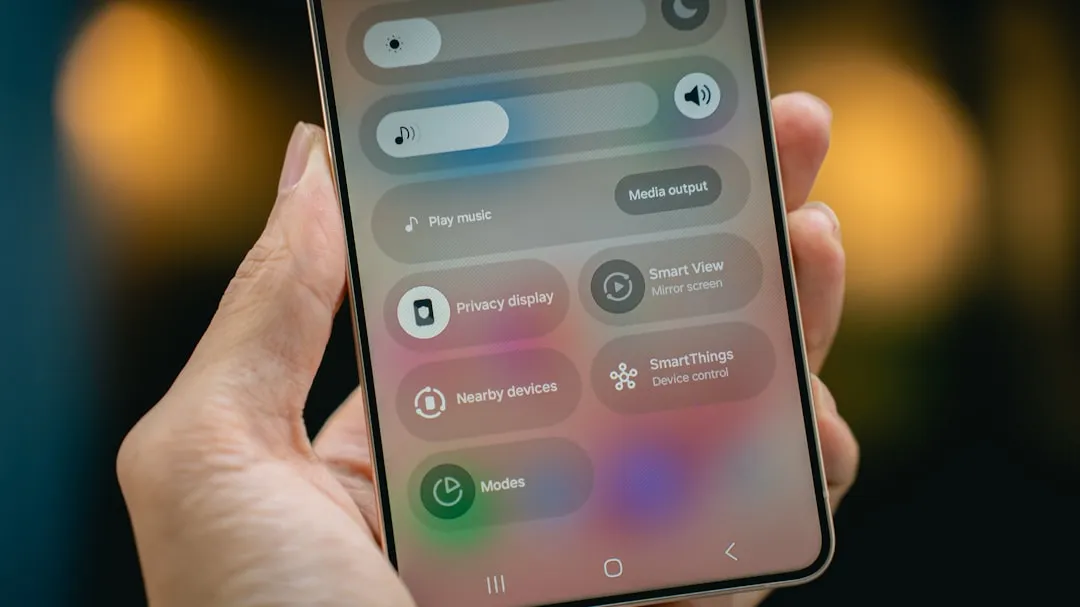
Google Ask Google voice search update: AI Mode comes to Android home screen
Google is rolling out a change to the search bar that anchors its mobile apps: the prompt that read "Search" now reads "Ask Google," the "G" logo has been replaced by a plus menu, and that menu opens into AI Mode, image search, and AI image generation, 9to5Google reported late last month. The Android Google search bar update covers the Pixel Launcher, both search bars inside the Google app, and the Google for iOS app. It is rolling out now, not complete.
That last point matters. The update is reaching Google app beta version 17.18 users first, and not all users on that version are seeing it, consistent with Google's pattern of silent batch deployment, 9to5Google noted. What's visible on one device may not appear on another.
The bar change is also not happening in isolation. Google said last December that it would "continue our work to upgrade Assistant users to Gemini on mobile devices into 2026," pushing back its original end-of-2025 deadline, The Verge reported. Once that migration completes, users on Gemini-eligible devices will lose access to Google Assistant and won't be able to reinstall it. The surface redesign is running on a parallel track.
What the Google Ask Google voice search bar actually changes
Three additions define the update. The plus menu gives users four input modes from a single tap: typed search, voice query, image-based search via Gallery or Camera, and AI Mode conversation. The fullscreen interface that opens after tapping the bar is, by 9to5Google's own description, "mostly unchanged." The entry point is new; what's behind it largely isn't.
The most consequential shift is AI Mode's position. Previously accessible only from inside Google Search, it now sits one tap from any home screen carrying the bar. For users who notice the plus menu, that is a genuine reduction in friction. The menu is small and unlabeled, though, so for users who don't spot it, the added capability is effectively invisible.
The voice-listening screen has received a parallel redesign, underway since November 2025. The long-standing bodyless face illustration is being replaced by a centered Google "G" gradient and a four-color animated arc borrowed from AI Mode and Search Live, with real-time transcription appearing above it. The audio ping when the microphone activates now matches AI Mode's sound. Voice settings, including language selection, the spoken results toggle, and voice options Cosmo, Neso, Terra, and Cassini, were preserved through the redesign, 9to5Google reported in January. The surface now looks like Gemini. Whether the underlying routing was adjusted to match has not been addressed publicly.
As of January, triggering voice search from different entry points on the same device could produce either the old bodyless face or the new arc interface depending on the path taken, TechRepublic reported earlier this year. That inconsistency reflects the staged nature of the rollout, not a finished state.
Classic voice search vs. Gemini voice input: still two different products
Tap the microphone on the home screen widget, the Pixel Launcher bar, or inside the Google app and you get classic voice search. Speak a query and it routes to a standard Google Search results page, with the answer read aloud. The backend is classic Google Search, not Gemini, built for short factual questions: weather, scores, quick definitions, according to 9to5Google. Fast, direct, limited.
Gemini's voice input, redesigned two months ago, works differently. It replaced the old transcription field with a waveform display modeled on voice memos in messaging apps. Users tap Stop or Send to submit; there is no auto-submit, so the system won't cut off a longer prompt if a speaker pauses or rephrases mid-sentence. Previously entered text is preserved when the microphone reopens, and the session stays active even if the user goes quiet, 9to5Google reported. That design is built for multi-sentence prompts. Quick commands are not the point.
The practical split is use-case specific: classic voice search handles a direct question with a known answer; Gemini voice input is suited to the kind of query that benefits from reasoning rather than retrieval. The redesigned Ask Google bar gives users access to both. It provides no indication of which one a given voice query will invoke.
That routing gap is the sharpest unresolved problem in the update. Google has not publicly explained the decision logic: whether a spoken query through the new bar goes to classic Search, AI Mode, or Gemini, or whether some mechanism routes based on query type or phrasing. Each path produces different output formats, different response speeds, and different levels of conversational follow-up. For users, that ambiguity is a real usability question, not a technical footnote.
The Assistant migration explains the messiness
The uneven deployment makes more sense against the migration timeline. A bar labeled "Ask Google" with a Gemini-styled listening screen is designed to bridge the gap between what users expect from familiar Assistant-style voice commands and what Gemini actually does, before the familiar option disappears. Google is conditioning the surface while the backend finishes its shift.
Gemini's redesigned voice input launched on Android and was not yet available on iOS at release, with an iOS rollout described only as arriving "in a few weeks," per 9to5Google. Pixel users continue to receive changes first. The product direction is clear enough; the deployment is fragmented.
That fragmentation reflects the scale of what Google is attempting. Collapsing Search, voice, and AI Mode into a single entry point while simultaneously retiring the assistant millions of users have relied on for years is not a straightforward swap. The surface changes are the visible part. The harder question, deciding what happens when a user speaks into that bar, is still in progress.
What changes when Assistant is gone
For users who see the update now, the immediate benefit is concrete: AI Mode, image input, and voice search share one bar on the home screen. Tools that previously required navigating inside the app are one tap away, as 9to5Google noted. No new learning curve required.
The harder question arrives later. Google's redesign makes classic voice search, Gemini voice input, and AI Mode look and feel more similar, which makes their differences less legible, not more, per The Verge. Once Assistant exits and there is no legacy fallback, the distinction between a quick voice query and an AI conversation will carry more weight for users, not less.
When the migration completes, there will be one voice entry point, a unified visual design, and no clear signal about which system is answering. The routing question Google has left unanswered now will matter considerably more then.









Comments
Be the first, drop a comment!