



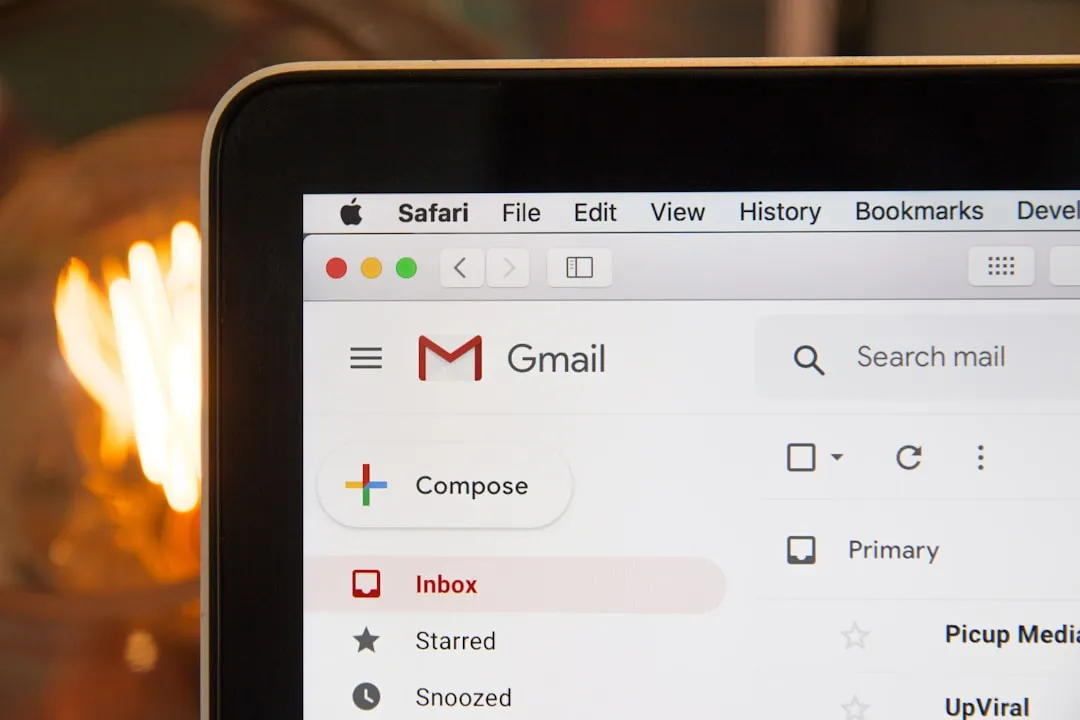
If you've ever been stuck with a cringeworthy Gmail address from your teenage years, you know the pain. That email you created as "partygirl2005@gmail.com" or "coolkid123@gmail.com" seemed like a great idea back then, but now it's following you into job applications and professional networking. Here's the thing—Gmail users have been stuck with their original email addresses since the service launched, but that might finally be changing.
Recent developments suggest Google is exploring ways to give users more flexibility with their email identities, though the current reality remains frustratingly rigid. While Google clarified that reports about automatic AI training opt-ins were misleading, the controversy revealed something deeper: just how trapped users feel with their existing Gmail addresses. The backlash wasn't just about AI training—it highlighted how desperately users want more control over their digital identities, including the ability to evolve beyond embarrassing email addresses they chose years ago.
The reality behind Gmail's current limitations reveals a fundamental design choice that's aged poorly. Google's system provides no method to change your account username, meaning once you commit to a Gmail address, it becomes permanently tied to your digital identity. This isn't just an inconvenience—it's a digital life sentence that grows more burdensome as our online lives become more professional and interconnected. Even more restrictive, if you stop using an account, it enters dormancy indefinitely, and after two years of potential deletion, your username never becomes available again.
This creates a digital permanence that many users never anticipated when they chose addresses in their younger years. What seemed fun at 16 can become professionally embarrassing at 26, yet unlike social media platforms that regularly allow username changes, Gmail treats your address as an immutable digital fingerprint.
Why Gmail addresses feel so permanent
The technical architecture behind Gmail's inflexibility stems from Google's integrated ecosystem approach, but the disparities between user types reveal the true scope of the problem. When you change a user's email address in Google Workspace, documents and shared drives transfer to the new address, but this functionality only exists for enterprise customers with administrative control. This means businesses can rebrand seamlessly while personal users remain trapped by addresses they chose as teenagers.
Personal Gmail users face a completely different reality where the only way to change your Gmail address is to start over completely, requiring manual transfer of everything from your current account to a new one. This discrepancy exposes how Google prioritizes enterprise flexibility while ignoring individual user autonomy—a philosophical stance that increasingly feels outdated in an era where personal branding matters as much as corporate identity.
Now here's where it gets really frustrating. The data migration process reveals just how deeply integrated Gmail addresses become with your digital life, creating what essentially amounts to vendor lock-in. Google Takeout is designed to help save data locally but makes no effort to help you actually use that data elsewhere, arriving as split ZIP files without import functionality. It's like being given all the pieces of a puzzle but no picture to guide assembly—and some pieces are missing entirely.
Critical services become digital anchors that prevent meaningful transitions: YouTube subscriptions, Maps history, and Google Home remain permanently locked to original accounts, making a complete transition nearly impossible without significant losses. This isn't accidental; it's a strategic design that ensures user retention by making the switching costs prohibitively high.
Even the workarounds Gmail offers feel limited compared to what users actually need. You can create address variations using the plus symbol or add dots anywhere in your username, since Gmail treats these as the same address. For example, johndoe@gmail.com, john.doe@gmail.com, and johndoe+work@gmail.com all go to the same inbox. However, these cosmetic changes don't solve the core problem of having an embarrassing or outdated primary address that appears in professional communications and cannot be hidden from recipients.
The bottom line is that Google could fix this difficulty, but Google is segmented into different teams for various products, making unified changes difficult. This organizational structure means that creating a seamless address change system would require coordination across multiple product teams—something that apparently hasn't been prioritized despite growing user frustration and competitive pressure from more flexible alternatives.
Google's emerging solutions hint at change
Recent developments suggest Google recognizes the limitations of its current system and is exploring more flexible approaches that could eventually address the address permanence problem. Google is developing Shielded Email for Gmail, creating single-use or limited-use email aliases that forward to your primary account, similar to Apple's Hide My Email feature. This represents a significant shift toward giving users more control over their email identity, even if it doesn't directly solve the primary address problem.
What's particularly interesting is how this development connects to broader privacy and identity management trends. The timing coincides with growing concerns about Gmail's email scanning for features like spam filtering and AI suggestions that prompted many to explore alternative services, even after Google clarified that Gmail content isn't used for training Gemini AI models. The controversy highlighted legitimate anxieties about data control and the permanence of email addresses, suggesting that address flexibility has become part of a larger conversation about digital autonomy.
Google's approach to email masking could eventually evolve into more comprehensive address management options. The company is encouraging users to make use of new email masking technologies to protect their primary addresses, suggesting a strategic shift toward multiple address management rather than single-address permanence. This infrastructure development indicates that Google is building the technical foundation for more sophisticated email identity management, which could theoretically extend to allowing primary address changes.
The technical infrastructure improvements extend beyond aliases to fundamental security enhancements. Gmail's security infrastructure now reportedly blocks nearly 100 million spam emails every minute, and any future address change system would need to maintain these protections while preventing abuse. This security focus suggests that when Google does implement address changes, they'll likely come with robust verification and anti-spam measures to prevent the chaos that unrestricted changes could create.
What this means for your digital identity
The potential for Gmail address changes represents more than just cosmetic improvements—it addresses fundamental questions about digital identity ownership and evolution in an increasingly connected world. Gmail's 2 billion users face critical decisions about balancing enhanced AI functionality with data privacy concerns, and address flexibility could become part of that equation as users seek greater control over their digital presence.
The implications extend beyond individual convenience to broader questions of digital ownership and personal agency. Consider how your email address has evolved from a simple communication tool to your digital passport—the key that unlocks everything from online banking to social media accounts, streaming services to work platforms. Your Gmail address is woven into the fabric of your digital existence, yet you have no control over this fundamental identifier.
Current workarounds demonstrate both the demand for change and the limitations of existing solutions. You can modify your display name through Gmail settings, which changes how recipients see your name but doesn't alter the underlying email address. The process is straightforward: go to Settings, then Accounts and Import, click "Edit info" under "Send mail as," enter your desired name, and save changes. This helps with professional presentation but doesn't solve privacy, personal branding, or identity concerns tied to the actual address itself.
The mismatch between user needs and available options has become more pronounced as digital identity management has matured. While platforms like Twitter, Instagram, and TikTok regularly allow username changes to support personal rebranding, email—arguably more fundamental to digital identity—remains frozen in time. This creates an increasingly awkward disconnect between the flexible, evolving nature of modern digital identity and the rigid permanence of email addresses.
The path forward: flexibility without chaos
While complete Gmail address changes aren't available yet, the foundation for more flexible email management is being laid through features like Shielded Email and improved alias systems that demonstrate Google's technical capability to manage multiple identities. Privacy-focused alternatives like ProtonMail already offer multiple email addresses and unlimited aliases, demonstrating that technical solutions exist for users willing to switch providers. These alternatives prove that email flexibility is technically feasible and increasingly expected by privacy-conscious users.
The key challenge will be whether Google can implement address flexibility without compromising the security and anti-spam measures that make Gmail effective. Gmail's security infrastructure blocks nearly 100 million spam emails every minute, and any address change system would need to maintain these protections while preventing abuse. This is likely why Google has moved cautiously—opening the floodgates to address changes could create new attack vectors for spammers and scammers who might exploit frequent address changes to evade detection and accountability measures.
There's also the technical challenge of maintaining data integrity across Google's vast ecosystem while preserving the network effects that make Gmail valuable. When someone changes their address, the ripple effects extend through shared documents, family groups, YouTube channels, purchase history, and social connections built over the years. These interconnections make address changes exponentially more complex than they appear on the surface, requiring careful orchestration across dozens of Google services to prevent data loss or broken relationships.
For now, users stuck with embarrassing Gmail addresses should prepare for potential changes by organizing their digital accounts and considering which services they'd want to migrate first. Start documenting which platforms use your Gmail address for login, what data would be critical to preserve, and how you'd want to structure a new email identity. The era of permanent email addresses may finally be ending, but the transition will likely require careful planning regardless of what Google ultimately implements.
PRO TIP: While waiting for official address change capabilities, consider using Gmail's existing alias features strategically. Create professional variations using dots and plus signs for different contexts, and start building familiarity with these addresses before any major changes become available. This can help you test how different services handle email variations and prepare for a smoother transition if full address changes become possible.
The conversation about Gmail address flexibility reflects broader questions about digital identity and user control in an increasingly connected world. As our online and offline lives become more intertwined, the ability to evolve our digital identities becomes not just convenient but essential for personal and professional growth. Whether Google will finally give users this freedom remains to be seen, but the mounting pressure from users and competition from more flexible alternatives suggests change is coming—eventually.








Comments
Be the first, drop a comment!