



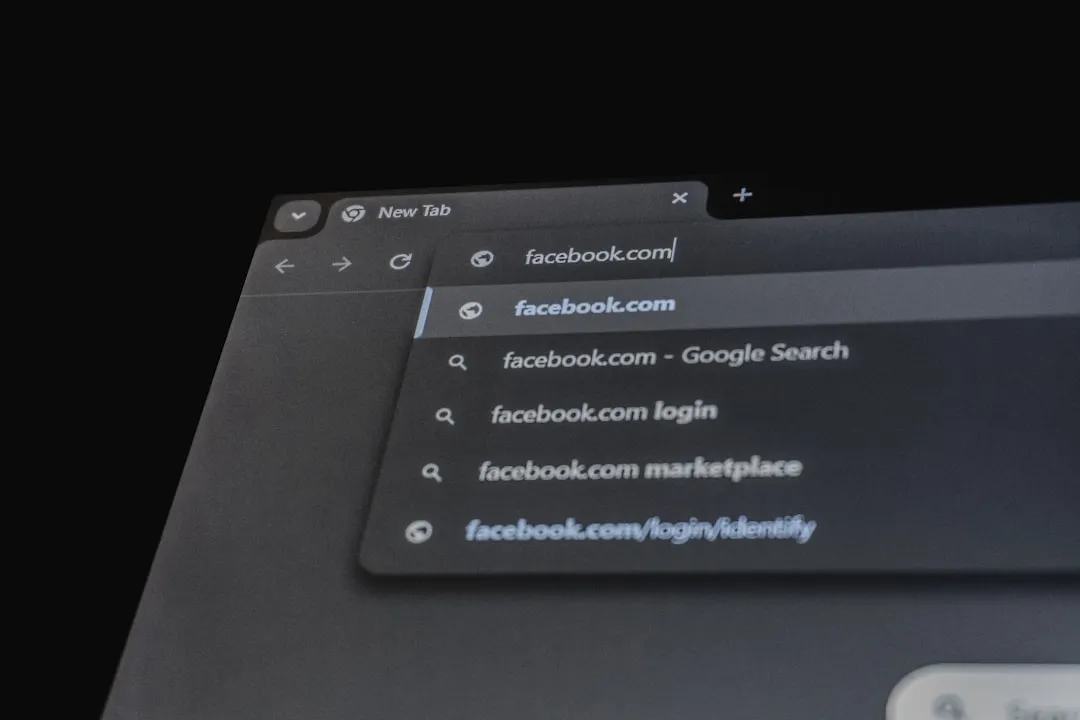
Google's finally closing the gap between desktop and mobile browsing with a feature that Android tablet users have been waiting years for. Chrome for Android is introducing a desktop-style bookmarks bar specifically for tablets and foldables, according to reports from multiple sources. This update brings the familiar bookmark toolbar experience to larger Android screens, eliminating the need to dig through menus just to access your most-visited sites. The feature launched with Chrome version 146 in mid-March 2026, as confirmed by Android Police, and represents a significant step toward making Android devices feel more like true productivity tools. The timing couldn't be better, as Android tablets have seen substantial growth—according to comprehensive analysis from Find Articles, Chrome's 65% global browser market share means this interface improvement could impact millions of users who rely on tablets for work, education, and entertainment in increasingly diverse environments from schools to remote field work.
Why this desktop feature matters for mobile productivity
Let's break down why this seemingly small addition is actually a game-changer for Android users. For years, Chrome on tablets felt like a stretched phone interface rather than something designed for larger screens. Users had to navigate through multiple menu layers to reach saved bookmarks, as noted by Tech Edu Byte, which disrupted workflow and made tablets less appealing for serious browsing tasks.
The new bookmarks bar displays site icons, names, and organized folders directly beneath the address bar, according to 9to5Google's detailed coverage. This change transforms how users interact with their saved content, making frequently accessed sites just one tap away instead of requiring several menu navigations.
Think about the real productivity impact here—if you're using your tablet for work or research and visiting the same five or six sites repeatedly throughout the day, those extra taps really start to add up. What used to be a three-step process (menu → bookmarks → select site) becomes instant access. Research from Find Articles quantifies this efficiency gain: "If you're opening five of the same sites a dozen times per day—project dashboards, learning portals, documentation—those three taps become six and then 12 and then start to really add up."
Getting the bookmarks bar up and running
Here's what you need to know about enabling this feature on your device. The bookmarks bar comes with Chrome version 146 and requires manual activation through the browser settings. Navigate to Settings > Appearance and toggle "Show bookmarks bar" to activate the feature, as detailed by multiple sources.
The interface remains hidden on narrow screens like smartphones to preserve valuable vertical space, but appears prominently on tablets and book-style foldables. If you don't see the option immediately after updating, try force-stopping Chrome through your device's app settings, according to Indian Express reporting.
PRO TIP: If the Appearance menu isn't visible yet on your device, force-stop Chrome from the App info menu to refresh the feature rollout.
The feature also supports keyboard shortcuts for users with external keyboards, allowing Ctrl + Shift + B to toggle the bar on and off. This keyboard support particularly shines for those who use their tablets with accessories in laptop-replacement setups, where the distinction between mobile and desktop computing continues to blur.
Smart design choices for different screen sizes
Google's implementation shows thoughtful consideration for various device types and usage scenarios. The bookmarks bar automatically adapts to screen real estate, showing favicons and site names when space allows, and using overflow icons when the bar gets crowded, as reported by NewsBytes.
Long-pressing any bookmark reveals the full URL for verification purposes—a nice security touch for users who want to double-check where they're heading. Folders open in clean dropdown menus that don't obstruct the browsing experience, maintaining that polished feel you'd expect from a mature browser.
The feature intelligently hides itself on phone-sized screens to avoid cluttering the limited vertical space, but becomes visible and useful on larger displays where horizontal real estate isn't at a premium. This selective visibility ensures the feature enhances productivity without compromising usability across Google's diverse Android ecosystem. Google's technical implementation automatically detects screen width to determine visibility, ensuring the bookmarks bar only appears where it genuinely improves the browsing experience rather than creating interface clutter.
What this means for the future of Android browsing
This update signals Google's broader commitment to making Chrome more versatile across different device categories. The company has been steadily improving Android's large-screen experience since Android 12L, and the bookmarks bar represents a concrete implementation of that vision, according to comprehensive analysis from Find Articles. This isn't just about feature parity—it's about "working with developers to take advantage of the additional space for persistent navigation and multitasking."
Chrome's commanding 65% global browser market share makes interface improvements like this potentially transformative for millions of users. The feature brings Android tablets closer to desktop-class browsing experiences, especially when paired with external keyboards and mice that further blur the line between tablets and traditional laptops.
Looking ahead, future updates might include customizable toolbars, enhanced bookmark organization features, and improved synchronization between desktop and mobile bookmark bars, as suggested by industry observers. We're potentially looking at features like "bookmark tagging or smart folders" and "seamless integration between desktop and mobile bookmark bars"—enhancements that would further eliminate friction between different computing contexts.
The competitive implications are significant too. Analysis from Find Articles notes that "On iPad, Apple's Safari has a powerful Favorites Bar, and desktop browsers from Mozilla and Microsoft have long considered it table stakes." Chrome's move brings Android tablets up to feature parity while maintaining the cross-device consistency that reduces cognitive load for users switching between desktop and mobile environments.
The bottom line on Chrome's tablet transformation
The bookmarks bar represents more than just feature parity with desktop Chrome—it's about recognizing that tablets and foldables deserve interfaces designed for their unique capabilities. While the change might seem incremental, it addresses a fundamental usability issue that has plagued Android tablet users for over a decade, as highlighted by Chrome Unboxed's analysis.
The feature makes Android devices more competitive with iPads and other tablets in terms of productivity and user experience consistency. For users who switch between desktop and mobile Chrome throughout their day, this consistency reduces cognitive load and creates a more seamless browsing experience across devices. Research from Find Articles confirms this impact: "For Androiders who exist between a few ecosystems—say, Chrome on a work PC and tablet on the go—consistency also lowers cognitive load."
As Google continues refining Chrome for larger screens, we can expect more desktop-inspired features that cater to the growing number of users who rely on tablets and foldables for serious work. The company's Android 12L initiative has laid the groundwork for these improvements, and the bookmarks bar demonstrates their commitment to making Android tablets feel less like oversized phones and more like legitimate productivity tools. It's taken longer than many would have liked, but Google seems to finally understand that tablets aren't just big phones—they're distinct devices that deserve thoughtful, context-aware interface design.









Comments
Be the first, drop a comment!