



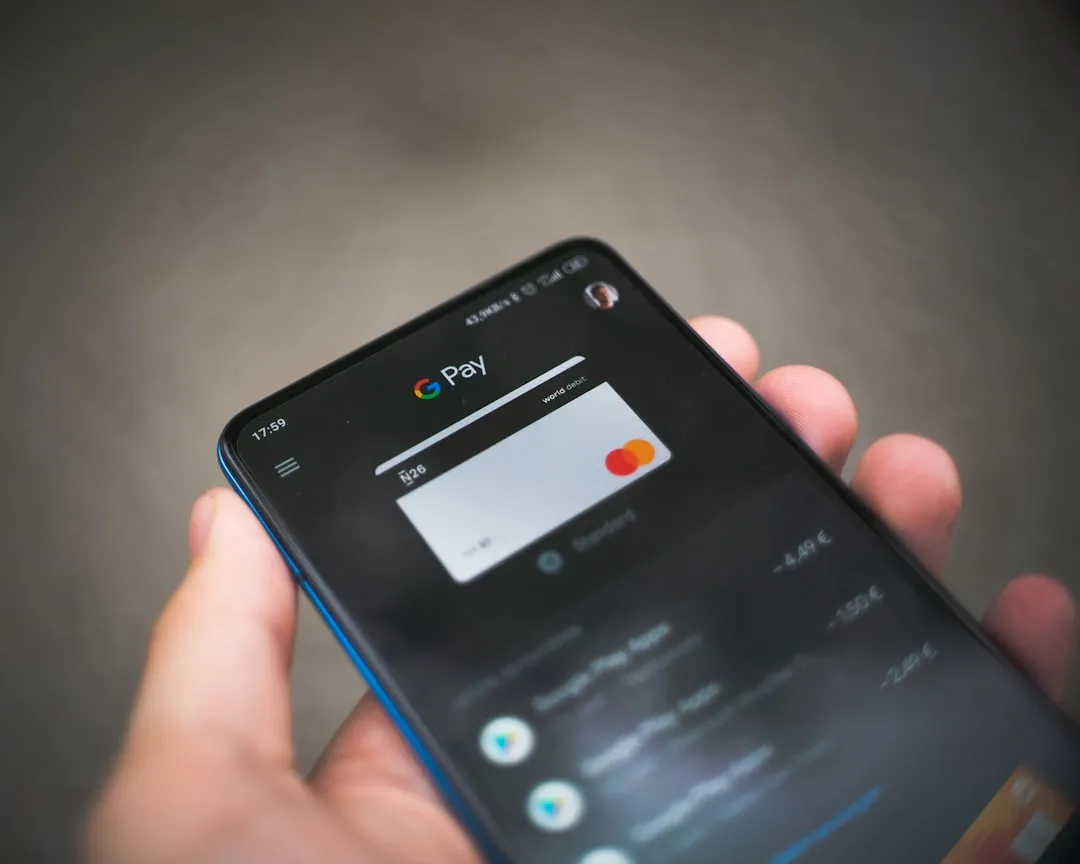
You know that moment when your phone starts acting like it has its own agenda? That's exactly what's happening to Android users worldwide right now, and it involves something as basic as volume buttons. If you've ever relied on your Android phone's volume buttons for quick adjustments or camera controls, you might have noticed something frustrating lately. Those trusty physical buttons that once responded instantly to your touch have started acting up in ways that make no sense.
Google has now confirmed what many users suspected: there's a significant software issue affecting how volume keys function on Android devices, and the company is actively working on a permanent solution. The problem centers around an unexpected conflict between accessibility features and basic device controls, creating headaches for users who depend on these fundamental hardware interactions. Reports indicate that the malfunction occurs specifically when the Select to Speak accessibility service is active, transforming what should be simple volume adjustments into a confusing experience where buttons control entirely different audio streams than expected.
What's actually broken with your volume keys?
The core issue is surprisingly specific but affects fundamental device interactions. Here's what's happening at the system level: when you have Select to Speak enabled on your device, Android's audio routing system gets confused about which volume controls should respond to physical button presses. When Select to Speak is enabled, pressing volume buttons no longer controls standard media volume. Instead, your Android device redirects these button presses to adjust accessibility volume levels, leaving your music, videos, and other media playback unaffected by what should be your primary volume controls.
This creates a cascade of problems across different usage scenarios. You press the volume up button expecting your podcast to get louder during your morning commute, but the system is quietly adjusting some accessibility setting you're not even using. The disconnect becomes even more pronounced during hands-free situations—like when you're driving or exercising—where volume buttons are often your only practical way to make quick audio adjustments.
The photography workflow disruption is particularly significant for mobile content creators. Photography enthusiasts are particularly affected since volume buttons fail to capture photos when pressed during camera operation. This eliminates a popular shortcut that many Android users have relied on for years, particularly for discreet photography, burst shots, and selfies where reaching the on-screen shutter button is awkward or impractical.
Beyond these primary failures, there's a subtle but equally annoying behavioral change. Some users report that long-press volume controls no longer repeat, requiring individual taps for each volume adjustment. This transforms volume adjustment from a fluid, continuous gesture into a tedious tap-by-tap process that becomes especially problematic when you need to make significant adjustments—like going from silent mode to audible levels, or reducing volume quickly in quiet environments.
The accessibility connection: why Select to Speak matters
To understand why this bug creates such system-wide disruption, you need to know how Select to Speak integrates with Android's audio architecture. The feature is available on Android 11.0 and newer devices, enabling users to tap items on their screen to hear descriptions or text read aloud. It's designed as an accessibility tool that helps users with visual impairments or reading difficulties interact with their devices more effectively by creating an alternative audio interface to visual content.
The feature's sophistication makes its system integration complex. The feature supports multiple languages and integrates with Google Camera's optical character recognition capabilities, making it a powerful tool for real-world text recognition and voice feedback. This deep integration requires privileged access to Android's hardware controls and audio routing systems—which is precisely where the conflict arises.
The bug's trigger mechanism reveals the complexity of modern Android's component architecture. Multiple users have identified updates to the Android Accessibility Suite app as the common trigger for these volume button issues. The problem often appears overnight without a system update, coinciding instead with automatic app updates distributed through the Play Store. This distribution method means the bug can affect users unpredictably, independent of their Android version or security patch level.
Who's affected and how widespread is this?
Initially, reports focused heavily on Pixel devices, which typically receive Google's software updates first and often serve as testing grounds for new features. However, the scope quickly expanded beyond Google's hardware ecosystem. The issue extends beyond Google's phones to include Samsung Galaxy devices, Asus ROG Phone 9, and other Android handsets running recent updates. This cross-manufacturer impact points to the bug residing in shared Android components rather than device-specific firmware implementations.
The temporal pattern of reports suggests the issue has been building gradually across the Android ecosystem. A growing number of users began reporting unusual volume button behavior following recent Android updates, with complaints surfacing more frequently after the November and December 2025 security patches. However, this represents the escalation of an issue that may have been quietly affecting smaller user populations for several months before gaining widespread attention.
What makes this bug particularly disruptive is how it strikes at the foundation of smartphone interaction patterns. The glitch matters because volume keys are among the few hardware controls people use throughout the day without thinking, across apps and even on the lock screen. Unlike touchscreen interfaces that require visual attention and deliberate interaction, volume buttons represent our most instinctive smartphone controls—the kind of muscle memory interactions that become automatic after years of use. When these fundamental pathways break, it disrupts the intuitive flow between user intent and device response that makes smartphones feel like extensions of ourselves.
Google's response and temporary fixes
Google has acknowledged the problem and provided users with immediate relief options, though each comes with significant trade-offs. Google acknowledges the issue and provides a temporary solution: disable Select to Speak (Settings > Accessibility > Select to Speak → toggle off the Select to Speak shortcut). While this workaround restores normal volume button functionality, it forces users into an uncomfortable choice between basic hardware controls and accessibility features that some users genuinely need for effective device interaction.
This temporary solution highlights the tension between inclusive design and system stability. For users who don't rely on accessibility features, disabling Select to Speak is a minor inconvenience. However, for people who depend on these tools for daily navigation, communication, or information access, the workaround essentially asks them to sacrifice essential functionality to restore what should be basic hardware behavior. This creates an untenable situation where accessibility improvements meant to enhance usability instead create barriers to fundamental device operation.
Google's commitment to a proper fix offers hope for a comprehensive solution. The Android Community Team is actively developing a permanent fix for the issue, though they haven't provided a specific timeline for when this solution will be available. This leaves affected users in a holding pattern, especially those who cannot simply disable accessibility features without compromising their device experience.
The potential resolution path may offer faster deployment than typical Android updates. Google typically pushes bug fixes through regular system updates that roll out over time. However, since the suspected trigger involves the Accessibility Suite distributed through the Play Store, the path to a fix could potentially be faster than a full operating system patch. This app-based distribution could enable Google to deliver fixes directly to affected devices without waiting for carrier approval or system-level update cycles.
What this means for Android's future reliability
This volume button bug exposes deeper challenges in managing Android's increasingly complex accessibility and hardware integration systems. The incident demonstrates how well-intentioned accessibility improvements can unintentionally create conflicts with core device functions, revealing the delicate balance required when enhancing system-level features. Rolling back Accessibility Suite updates or turning off shortcuts can mean giving up newer accessibility functions, and that may not be practical for users who depend on TalkBack or Select to Speak to use a phone at all.
The bug's location within Android's architecture will determine both the complexity and timeline of resolution efforts. The uncertainty lies in whether the bug sits only in the Accessibility Suite app or in a deeper Android component shared across phone brands, which would likely take longer to unwind. If the issue originates from app-level conflicts, Google can potentially deploy fixes quickly through Play Store updates. However, if the problem involves deeper system components that manage hardware access permissions and audio routing, resolution could require more extensive development and testing across diverse device configurations.
This incident serves as a case study for the challenges of maintaining both innovation and stability in complex software ecosystems. As Android continues evolving its accessibility features—which represents crucial work for inclusive technology design—Google must develop more robust testing frameworks to ensure that these enhancements don't inadvertently break fundamental device interactions. The solution lies not in avoiding accessibility improvements, but in creating development processes that can predict and prevent conflicts between new features and existing user behaviors.
Bottom line: while Google works on a permanent fix, affected users face an unfortunate choice between volume button functionality and accessibility features. This situation underscores both the complexity of modern smartphone software and the critical importance of comprehensive testing when updating core system components that intersect with hardware controls and user accessibility needs.















Comments
Be the first, drop a comment!