





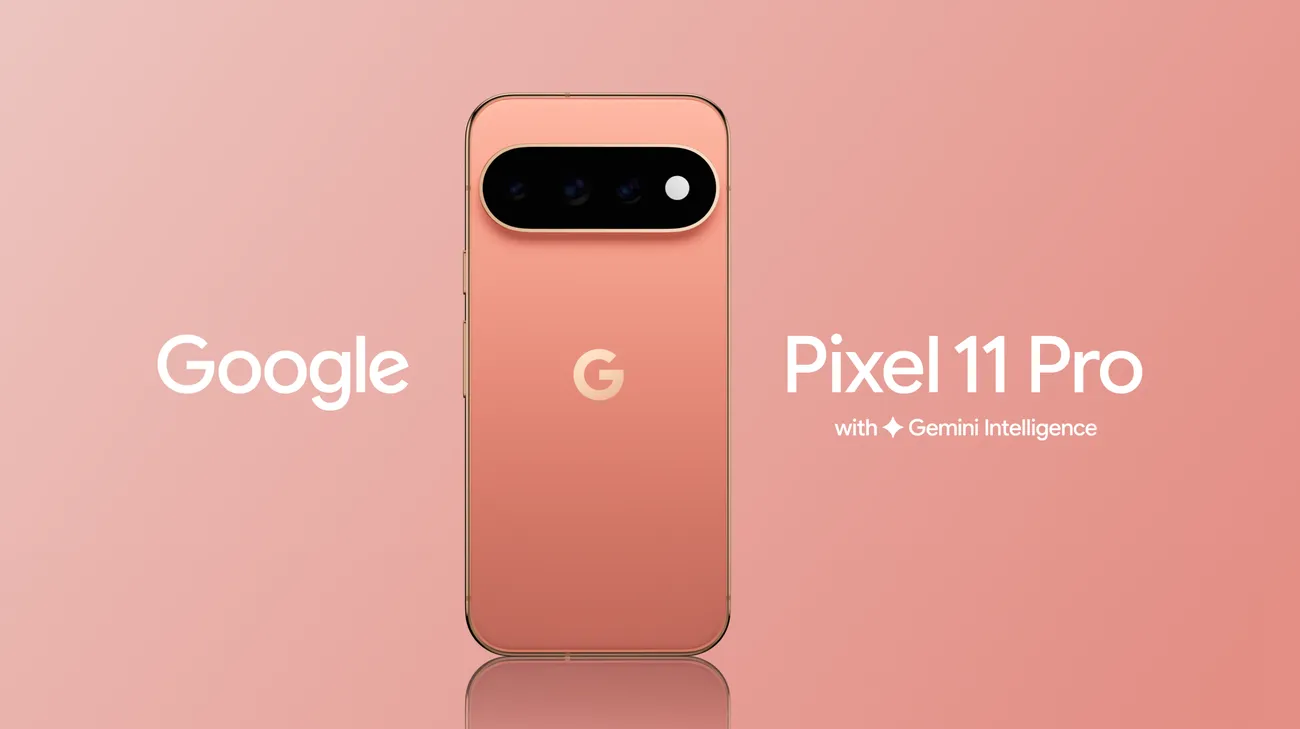
Pixel 11 Pro XL Extreme Charging mode can be activated from the phone's Battery and charging settings, the lock screen when eligible, or Quick Settings after the feature has been activated once.
Google's own description doesn't add much clarity. The company says the mode will "focus your phone's performance entirely on powering up" to deliver an "ultra-fast boost when you need it most." Droid Life's hands-on testing fills in the mechanics a bit: the mode pauses background activity so the phone can dedicate its resources to a wired charge.
This is not a verified benchmark of how much faster a Pixel 11 Pro XL charges with the mode switched on. That data doesn't exist yet, for reasons explained below. What follows is a practical walkthrough: where the toggle lives, what's actually required to use it, what's confirmed about its performance so far, and why it has shown up greyed out and labeled "Unavailable" on fully updated phones, Pro XL units included.
How to enable Extreme Charging mode on Pixel 11 Pro XL
You don't need the Quick Settings tile to activate Extreme Charging for the first time. Go to Settings > Battery and charging > Extreme Charging Mode > Turn on now. Google says the Quick Settings tile becomes available after you've activated the feature once.
Drag the tile up into your active row of switches. Once it's there, it's one tap away, rather than something you have to dig for during an actual low-battery emergency.
Don't expect much explanation once you find it. Google has shared few details about how the mode works beyond that "ultra-fast boost" language, and there's no published breakdown of requirements or trade-offs to go with the toggle.
Worth flagging before you go any further: earlier launch-week reports found that some Pixel 11 units still showed Extreme Charging as unavailable even when the documented eligibility conditions appeared to be met.
Known requirements and what remains unclear
Extreme Charging is designed around a narrow set of circumstances, not everyday use, but not every condition attached to it carries the same level of confidence.
Verified requirements:
A wired connection to a supported charger. The mode has nothing to do with wireless charging.
Battery below 50%. Both Droid Life and Android Police describe this as a built-in trigger threshold rather than a loose suggestion, which makes this an emergency top-up feature rather than a replacement for normal fast charging.
Recommended, but not proven necessary:
A charger rated at 45W or higher. Google documents this as a recommendation, not a published minimum for eligibility.
Not verified as fixes:
Swapping cables or chargers, disabling Adaptive Battery, disabling Adaptive Charging, or removing the 80% charge limit. None of these have been shown to resolve an unavailable toggle, even though they're the obvious first things most people try.
Meeting the verified requirements, and even the recommended one, did not guarantee availability in Android Police's testing. Treat this list as necessary, not sufficient. The diagnostic section below explains why checking every box still wasn't enough for at least one tester.
What happens when Extreme Charging activates
When the mode does turn on, the phone temporarily pauses background activity so it can put its full attention on charging over a wired connection. That's the entire documented mechanism so far. There's no mention of a separate charging chip or hardware switch involved; it reads as a software-level reallocation of resources toward a single task.
What the Pixel 11 Pro XL fast charging feature is supposed to deliver, and what's verified
Google's reported targets, according to Android Police, call for 55% charge in 30 minutes on the Pixel 11 and 11 Pro, 50% on the Pixel 11 Pro Fold, and 75% on the Pixel 11 Pro XL. That 75% figure is the headline number for Pro XL owners, and it's also the one to treat most cautiously. Google's current battery-testing disclosure says its Pixel 11 charging tests were conducted with Extreme Charging Mode enabled, using a Google 45W USB-C charger in a lab on pre-production hardware and software. Google rates the Pixel 11 Pro XL for up to 75% charge in about 30 minutes under those test conditions.
The only real-world data available so far comes from a standard Pixel 11 Pro, not the Pro XL. One session hit 25W at 37% battery; a separate one climbed from roughly 5% to 45% in about 20 minutes. Those numbers confirm the feature functions on at least one device in the lineup. They say nothing about how fast the Pro XL charges under the mode, whether it reaches its 45W ceiling, or how that compares to charging with the mode switched off.
There's one confirmed piece of hardware news worth separating from all this: the Pixel 11 Pro XL supports up to 45W wired charging, the same maximum wattage reported for the Pixel 10 Pro XL. That's useful context, but no source has confirmed whether Extreme Charging mode is what unlocks that higher ceiling, or whether it simply reallocates system resources around a rate the phone already supports on its own.
The cited reporting doesn't include a controlled, meter-based comparison run on a Pixel 11 Pro XL with the mode on versus off. The 75%-in-30-minutes figure is a Google lab result, not an independent real-world benchmark. Google says the test began with a fully drained battery and used a 45W USB-C charger with Extreme Charging Mode enabled; actual charging speed may be slower.
Why the toggle may say "Unavailable"
If your Pixel 11 Pro XL Extreme Charging mode toggle is greyed out, work through the requirements in order before assuming your unit is defective.
Start with the verified requirements above: confirm you're on a wired connection and below 50% battery. If you have a 45W-or-higher charger, use it, since that's Google's stated recommendation, even though it hasn't been confirmed as a hard cutoff.
Charger compatibility is worth understanding as background, even though it isn't a confirmed fix here. Since the Pixel 9 series, Pixels have required a specific USB-C Power Delivery PPS profile to reach full fast-charging speeds: 18V at 2A. A charger that only negotiates 9V at 3A caps out around 27W even if its total wattage looks comparable, because Pixels won't push amperage that high. That explains a lot about prior-generation Pixel charging quirks, but nobody has confirmed it's the reason the Pro XL's new 45W mode or the Extreme Charging toggle specifically goes unavailable.
The core problem remains unresolved. One Android Police tester met every known condition: fully updated software on the Aug. 5 build, the Aug. 1 Play system update, a charger confirmed to negotiate properly with Pixel hardware, a compatible cable, and roughly 25% battery. The toggle still read "Unavailable" across a Pixel 11, Pixel 11 Pro, and Pixel 11 Pro XL. Turning off Adaptive Battery, Adaptive Charging, and the 80% charge limit made no difference.
What makes this genuinely confusing is that the mode isn't broken across the board. Android Police colleagues activated it successfully on a Pixel 11 Pro and a Pixel 11 Pro Fold, and Droid Life used it without issue on a Pixel 11 Pro. Some Reddit users report the same unavailability described above. The available reporting does not identify the cause, and there is no verified fix yet.
What you can do now:
Do: add the Quick Settings tile, plug into a wired charger below 50% battery, and use hardware at or above Google's 45W recommendation for the best shot at activation.
Don't rely on: swapping chargers or cables, disabling Adaptive Battery or Adaptive Charging, or removing the 80% charge limit. None of these steps have been shown to fix an unavailable tile.
Decision point: if the toggle activates, it's a reasonable tool for an urgent low-battery top-up. If it stays greyed out after you've met every known condition, there's currently no evidence-based fix to try.
Looking ahead
Extreme Charging mode is real, and it works for some Pixel 11 owners, once you know to go looking for it under Utilities in Quick Settings. For the Pro XL specifically, the 75%-in-30-minutes figure remains a stated target rather than a verified result, and nobody has confirmed whether the phone's new 45W wired ceiling is even tied to this feature.
Until Google publishes eligibility details, an unavailable tile should be treated as an unresolved software behavior, not proof that your phone or charger is faulty.















Comments
Be the first, drop a comment!