



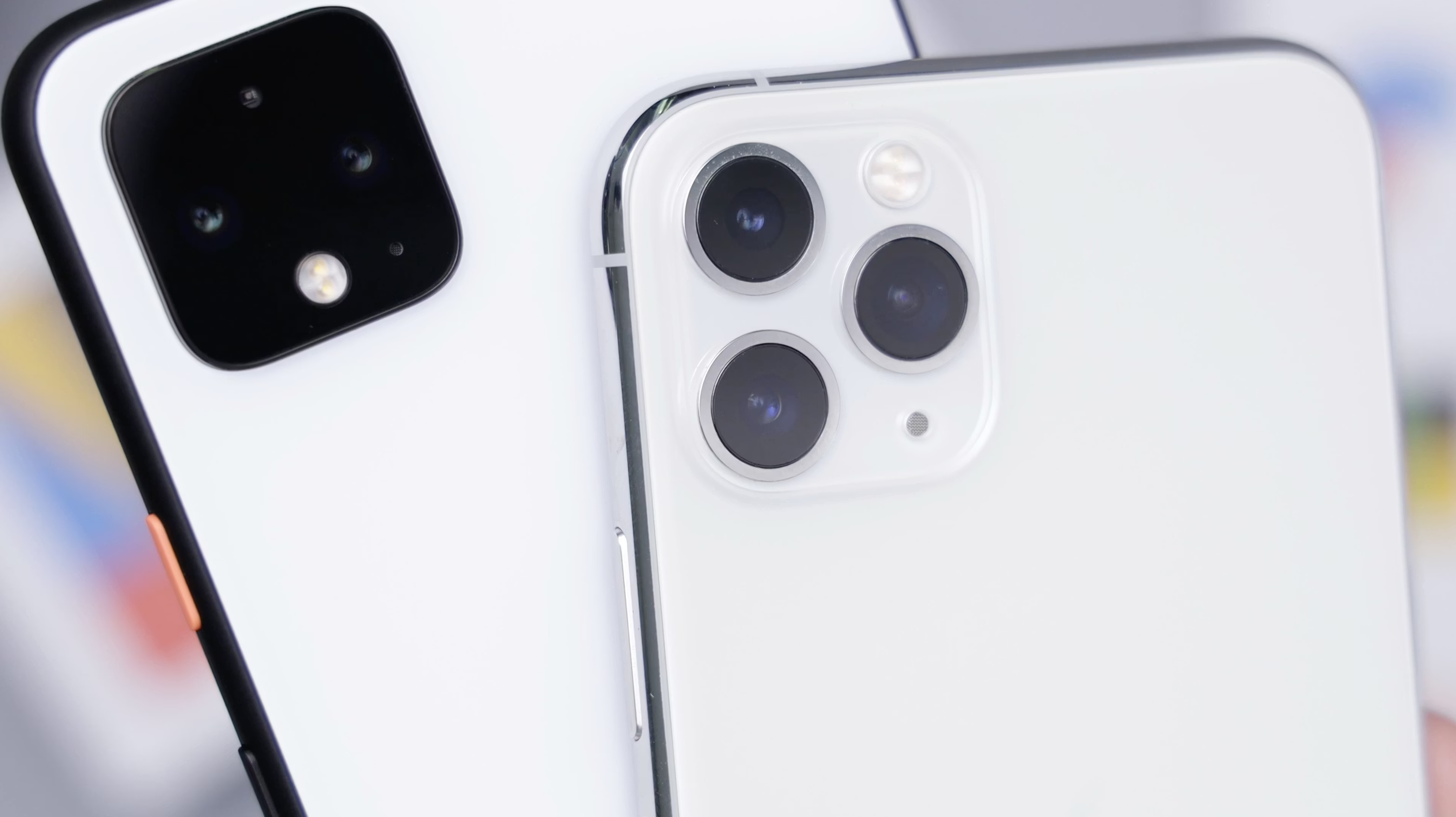
You know that feeling when you're deep into something important on your phone, then realize you need to switch to your laptop or tablet? For most of us, that means starting over, hunting through browser history, or frantically texting ourselves links. But here's the thing—Google has been working behind the scenes to make this digital juggling act a whole lot smoother.
Recent developments show Google is taking device switching seriously, with new collaborative efforts and enhanced transfer capabilities appearing in test builds. Google and Apple have confirmed they're working together to create better data migration tools, while Google pushes forward with its own ecosystem improvements. The enhanced transfer features have already started appearing in Android Canary build 2512, showing this isn't just wishful thinking, but it's actually happening.
This collaboration represents something bigger than just technical improvements. Regulatory pressure is forcing both companies to reduce friction when migrating between platforms, marking a shift from competitive ecosystem lock-in toward genuine user choice based on features rather than hassle avoidance.
Let me break down the three key ways Google is making device switching feel less like a chore and more like magic.
Enhanced data transfer that actually works
Remember the days when switching devices meant losing half your stuff? Those days are numbered. Google has been overhauling its transfer capabilities, and the improvements go way deeper than just moving photos and contacts.
The latest updates to Android Switch now support transferring accessibility settings, music playlists, passwords and passkeys, cards in your Wallet app, and WiFi credentials. That's a massive upgrade from the basic photo-and-contact transfers we used to get. Think about it—when you pick up a new device, your music is already there, your accessibility preferences are intact, and you don't have to re-enter every WiFi password from scratch.
What's driving this comprehensive approach is Google's partnership with Apple to address transfer gaps that have persisted for years. Both companies already offer apps to make cross-platform transfers easier, but these still leave data behind for various reasons. The new collaborative system reportedly uses secure session IDs and passcodes for device pairing, with early testing showing support for transferring to devices running iOS 26.
The security implementation is particularly noteworthy. When you tap the new "Copy Data" option that appears alongside the existing eSIM transfer tool, you're prompted for a session ID and passcode—essentially creating a secure handshake between devices. This ensures your data stays protected during the transfer while enabling much more comprehensive data migration than previous methods allowed.
This isn't just about convenience, but changing the cost of switching ecosystems. When device migration becomes genuinely seamless, users gain the freedom to choose platforms based on what works best for them, rather than being trapped by transfer hassles.
Cross-device task continuity coming to Android
Here's where Google's long-term vision becomes clear. The company is developing "Task Continuity"—essentially Android's answer to Apple's Handoff feature. This means you'll be able to start something on one device and pick it up exactly where you left off on another.
Google is rumored to be working on a feature similar to Apple's Handoff under the internal codename Task Continuity. The system works by taking a snapshot of your app's current state, finding nearby devices signed into the same Google account, and transferring that information securely. Imagine starting a document on your phone during your commute, then seamlessly continuing on your laptop when you get to the office—without missing a beat.
What sets Google's approach apart is how it builds on existing infrastructure while expanding capabilities. Android's Cross-device services already include automatic hotspot connection and call transfers between devices, but the new system significantly extends this foundation. Early code suggests support for notification syncing, file sharing, and app continuity across devices.
The native integration approach is crucial here. Unlike third-party solutions that require specific manufacturer implementations, Task Continuity is built into Android itself. This means developers won't need to build custom solutions—it'll work automatically for apps that implement the necessary APIs, creating a consistent experience across the Android ecosystem.
While the feature likely won't be ready until Android 17, seeing groundwork laid in Android 16 suggests Google is taking a methodical approach to ensure robust functionality at launch.
Smart account management across platforms
The third piece of Google's device switching strategy focuses on making account management seamless across different platforms and use cases. This becomes particularly important as people increasingly juggle work and personal devices or need to switch between different Google services fluidly.
Chrome now supports seamless account switching with clearer data separation. When you sign into a managed account, Chrome isolates that session's tabs, passwords, history, and other local data. This means you can easily switch between personal and work accounts without worrying about data mixing or security issues—a critical requirement for both individual users and enterprise environments.
These account management improvements tie directly into Google's broader ecosystem strategy. Google's cross-device services work across phones, tablets, and future Android-based PCs, creating unified experiences regardless of which device you're using. This becomes particularly powerful when you consider how Google is consolidating its efforts—merging Chrome OS and Android into a single PC operating system.
The enterprise security features demonstrate how Google is balancing convenience with necessary controls. Chrome Enterprise's mobile security tools include extended reporting capabilities, giving organizations the oversight they need while maintaining clear separation between personal and work data. This sophisticated approach to account management makes cross-platform transfers more reliable by ensuring the system knows exactly what data belongs where and how to handle different security requirements.
The seamless future is almost here
Google's approach to device switching represents a fundamental shift in how we think about our digital lives. Instead of being tied to individual devices, we're moving toward a world where your digital environment follows you seamlessly from phone to tablet to laptop and beyond.
The three improvements work together to create something greater than their individual parts. Enhanced data transfer ensures you never lose important information when switching devices. Task Continuity lets you pick up exactly where you left off. Smart account management keeps everything organized and secure. Combined, they eliminate the friction that has historically kept people locked into single ecosystems.
The collaborative approach with Apple shows how regulatory pressure is creating genuine competition based on features and experience rather than lock-in tactics. Meanwhile, Google's own ecosystem improvements demonstrate how AI agents can learn user preferences and behaviors across devices, creating truly cohesive experiences that adapt to how you actually work.
The technical foundation supporting these changes is robust. Advancements in connectivity technologies like 5G and WiFi 6 support seamless device integration, while cloud computing ensures your data is always in sync. These aren't just incremental improvements—they're enabling a fundamentally different relationship with technology where your devices work together intelligently rather than existing as separate islands.
As these features roll out over the next year or two, switching between devices will become as natural as moving from room to room in your house. The days of losing your work when you change devices or struggling to move data between platforms are quickly becoming a memory.
Bottom line: Google isn't just making device switching easier—they're reimagining how our devices work together. And honestly, it's about time.















Comments
Be the first, drop a comment!