



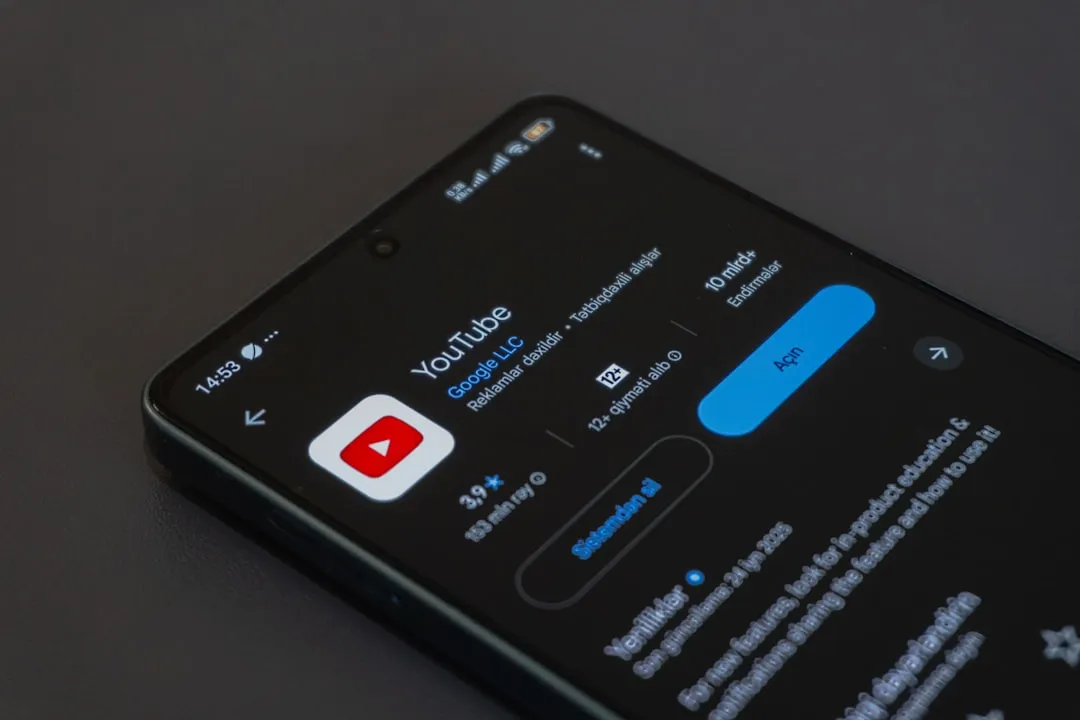
Why Shady Cast to TV Apps on Google Play Store Evade Detection
Shady cast to TV apps on Google Play Store have a structural advantage over Google's defenses: they look exactly like legitimate apps, because in many cases they work exactly like legitimate apps. Every popular screen mirroring app tested in a peer-reviewed study published last September had at least one identifiable security vulnerability. More than 70% were exposed to man-in-the-middle attacks. These weren't obscure or poorly maintained apps they were popular, functional, and widely downloaded, according to research in Springer's Cybersecurity journal.
That's the baseline risk for the category, before considering what happens when a developer is actively trying to exploit you.
Cast and mirroring apps occupy an unusual position in the app ecosystem. They require capabilities most apps never touch: screen capture, persistent local network communication, and background processing. That functional profile creates structural vulnerabilities even in legitimate apps. It also makes the category unusually attractive to fraud operators who need an app users will install, keep running, and grant broad permissions. A shady cast app doesn't need your passwords. It needs you to leave it running.
Screen mirroring and cast apps are exposed by their own functionality
The security risk in this category begins with what these apps are required to do, not what any bad actor makes them do.
Researchers who tested more than 20 popular mirroring apps identified four structural vulnerability types in how casting apps communicate between a phone and a receiving device: unauthorized screen content access, man-in-the-middle (MITM) interception, malicious command injection, and data sniffing. Every app in the sample had at least one, per the Springer study. MITM vulnerabilities were the most common, present in over 71% of apps tested. An attacker on the same local network can intercept the connection between the casting phone and the receiving device, observing or altering data in transit without either end detecting it.
The researchers' threat model requires the attacker to share a local network with the target. That's not a niche scenario. It describes home routers with multiple users, hotel Wi-Fi, office networks the exact places people use cast apps most.
Command injection vulnerabilities go further than passive interception. A successful exploit could allow an attacker to send instructions to the connected device as if they were the legitimate user, potentially redirecting output, accessing content, or triggering actions the user never initiated.
The cast category's attack surface is inherently wider than a note-taking app or a weather widget. That's not a design failure; it's a functional requirement. It is, however, a risk that survives even when the developer's intentions are entirely clean.
How fake cast to TV apps evade Google Play review
The same functional profile that creates structural vulnerabilities also makes cast apps useful as fraud vehicles. Users expect them to request network permissions, run background processes, and stay active. That expected behavior is hard to distinguish from an app running a hidden ad fraud operation.
The SlopAds campaign, uncovered by HUMAN's Satori Threat Intelligence team in September 2025, is the clearest documented example. All 224 malicious apps behaved normally when installed organically through the Play Store, delivering their advertised function without visible anomalies. The malicious behavior activated only when users arrived via the operators' own ad campaigns. At that point, the app used Firebase Remote Config to silently retrieve an encrypted configuration file pointing to malicious modules and command-and-control servers, BleepingComputer reported. Conditional activation is precisely why the apps passed review.
The secondary payload, called "FatModule," was assembled on-device from four image files that used steganography to hide malicious code inside ordinary-looking PNGs. Once active, it ran invisible WebViews continuously, generating approximately 2.3 billion fraudulent ad impressions per day while draining battery and data from affected devices across 228 countries and territories, per BleepingComputer. The 224 apps accumulated over 38 million downloads before HUMAN's researchers surfaced the campaign. Google removed the apps after that external reporting, and updated Play Protect to warn users to uninstall any remaining copies, Android Police noted.
This technique maps directly onto how legitimate cast apps already behave. An app that adjusts its behavior based on network context, device state, or how the user was acquired is mimicking patterns that functional casting apps use for entirely normal reasons. The Play Store's official presence and a working cast feature are not, by themselves, evidence that an app is clean.
Fraudulent cast apps don't need to do anything visibly wrong. They can mirror your TV reliably, maintain good reviews, and run a revenue operation invisibly in the background. The functionality isn't separate from the fraud. It's what makes the fraud viable.
How to spot a risky cast app before you install it
Google's Play Store trust signals are under sustained, documented pressure. More than 160 million fake ratings and reviews were blocked in 2025 alone, according to Google's own safety report. A high star rating and a large download count in this category are the first things fraud operators optimize for, not byproducts of quality.
Before installing any third-party cast app, check for these signals:
- Generic or opaque developer identity. A developer name like "Super Utility Tools LLC" with one app, no website, and no verifiable history is a pattern, not an accident. Legitimate cast app developers are named companies with product portfolios.
- Recycled or stock screenshots. Screenshots that show no real device UI, use obvious stock imagery, or look identical across multiple unrelated apps suggest the listing was assembled quickly rather than built around a real product.
- Permission mismatch. Network access and media permissions are expected for casting. Requests for contacts, SMS access, call logs, or precise location are not functional requirements for screen mirroring and have no legitimate explanation.
- Review patterns that don't add up. A flood of five-star reviews with identical phrasing, clustered submission dates, or no detailed content is a manufactured rating profile. Look for reviews that describe actual use, including complaints.
- Aggressive full-screen ads on launch. Legitimate cast apps don't typically serve interstitial ads before you've done anything. A heavy ad load at launch, especially before the core function is available, is a monetization signal worth taking seriously.
- No privacy policy, or a copied one. All Google Cast-enabled apps are formally required to comply with the Google Cast Content Policy and Google Play's general content policies. A missing privacy policy or one that's clearly templated and unedited suggests the developer didn't expect scrutiny.
None of these signals is definitive alone. Together, they raise or lower the probability that an app is worth trusting.
How to choose a cast app that isn't working against you
Use first-party tools by default. Google's built-in Cast, manufacturer-provided mirroring (Samsung DeX, LG Screen Share, and similar), and the casting features built into major streaming apps like YouTube, Netflix, and Spotify are the right starting point. These are maintained by organizations with both the engineering resources and the reputational incentive to keep them clean. They carry the same structural vulnerabilities the Springer study identified no cast app is immune but they are not running background fraud operations.
Third-party cast apps are acceptable under two conditions: the developer is a named company with a verifiable track record, and the app's requested permissions match what casting actually requires. The checklist above applies here too.
Treat shared networks as elevated risk. The MITM vulnerabilities documented by Springer require an attacker on the same local network. Hotel Wi-Fi and open office networks raise that threat from theoretical to plausible. On any shared network, defaulting to first-party tools is the practical risk reduction.
Keep Play Protect active, but understand its limits. After the SlopAds takedown, Google updated Play Protect to warn users to uninstall affected apps, per Android Police. That response was effective for known threats. It did not catch 38 million installs before they happened. Play Protect now scans over 350 billion Android apps daily, according to Google, which is meaningful coverage but the SlopAds campaign used conditional activation specifically to stay below that radar until external researchers forced the issue. Settings → Google → Play Protect → verify it's on. That step matters, and it doesn't close every gap.
What the numbers actually tell you
Google blocked over 1.75 million policy-violating apps from publication in 2025 and banned more than 80,000 developer accounts, per its safety report. The enforcement operation is real and large.
It is also, by the evidence of every incident that required external researchers to trigger a response, reactive rather than preventive for the most sophisticated campaigns.
- Every mirroring app tested in the Springer study had at least one security vulnerability. That's the baseline for the category, not evidence of bad actors.
- The SlopAds campaign reached 38 million downloads across 224 apps before researchers forced a takedown, per BleepingComputer. HUMAN found over 300 related command-and-control domains, suggesting the removed apps were the first phase of something larger.
- A separate Android ad fraud scheme shut down in February 2026 had already reached more than 25 million devices before Google and ad verification firm Integral Ad Science intervened, Adweek reported.
Most people casting video to a TV don't need a third-party app. Device makers and streaming platforms have built the functionality in. If you do reach for a third-party option, verify the developer, audit the permissions, and apply more skepticism to this category than you would to most. A cast app that works is not the same thing as a cast app that's safe.












Comments
Be the first, drop a comment!