





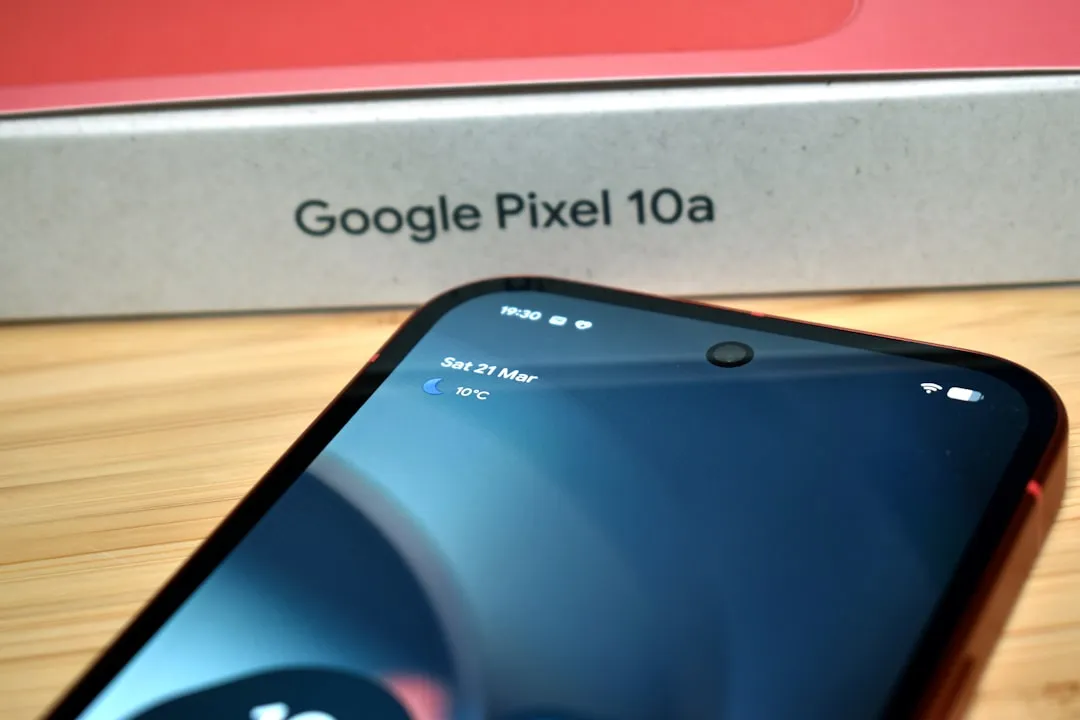
Google added Pixel 10 Comfort View to its flagship lineup two months agoa s part of the March 2026 Pixel Drop, a display feature designed specifically for users whose eyes struggle with the vivid, high-saturation rendering that modern OLED panels are built to deliver. The mode uses refined color filtering to pull back the intensity of very bright or oversaturated colors. It's available on the Pixel 10, Pixel 10 Pro, Pixel 10 Pro XL, and Pixel 10 Pro Fold, but not the Pixel 10a. The independent evidence for whether display filtering actually reduces eye strain is thin, and that gap matters for anyone tempted to treat this as a clinical tool.
What Pixel 10 Comfort View changes on your display
The March 2026 Feature Drop arrived alongside an Android 16 QPR3 update, with Comfort View among its headline additions. Google describes the mode as a refined color filtering approach that reduces visual stimulation from very bright or saturated colors, the goal being a softer, less aggressive viewing experience for sensitive users.
The distinction from existing controls is worth spelling out. Night Light shifts the display toward warmer tones, which helps in the evening but does nothing about aggressive saturation during the day. Lowering brightness dims everything uniformly, creating its own readability tradeoffs. Comfort View targets a different variable entirely: the intensity of colors that feel hard to look at, regardless of time of day or ambient light level.
For users whose main complaint is that their Pixel screen feels visually exhausting after an hour of use, it's the only Pixel-native control aimed directly at that experience. Android Authority noted the mode sounds similar in concept to Samsung's Eye Comfort Shield, though Google hasn't released technical comparisons between the two implementations.
When Comfort View is likely to help and when it probably won't
The Pixel 10 eye comfort mode targets a specific kind of discomfort: visual fatigue driven by color intensity and saturation. Not brightness. Not flicker. Color. That distinction determines whether it's the right tool for a given user.
A few practical scenarios where it fits well:
Users who find extended reading or browsing sessions on their Pixel physically tiring, not because the screen is too bright, but because the colors feel electric or overstimulating
People who work in environments where ambient lighting is already soft and the display's vivid rendering creates an uncomfortable contrast
Anyone whose discomfort persists across brightness levels is a sign that brightness isn't the underlying variable
Where it's unlikely to help: users whose symptoms worsen specifically at lower brightness settings. That pattern points toward PWM flicker sensitivity, which is a hardware problem Comfort View doesn't touch. Users whose headaches or discomfort increase as they dim the screen should look at the PWM differences between Pixel models rather than reaching for a software toggle.
Any medical benefit remains unknown. No independent trials on Comfort View have been published, and the closest available research covers a different mechanism entirely. The feature's value, for now, is determined by user experience.
What the research says and where it stops
The clinical picture for display filtering is less settled than the wellness framing around it tends to suggest. One important caveat comes first: the most rigorous available research examines blue-light filtering spectacle lenses, which attenuate specific wavelengths of light. Comfort View works differently, reducing overall color saturation rather than targeting particular wavelengths. Because the mechanisms aren't the same, the Cochrane evidence is only an indirect comparison of the closest available proxy, not a direct test of the feature.
A 2023 Cochrane systematic review covering 17 randomized controlled trials with 619 adult participants across six countries found that blue-light filtering lenses may offer no meaningful reduction in short-term eye strain during computer use compared to standard lenses, per Cochrane. The authors could not pool results into a meta-analysis because study populations were too heterogeneous, follow-up windows varied, and the available quantitative data were insufficient, the same review found. That inability to pool data is itself informative: it means the evidence base is soft rather than conclusively negative.
The gaps in what was studied are as telling as the findings. None of the included trials evaluated contrast sensitivity, color discrimination, discomfort glare, macular health, serum melatonin levels, or overall visual satisfaction. The review identifies those as outcomes still in need of rigorous study, which means the evidence does not confirm a benefit, but it also does not rule one out.
The Cochrane review also flagged reported adverse effects associated with blue-light filtering lenses, including headache, increased depressive symptoms, lower mood, and discomfort wearing the glasses, though similar effects appeared in control groups using standard lenses, and the data weren't sufficient to draw firm conclusions about causation. That finding doesn't transfer directly to a software display mode, but it signals how unsettled the evidence base for filtering technologies actually is.
Pixel 10 Comfort View and Pixel 10 PWM dimming solve different problems
Color saturation is one source of display-related discomfort on OLED phones. Display flicker is a separate problem driven by pulse-width modulation, the mechanism used to regulate brightness at lower levels. Comfort View does nothing about flicker.
Google has a hardware-level answer for PWM sensitivity, but it's limited to the Pro tier. The Pixel 10 Pro and Pixel 10 Pro XL ship with 480Hz PWM dimming, an upgrade over previous generations that reduces the perceptible flicker that can trigger eye strain or headaches in users with PWM sensitivity. Android Authority reports the standard Pixel 10 remains at 240Hz, the same rate as prior generations.
PWM flicker sensitivity typically shows up as discomfort or headaches that worsen at lower brightness settings. That's because reducing brightness on an OLED means faster PWM cycling, which increases the flicker load on the visual system. Users with migraines or photosensitivity are more likely to sit in that category. Color-intensity fatigue feels different: a kind of visual exhaustion or overstimulation that persists regardless of how bright or dim the screen is.
Google is solving both problems, but at two different price points with two different tools. Comfort View is a software toggle available across the entire flagship lineup. The 480Hz PWM upgrade is a hardware change exclusive to the Pro models. Users weighing a purchase primarily for eye comfort should pin down which problem actually drives their discomfort before assuming either solution covers both.
Who the Pixel 10 sensitive eyes display setting is built for
Google is positioning Comfort View as a targeted tool, not a general wellness feature. It addresses one specific variable, high-color-intensity rendering, and leaves everything else alone.
As a free software toggle, the barrier to trying it is low. The tradeoff is reduced color vividness, which registers differently depending on how you use the phone. Watching HDR video or editing photos with Comfort View enabled will look softer and less punchy than the display's default output. For users whose primary activities are reading, browsing, or extended messaging sessions, that tradeoff is likely minor.
The Pixel 10a is excluded from the feature. Every other current Pixel 10 model gets it. Setup and availability details are covered in full at Android Authority.
The appeal of a screen that feels softer and less aggressive is real. Google is right to treat it as a design goal worth pursuing. Whether a saturation filter reliably delivers that in measurable terms is still an open question. The best independent evidence covers a related but different technology, points toward uncertain conclusions, and calls for more research. For some users, the answer will feel obvious the moment they toggle the mode on. The science just isn't positioned yet to confirm it.














Comments
Be the first, drop a comment!