



Google's Pixel Screenshots app has a desktop build. Researchers activated a version through the Play Store today whose versioning explicitly marks it for desktop use, not a phone app stretched to fit a larger screen.
The build doesn't appear in the app drawer at all, which sets it apart from standard Android app behavior. No strings in the APK directly reference Aluminium OS, but that platform, Google's in-development merger of Chrome OS and Android, is the most plausible destination by a considerable margin.
The Pixel Screenshots app on Aluminium OS is still an inference, not a confirmed roadmap item. It's a well-supported one.
What the APK teardown shows
Android Authority was able to activate the build and inspect its versioning, confirming it targets desktop deployment. The absence from the app drawer is the other notable detail. Unlike the standard mobile release, this version doesn't surface as a launchable app, which suggests it's designed to run as a platform-level component rather than a standalone application the user opens directly.
What the evidence doesn't establish: as Android Authority explicitly noted, "there are no specific clues tying the Pixel Screenshots app to Aluminium OS." The connection is an inference from context, not a stated roadmap item.
That inference has a concrete grounding, though. The Play Store was already visible, running in early Aluminium OS builds, spotted in leaked screen recordings on an HP Elite Dragonfly Chromebook. A desktop Play Store build of Pixel Screenshots would fit that platform directly, even if the APK doesn't name it.
Open questions that remain: whether on-device AI processing would run on laptop hardware or shift partly to the cloud; whether access would be limited to Pixel-branded machines or extend to any Aluminium OS device; and whether phone and desktop screenshot libraries would ever sync together.
Why the Pixel Screenshots app on Aluminium OS makes sense
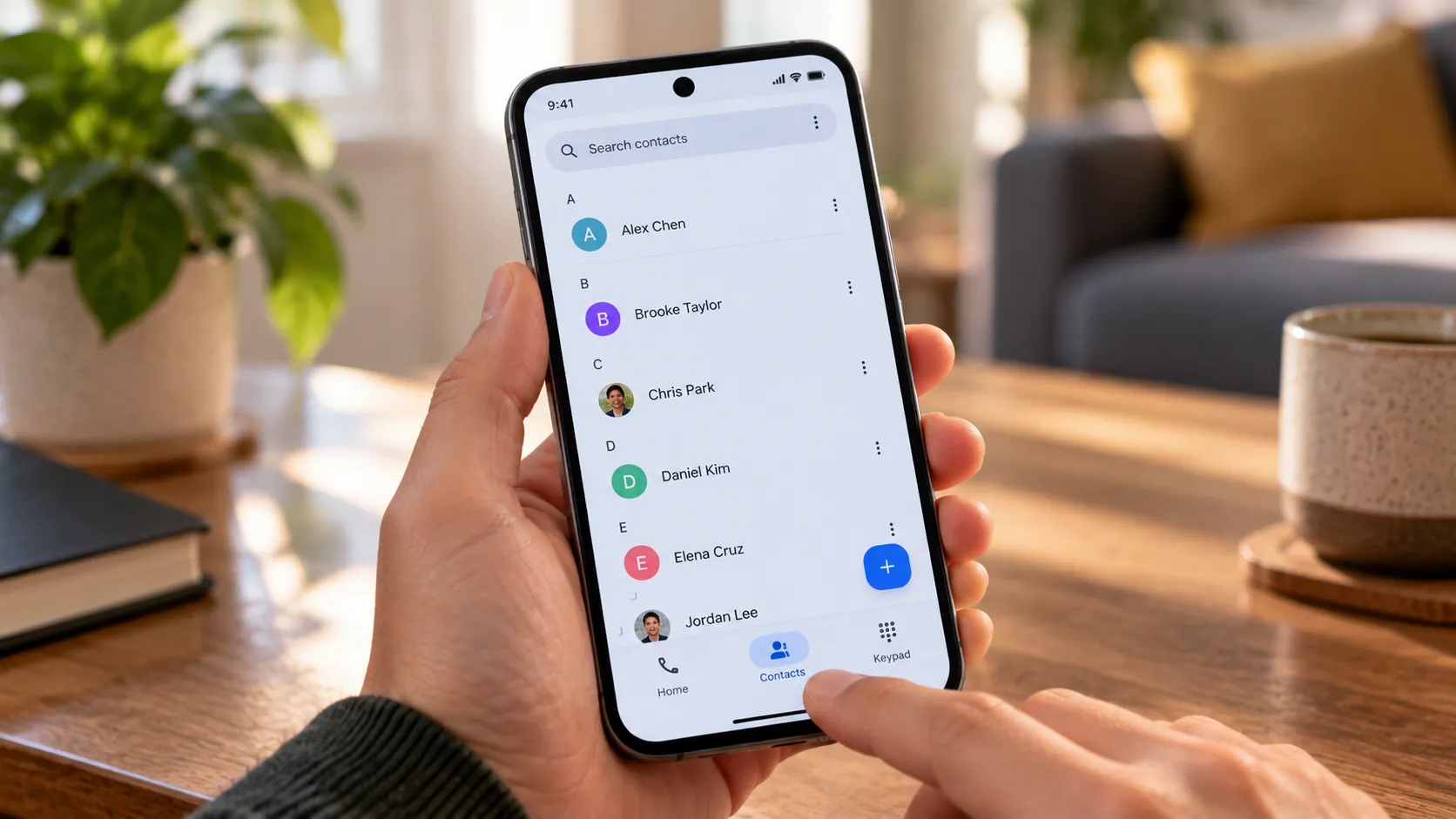
Pixel Screenshots is not a photo gallery. Since launching alongside the Pixel 9 series in 2024, it has used on-device AI to process captures into a searchable index, letting users query their screenshots in plain language and pull direct answers. Recent updates added NotebookLM integration, pushing it further toward a personal retrieval tool than a simple organizer.
The app also goes beyond search. Google describes contextual actions triggered by screenshot content: a captured event flyer can generate a calendar invite, and a saved address can pull up directions. There's also an opt-in setting that surfaces suggestions from your screenshot library inside other apps, which implies system-level hooks rather than a self-contained interface.
Those hooks matter more on a laptop than on a phone. Desktop sessions tend to produce a denser, more varied capture history: product research, travel confirmations, receipts with return windows, meeting notes, and reference material pulled mid-project. A tool that can answer "find the confirmation email I screenshotted last week" or "what was the price I saved from that comparison page" has an obvious productivity use case at that scale.
The NotebookLM integration points in the same direction. The app is being built out as a retrieval layer, and retrieval matters most where the volume of accumulated information is highest.
How this fits what Google has already built for Aluminium OS
Aluminium OS is Google's plan to retire Chrome OS by merging it with Android into a single desktop platform. That's not speculation at this stage. Earlier this year, 9to5Google spotted a Chromium Issue Tracker bug report containing screen recordings of the OS running on an HP Elite Dragonfly Chromebook, with a build identifier labeled "ALOS" and a Chrome window listing Android 16. The recordings showed split-screen multitasking, the Play Store, a center-aligned taskbar launcher, and a Gemini icon already present in the status bar.
Three months later, strings pulled from the Google app beta clarified Gemini's role on the platform: writing, planning, and brainstorming assistance, accessible via a status bar icon or a Google key + Space shortcut. The same report noted a Pixel-like camera app had already appeared in early builds.
The two features would serve different roles. Gemini handles active tasks as they happen. Pixel Screenshots handles passive retrieval, surfacing what you've already captured when you need it later. Whether Google is designing them to interoperate isn't confirmed. But if Pixel Screenshots can already push suggestions into other apps on mobile, the same architecture on desktop could feed context into Gemini queries. That's speculative, but it's consistent with how both features are built.
What's taking shape, across the camera app, Gemini, and now a desktop Screenshots build, is a platform that doesn't just run Android apps but inherits Pixel-specific AI utilities as built-in features.
What would need to be true for this to matter
For Pixel Screenshots to be useful on a desktop rather than merely present, a few things need to hold:
On-device AI processing capable enough to run reliably on mid-range laptop hardware
Search accurate enough to return relevant results across a large and varied capture history
Some form of cross-device continuity so captures from a phone and a laptop aren't siloed from each other.
Privacy is a more serious consideration on a desktop than on a mobile. A tool that continuously indexes screenshots across a full work session, where financial documents, personal correspondence, and sensitive materials are more likely to appear, requires clear on-device processing commitments and meaningful user controls. The reporting reviewed here doesn't address how Google would handle any of that for the desktop build.
Aluminium OS itself is not close to shipping. Android Authority noted earlier this year that the full vision is "still some years away." The desktop Pixel Screenshots build is a development signal, not a release announcement.
The next indicators worth watching: whether future APK teardowns show sync behavior between phone and desktop captures; whether Pixel Screenshots starts appearing in Aluminium OS screen recordings alongside Gemini and the camera app; whether the app gains UI hooks specific to desktop window management; and whether Google eventually opens access beyond its own hardware or keeps it exclusive to Pixel-branded devices.
At minimum, the desktop build suggests Google is testing the app outside its current phone-only home. Whether that test leads anywhere will depend on execution, specifically whether screenshot memory can be made fast, private, and genuinely searchable at the scale desktop use demands.













Comments
Be the first, drop a comment!