





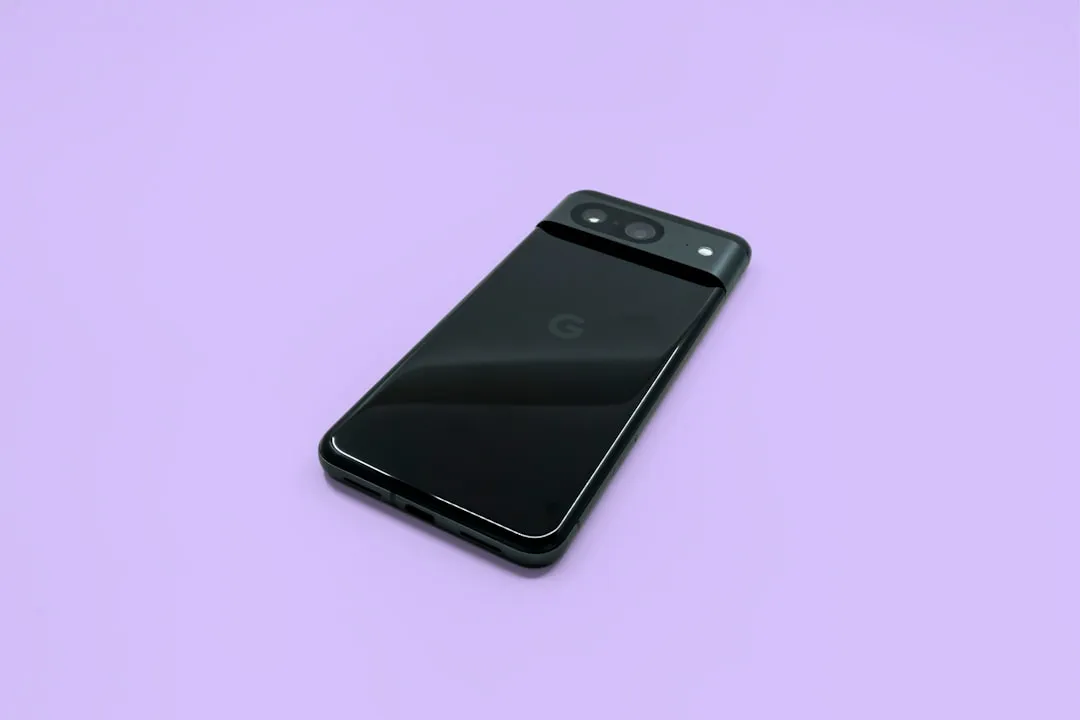
Pixel 8 Pro and Pixel 8a owners are finding the Quick Share Extension installed on their devices after recent system updates — the component required for Quick Share–AirDrop interoperability between Android and Apple devices. The feature itself isn't active yet. Google still needs to flip the switch on its end.
That matches the Pixel 9 rollout pattern. Before Google activated Pixel AirDrop support on the 9 series months ago, the same extension showed up on those devices first. The reports this week are a credible signal of what's coming, not confirmation that it's here.
What the Quick Share Extension means for Pixel 8 AirDrop support
The Quick Share Extension is a separate installable component, distinct from Android itself. That architecture lets Google deliver new cross-platform capabilities to existing hardware through a Play system update, without requiring a full Android version upgrade.
When the feature is active, transfers between Android and Apple devices run entirely peer-to-peer. Data is never routed through a server, shared content is never logged, and no extra data is shared. The implementation was also tested by independent security experts before launch, according to Google.
Finding the extension on a Pixel 8 Pro or Pixel 8a means the required component is present. The extension alone doesn't turn the feature on; the cross-platform sharing option won't appear in Quick Share until Google activates it remotely. Think of it as the pipes being in place before the water is turned on.
Which Pixel 8 models are confirmed and which aren't
User reports on the Pixel phones subreddit specifically name the Pixel 8 Pro and Pixel 8a as devices receiving the extension after April or May system updates. The base Pixel 8 doesn't appear in those reports.
That gap has a precedent. When Google expanded the feature to the Pixel 9 family three months ago, the rollout initially excluded the Pixel 9a entirely, with no explanation given. Whether the base Pixel 8 faces a similar delay or sits outside the current rollout scope entirely is unknown. Google has not announced which Pixel 8 models will be supported or on what timeline.
Base Pixel 8 owners should treat the current signals as promising but unconfirmed until broader reporting or an official announcement changes the picture.
What to check on your Pixel 8 right now
If you have a Pixel 8 Pro or Pixel 8a, here's how to verify whether the extension has landed on your device:
Open Settings → [your Google account name] → All services → System services → Quick Share extension
If the extension is listed and installed, the required component is present. If AirDrop sharing still doesn't appear in Quick Share, that's expected, as the extension alone doesn't activate the feature
To rule out a pending update, go to Settings → System → Software updates → Google Play System update, install whatever is available, then restart your phone
On Pixel 9, the AirDrop option appeared for several users after installing the latest Play system update, then updating the Quick Share extension, then restarting. That sequence is worth trying on a Pixel 8 Pro or Pixel 8a if the extension is already installed, though it may not be sufficient until Google activates the feature for those devices.
There's one more wrinkle from the Pixel 9 experience worth noting. The Quick Share extension with AirDrop compatibility appeared to surface first for Pixel 9 users enrolled in the Google Play system update beta channel. Installing Android 17 Beta didn't guarantee access — the feature was tied to Play system infrastructure, not the OS build. Users on the stable update channel may simply have to wait longer, even after the extension is installed. That pattern could repeat on Pixel 8.
The rollout pattern that explains where the Pixel 8 stands
Google introduced Quick Share–AirDrop interoperability in November 2025, built without any cooperation from Apple, launching it on the Pixel 10 family and saying it planned to expand the experience to additional devices. The feature reached the Pixel 9, 9 Pro, 9 Pro XL, and 9 Pro Fold three months ago, rolling out in phases over several weeks.
The sequence across generations has been consistent: flagship generation first, prior generation next, delivered through Play system updates rather than tied to an OS release. Eligibility and access arrive separately. A device can have the required component installed while Google is still determining when and for whom to enable it. The Pixel 8 extension showing up now fits that pattern.
Based on the Pixel 9 experience, a Play system update is the most likely trigger for activation. That's why the Play system update channel matters most here, not the Android OS version or any individual app.
Quick Share's broader reliability problem and what comes next
Activation on the Pixel 8 is only part of the picture. Quick Share has struggled with reliability since it absorbed Nearby Share, and the AirDrop compatibility rollout doesn't fix the underlying issues that have kept adoption low. The tool still lacks the polish of AirDrop; sometimes it doesn't work at all. Getting more devices onto cross-platform sharing expands the feature's reach, but consistent performance remains a separate challenge.
Google and Samsung appear to be working on that problem from a different angle. "TapToShare" code strings have appeared in Android 17 beta builds, and a leaked One UI 9 build contains a matching "Tap to share" feature, suggesting NFC-based sharing that would let users exchange files by holding devices together, no menus, no pairing. NFC communication is more stable than the Bluetooth and Wi-Fi connections Quick Share currently relies on, which could address the reliability complaints directly. Whether that lands in Android 17 is still unclear.
The Pixel 8 AirDrop rollout and the NFC work are separate tracks on separate timelines. But both point toward a version of Quick Share that's more capable and more consistent than what exists today. For Pixel 8 Pro and Pixel 8a owners, the immediate task is keeping Play system updates current and watching for the switch to flip.










Comments
Be the first, drop a comment!