



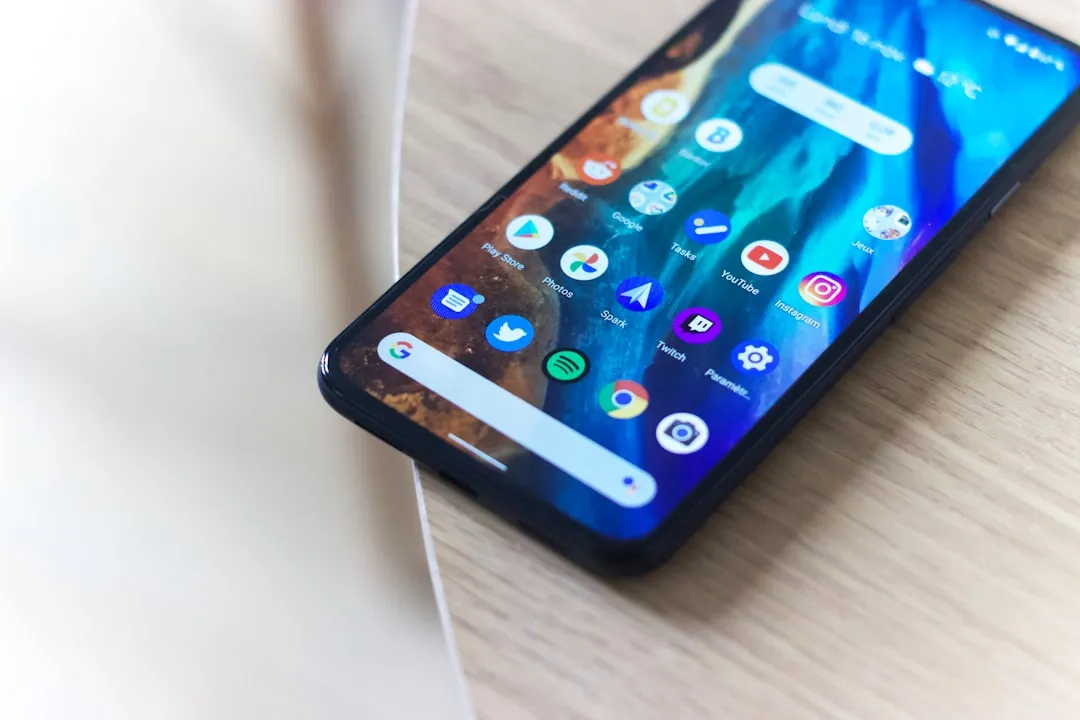
Google began rolling out Bubbles on June 16, 2026, giving Android 17 Pixel phone and foldable users a way to keep apps available as floating windows without leaving the app they're using.
The feature is part of Google's June Pixel Drop, and Google says it is available on all Android 17 Pixel phones and foldables in all regions and languages. Android 17 is rolling out to Pixel devices first, with other eligible Android devices expected to follow throughout 2026, according to Google's Android 17 announcement.
The idea is simple: long-press an app icon, open the app in a small floating window, then collapse it into a movable bubble when you want it out of the way. Tap the bubble again, and the window comes back. The closest reference point for many users is Facebook's old chat heads: a compressed, repositionable app presence that expands on demand.
How Bubbles work on Pixel phones
Bubbles give Pixel users a lighter multitasking option than split-screen, picture-in-picture, or the app switcher. Split-screen divides the display between two apps. Picture-in-picture is mostly useful for video. The task switcher moves users away from the app they are currently using.
Bubbles take a different approach. A secondary app can stay nearby as a floating overlay, then collapse when it is not needed. That makes the feature better suited to quick, intermittent tasks than sustained side-by-side work.
Checking a message without leaving a document, glancing at a map without closing the foreground app, or pulling up a recipe while a timer runs — those are the scenarios where Bubbles should feel useful. For anything that requires sustained attention in two apps at once, split-screen is still the cleaner tool.
The unanswered question is how well Bubbles behaves across apps that were not built with floating windows in mind. Google says users can turn "any app" into a compact floating window, but real-world compatibility still needs testing across apps with complex text input, full-screen video, fixed aspect ratios, or custom layouts.
Why Bubbles are better on Pixel 10 Pro Fold
On standard Pixel phones, bubble icons float along the screen's edges. On the Pixel 10 Pro Fold, they dock in a dedicated Bubble Bar at the bottom of the unfolded display, making the feature easier to manage on a larger screen.
That fixed position matters. A docked bar gives floating apps a predictable place to live, and it makes switching, resizing, and expanding apps feel less like juggling icons around the edge of a phone screen. On a regular Pixel, Bubbles are a convenience feature. On Pixel 10 Pro Fold, they feel closer to a lightweight windowing system.
The Bubble Bar also fits into Android 17's broader push for foldables. Google says Android 17 includes a foldable gaming mode that places the game view on the top half of the display and a dynamic gamepad on the bottom half. That gaming feature is enabled in Android 17 but will become available in the coming months.
The app compatibility question
Bubbles appeared during Android 17 beta testing before the June 16, 2026 general rollout. Google is shipping the feature as generally available, not as a beta, but that does not mean every app will behave perfectly in a small, resizable window.
Text-heavy apps, apps built around full-screen video, and apps with custom layouts are the categories most worth watching. The feature's practical value will depend on whether the apps people use every day can resize cleanly, preserve input states, and avoid awkward keyboard behavior.
Google has not published a detailed app compatibility list for Bubbles. For now, Pixel users should treat the feature as a useful multitasking shortcut, not a replacement for full split-screen mode.
The non-Pixel rollout will be the bigger test
The wider Android 17 rollout will show how well Bubbles works beyond Google's own hardware. Other Android devices will bring different screen sizes, chips, launchers, and manufacturer software skins into the mix.
That matters because many Android brands already offer their own versions of floating windows. As The Verge noted, Android 17 makes floating app windows a more official part of the platform instead of leaving the experience mainly to individual Android skins.
For Pixel users, Bubbles should be most useful for quick app switching, messages, maps, notes, tutorials, and other tasks that do not deserve a full app-switching interruption. For foldable users, especially on Pixel 10 Pro Fold, the Bubble Bar is the more interesting upgrade: it turns Bubbles from a phone shortcut into a more organized multitasking workspace.











Comments
Be the first, drop a comment!