



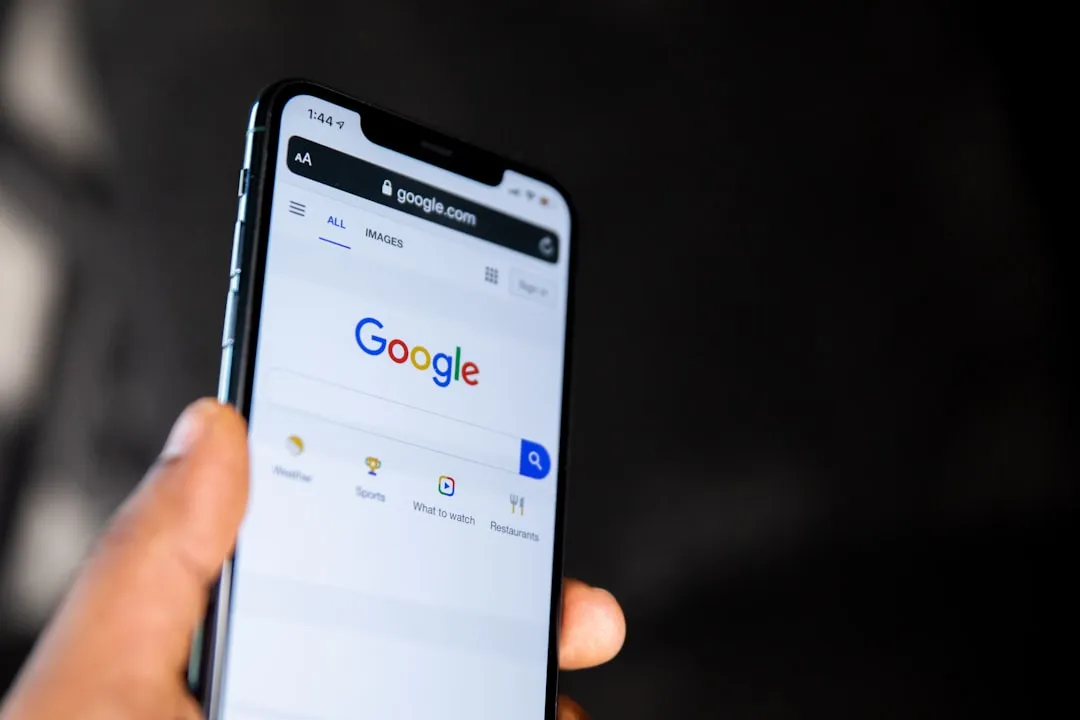
Google Search Services History: What It Saves and How to Control It
Google began notifying users this week that a new setting called Google Search Services History will govern how the company saves and uses the media submitted through Search. The change affects photos taken with Google Lens, recordings from the real-time Search Live tool, voice queries, spoken phrases entered into Translate, and uploaded files and video, The Verge reported Wednesday.
Google says it will use that data to "provide, develop, and improve its services," with AI models explicitly named in that description. Switch on a separate Personalized Recommendations toggle, and the same history can also feed ad targeting and personalized suggestions, per The Verge.
The setting is being split out from Web & App Activity, Google's long-standing general-purpose privacy control, into its own dedicated framework. The rollout will reach accounts gradually over the next few months. What makes the transition consequential is a detail Google has not yet publicly settled: the default state for accounts that have never touched Web & App Activity.
What Google Search Services History actually covers
Until now, Search media inputs were loosely governed under Web & App Activity alongside browser history, app usage, and other signals. The new framework pulls that media into its own setting with separate controls, The Verge reported. Turning off Web & App Activity going forward will not automatically suppress Google Search Services History.
The setting covers images, audio, video, files, voice queries, real-time recordings, and spoken Translate phrases. That is a broad scope, spanning essentially every input method Search accepts beyond typed text, according to The Verge.
Within that primary setting sit two additional controls worth knowing about. A nested Save Media toggle applies specifically to images and audio files. Google presents them as separate controls, so users need to review both. A third control, Personalized Recommendations, determines whether saved history also feeds ad and suggestion targeting. The Verge's reporting describes all three as distinct settings, meaning users who want to limit data use may need to address each one individually rather than relying on a single switch.
What Google has confirmed about data use, and what the precedent shows
Google's stated rationale is service improvement and AI model development. The company's Visual Search History support documentation, published in 2024, already established that Lens images, Circle to Search queries, and Quick Search Box searches saved under that setting could be used to train models behind Google's visual search technologies. Users who enabled the Visual Search History Donation option had their saved images made eligible for human review.
The 2026 change extends that documented principle to a wider set of inputs: Translate audio, Search Live recordings, voice queries, and uploaded files and video. The underlying data-use framework is not new; what's changed is the scope of what it covers.
One limit worth stating plainly: current reporting does not confirm whether the human-review pathway that applied to Visual Search History Donation extends to the new audio and recording inputs. The 2024 precedent establishes what Google did with Lens images; it does not map directly onto everything Search Services History now covers.
What remains unconfirmed
Three questions shape how much exposure any individual user actually has.
The most important is the default state. Google has not publicly confirmed what Search Services History will default to for accounts that have never changed Web & App Activity. That single variable determines how many users are affected without knowing it, and it is still open. Ars Technica noted in a related analysis earlier this year that across Google's free and paid accounts, the default tends to be data sharing for AI training. That context matters here, because defaults shape adoption at scale far more than interface design does.
The second question is specificity of use. Google's language, "improve its services, including its AI models," is broad enough to cover generative AI training, traditional retrieval or ranking models, and multimodal recognition systems. Current reporting does not narrow it further.
The third is retention. How long Google stores saved Search media, and whether previously saved content can be excluded retroactively from training pipelines, has not been addressed in available documentation. These are open questions, not settled facts, and they don't change what users can do right now.
How to turn off Search Services History, and what else to check
The migration path is clearest for users who have already opted out. If Web & App Activity was previously switched off, Google has committed to carrying that preference forward: Search Services History will default to off for those accounts, and personalization settings will transfer during the transition, per The Verge. Still worth verifying once the setting appears on your account.
For everyone else, the default state remains unconfirmed. Check the setting as soon as it becomes available rather than assuming it landed in a protective state.
Four controls need attention, each doing something different:
- Search Services History the primary switch. Determines whether Google saves Lens photos, Search Live recordings, voice queries, Translate audio, uploaded files, and video. Users who want to prevent Google from saving these interactions can switch this off, per The Verge.
- Save Media a nested toggle within Search Services History that applies specifically to images and audio files. Google presents this as a separate control; review it alongside the primary setting.
- Personalized Recommendations governs whether saved Search history also feeds ad targeting and personalized suggestions. Separate from Search Services History; address it independently.
- Web & App Activity confirm prior preferences migrated correctly once the rollout reaches your account.
Checking one and stopping there leaves the others at whatever state they landed in. The settings are structured to require explicit attention to each.
The rollout will reach accounts over the next few months. When it does, the four controls above are what's actually actionable. The default question is Google's to answer; the settings review is the part that doesn't require waiting for it.









Comments
Be the first, drop a comment!