





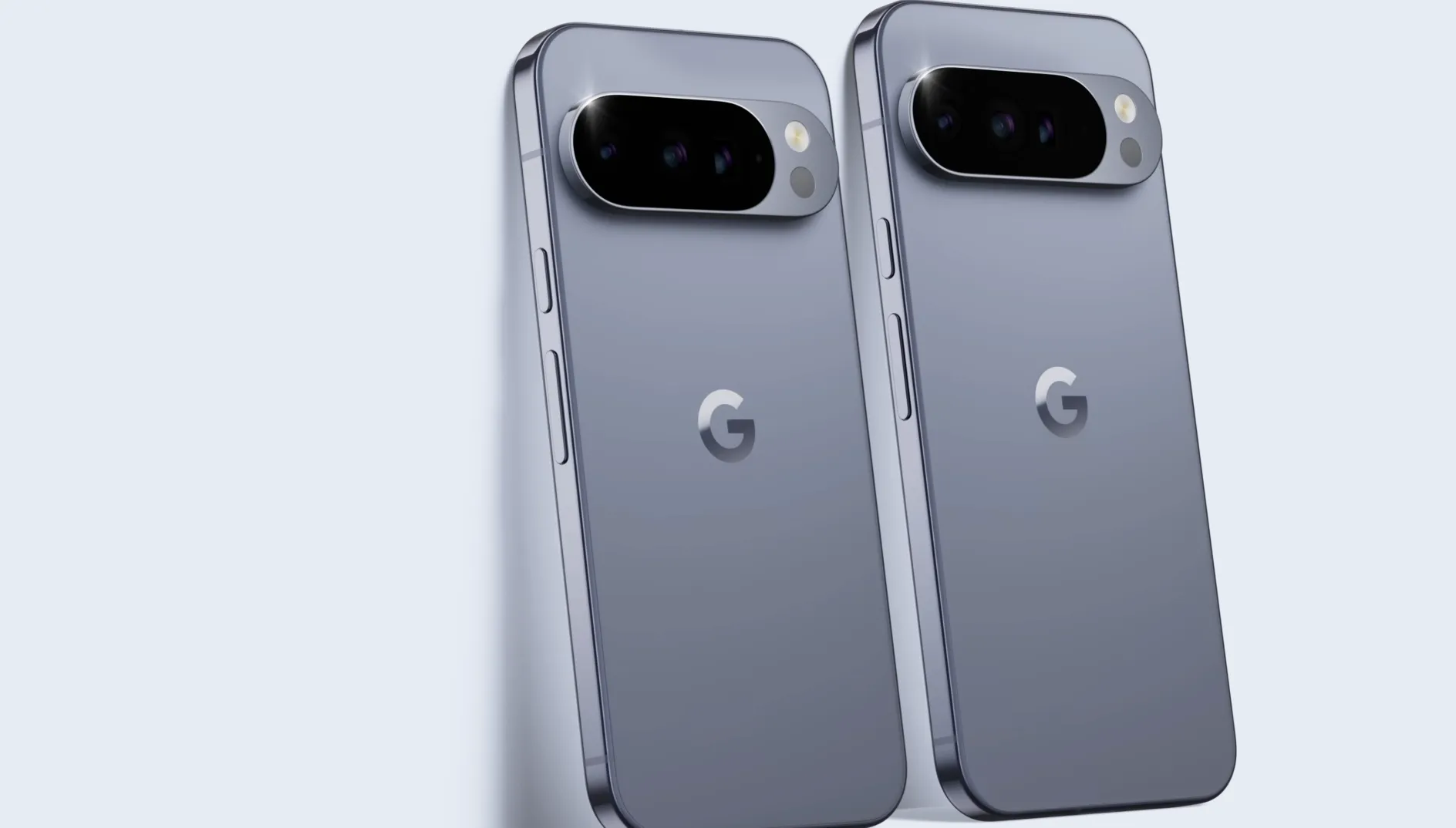
After months of Pixel bootloop complaints tied to Google's March, April, and May 2026 software updates, Google has not issued a universal over-the-air fix for affected phones.
Reports began after Google's March 2026 Pixel update, with users describing phones that froze on the Google "G" logo, stalled at the initial boot screen, or rebooted after PIN entry. In a June 2026 Issue Tracker update reported by Android Authority, Google said the right next step depends on the device's condition and told affected users to contact Pixel Customer Support with the phrase "reboot loop issue after recent software update."
That guidance is not a universal patch. Google's general Pixel recovery documentation also points Pixel 4a-and-later owners to the Update & Software Repair tool, but the bootloop guidance itself remains case by case.
The Pixel 4a battery program is useful context, but not the same issue. It shows how Google has handled a separate software-driven hardware risk: an automatic update, reduced battery performance for some devices, and a time-limited remedy program.
What the Pixel bootloop does
The affected phones do not simply fail to power on. Reports describe devices that start, freeze on the Google "G" logo or initial boot screen, or reboot immediately after PIN entry. In each case, the phone can become functionally inaccessible.
A factory reset may break some reboot loops, but it can erase local data and may require recovery or Fastboot access. Google's repair tool is also worth checking on Pixel 4a and later, though Google's bootloop guidance still says the best path depends on the device's specific state.
Reports have involved multiple Pixel generations rather than one clearly isolated model. Android Central cited posts involving devices such as the Pixel 4a, Pixel 9, Pixel 10 Pro XL, and others. That does not mean every model is affected in the same way, but it does show why a one-size-fits-all recovery path may not work for every phone.
The practical result is a phone some users cannot operate, cannot easily reset, and cannot roll back on their own.
What Google tells affected Pixel owners to do
Google's June 2026 bootloop guidance does not point to a universal over-the-air patch or rollback. It tells affected users to contact Pixel Customer Support because the right next step depends on the device's condition.
Separately, Google's Pixel Help documentation recommends its repair tool for Pixel 4a and later, including Fold, as a possible manual update or reset path. Google says the tool may update software to the latest version without a factory reset, which could resolve some software issues without deleting and restoring data. The same page also says the reset option still requires users to back up, delete, and restore their data.
That distinction matters. There may be a Google-supported tool to try, but Google has not publicly said that tool is a guaranteed fix for this bootloop issue. And if the phone cannot complete the process, or if support recommends a reset or replacement path, local data that has not been backed up may still be at risk.
Reported support outcomes appear to vary. Some users have been steered toward reset or repair paths that can wipe local data, while others have reported replacement or beta-installation advice. Google has not publicly standardized those outcomes or said how many affected devices qualify for replacement.
For a Pixel stuck in this state, start with Google's official routes: check whether the phone can connect to the repair tool from a computer, then contact Pixel Customer Support and use the phrase "reboot loop issue after recent software update" if the tool does not resolve the problem or the phone cannot complete the process.
Why the Pixel 4a battery program is relevant
The Pixel 4a battery program is the closest recent precedent, but it involved a different problem. Google said certain Pixel 4a phones needed an Android 13 update starting Jan. 8, 2025, to improve battery-performance stability. For some impacted devices, that update reduced battery capacity and charging performance.
Google paired that update with a remedy program, but the Pixel 4a Battery Performance Program ended Jan. 8, 2026. The later safety context also mattered: The Verge reported that an Australian Competition and Consumer Commission recall notice linked the Pixel 4a action to overheating risk, including possible fire or burn hazards.
That history is not proof of how Google will handle the current bootloop complaints. It does, however, show why update-driven fixes can frustrate owners even when Google has a safety or stability rationale. A fix can still reduce day-to-day usefulness, and a remedy program can expire before every owner acts on it.
The current bootloop issue has no comparable public program as of June 2026. Google has not announced a universal software fix, a formal compensation structure, or a standardized replacement policy for all affected devices.
What affected Pixel owners should try first
If your Pixel is stuck in a bootloop, check whether it can connect to Google's repair tool from a computer. You will need a USB cable, and the phone may still need to be responsive enough to complete the process.
Do not assume every path will preserve your data. Google says one repair-tool option may update software without a factory reset, but reset-based options still require deleting and restoring data. If your phone occasionally reaches the lock screen or file access still works, save anything important before attempting a reset.
If the repair tool does not work, contact Pixel Customer Support and use the wording Google flagged for routing: "reboot loop issue after recent software update."
Several things remain unknown: whether Google will publish a universal software-level fix, how many devices are affected, and whether support outcomes will become standardized. Until Google gives Pixel owners a single fix, the safest approach is practical: try the repair tool if possible, avoid casual factory resets without a backup, and contact support with the exact bootloop wording Google has asked users to provide.















Comments
Be the first, drop a comment!