



The most frustrating thing a smart camera can do isn't miss a motion event. It's sending you an alert, then showing you a dead screen when you tap it.
That specific failure—the "Video not available" error triggered when opening Google Home from a notification or recent event—is what version 4.8 targeted with what Google called a "foundational fix." That single repair is the most important development in a string of camera improvements spanning the past seven months. From there, the changes split three ways: a free reliability fix for Nest Cam users in the Google Home app, a broader camera UI redesign available to all camera users, and Gemini features that depend on whether you have Premium or Premium Advanced.
The fix that matters most: playback reliability after a notification
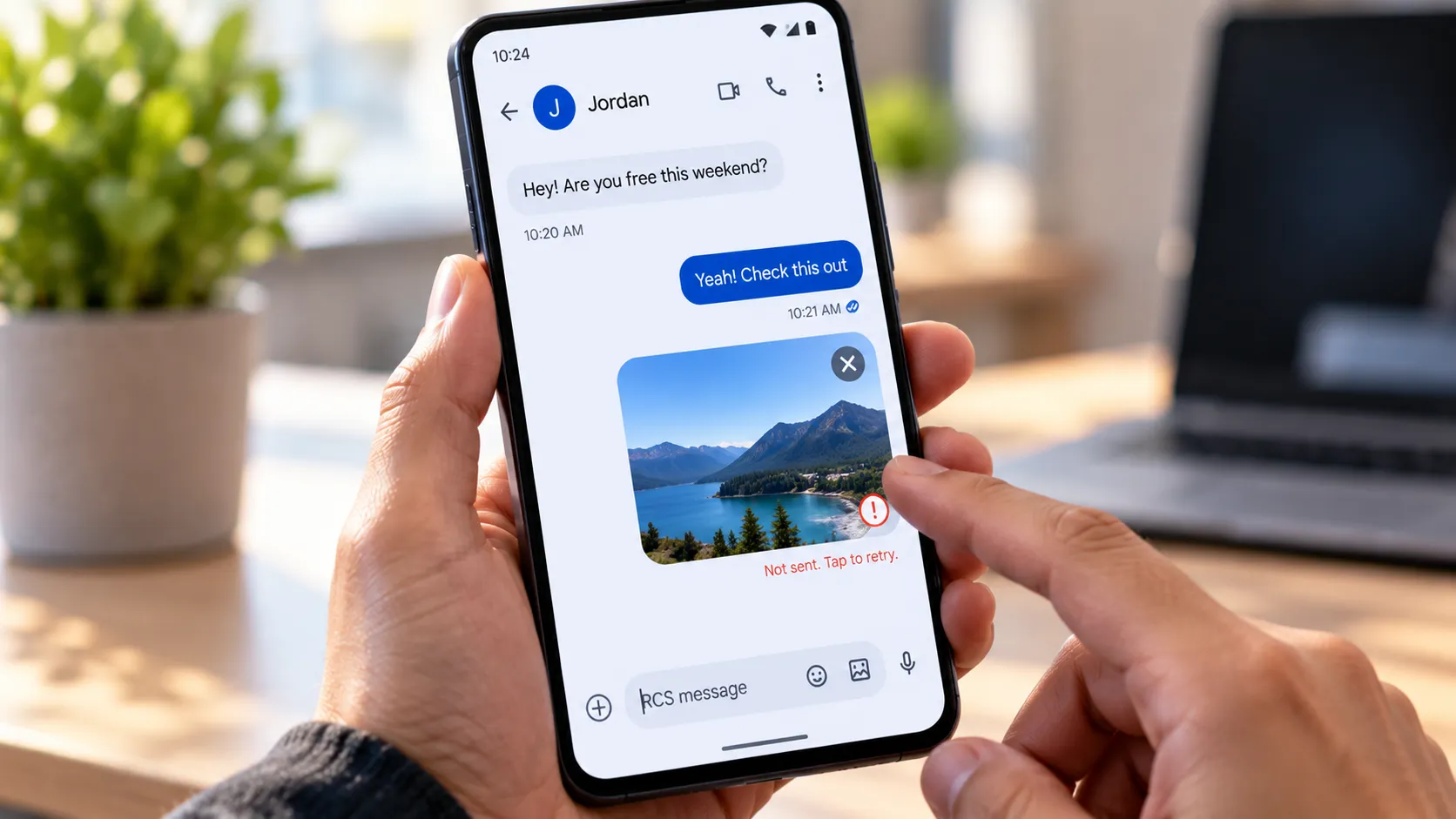
The failure pattern was consistent. Nest Cam detects motion, sends an alert, the user taps through to the Home app, and instead of the clip, there's an error screen. Version 4.8 targeted that entry point, directly addressing how users get a "Video not available" error when launching the app from a notification or recent event, and described the result as letting users "play back events recently captured by your cameras." The same update included "camera close-to-live playback improvements," suggesting the repair extended beyond the notification path to other near-real-time playback scenarios.
What gives this fix its proper weight is what came before it. By October 2025, Google had already reported that app crashes were down nearly 80%, live views loaded 30% faster, playback failures had dropped 40%, and camera history scrolled at more than six times its previous frame rate, per a Google Blog. Those were real gains. The notification-to-clip error persisted regardless. That suggests the bug was separate from the broader performance issues Google had already addressed, a discrete code-level problem that broad platform improvements couldn't reach.
One note on Google's language: "foundational fix" implies an architectural repair, not a guaranteed elimination. No independent benchmarks have confirmed whether the error is fully gone or only reduced. The performance figures from both the October 2025 redesign and the February 2026 fix come from Google's own reporting.
This fix applies to users with Nest Cams in the Google Home app, no subscription required.
Google Home camera UI redesign: what changed for all camera users
Two earlier updates built the foundation for the interface overhaul that began rolling out in late April 2026. Google Home 4.2, documented in late October 2025, introduced a decluttered camera player that hides secondary controls until tapped, reducing visual noise during playback. iOS users in that release also received improved frame rates and smoother camera history scrolling, 9to5Google reported. Version 4.3, which rolled out in mid-November 2025, added per-camera control over presence-aware actions and made it easier to flag AI description errors, including a "Missed familiar face" report and thumbs-up/down feedback on identified faces in clips.
The "Updated Camera Experience" currently rolling out goes further. It adds dynamic theming and moves key controls to the bottom of the screen, with Google framing them as "more easily accessible and discoverable." Camera settings are described as "much easier to find," Activity Zones are faster to configure, and visual and audio event types that were previously split across separate screens now share a single notification setup page. Features like familiar face detection and Activity Zones have been elevated in the navigation hierarchy rather than buried under multiple settings taps.
Worth being clear about: these are usability changes, not capability additions. Nest Cam doesn't do anything new as a result of this redesign. The interface became less cumbersome. For users who've historically found camera settings hard to locate or notification configuration confusing, that's the practical benefit, and it applies regardless of subscription tier.
Gemini and cameras: what's free, and what requires a subscription
What Premium subscribers get without upgrading to Advanced
Gemini-generated event descriptions have been refined to remove unnecessary clutter, making them more accurate and faster to read at a glance. Camera search results in Ask Home now load noticeably faster. Both improvements are available to Google Home Premium subscribers without requiring an upgrade to the Advanced plan.
Gemini has also become more precise in how it interprets smart home commands. Saying "turn off the kitchen" now targets only the lights in that room rather than every connected device. Commands like "turn off all the lights" apply to the user's current home rather than secondary properties they also manage. The assistant is also better at distinguishing a standalone command from a follow-up and can filter out irrelevant speech during Continued Conversation.
What requires the Advanced plan
Live Search, introduced in March 2026, shifts Gemini from analyzing recorded events to interpreting live camera feeds in real time. The practical difference: instead of asking what happened, users can ask what's happening now. Queries like "Hey Google, is there a car in the driveway?" become possible based on what a camera is currently showing. Live Search requires Google Home Premium Advanced, priced at $20 per month or $200 per year. No independent accuracy or latency data is available yet for the feature under real-world conditions.
Google is also tightening how Premium subscriptions handle payment failures. Rather than canceling immediately, the service will now place the account on hold, preventing the loss of stored video history, familiar face data, and AI event descriptions. A narrowly targeted change in subscription mechanics, but one with real consequences for anyone who's had a card expire mid-cycle and lost stored data as a result.
What actually changed, sorted by who gets it
The playback fix in version 4.8 is the most substantive improvement in this series. It targets the highest-friction failure in the notification-to-clip path and costs nothing. The camera UI overhaul is the second most practical change: broadly available, no paywall, focused on cutting the tap count for everyday tasks like configuring zones and setting up notifications.
The Gemini layer splits cleanly by tier. Faster AI descriptions, improved Ask Home search, and better contextual command handling are available to current Premium subscribers. Live Search cameras as queryable sensors rather than passive recorders is the marquee capability, locked behind the $20/month Advanced plan.
Taken together, the releases since October 2025 suggest a deliberate sequence: platform stability first, interface friction second, AI layers third. The February playback fix arrived after Google had already claimed broad performance wins, as the Google Blog documented, which illustrates how software reliability actually accumulates, not in a single release but across several incremental ones.
The more useful question going forward isn't whether these features work as described on launch day. It's whether they hold as the update cadence continues across different hardware generations and account tiers.










Comments
Be the first, drop a comment!