



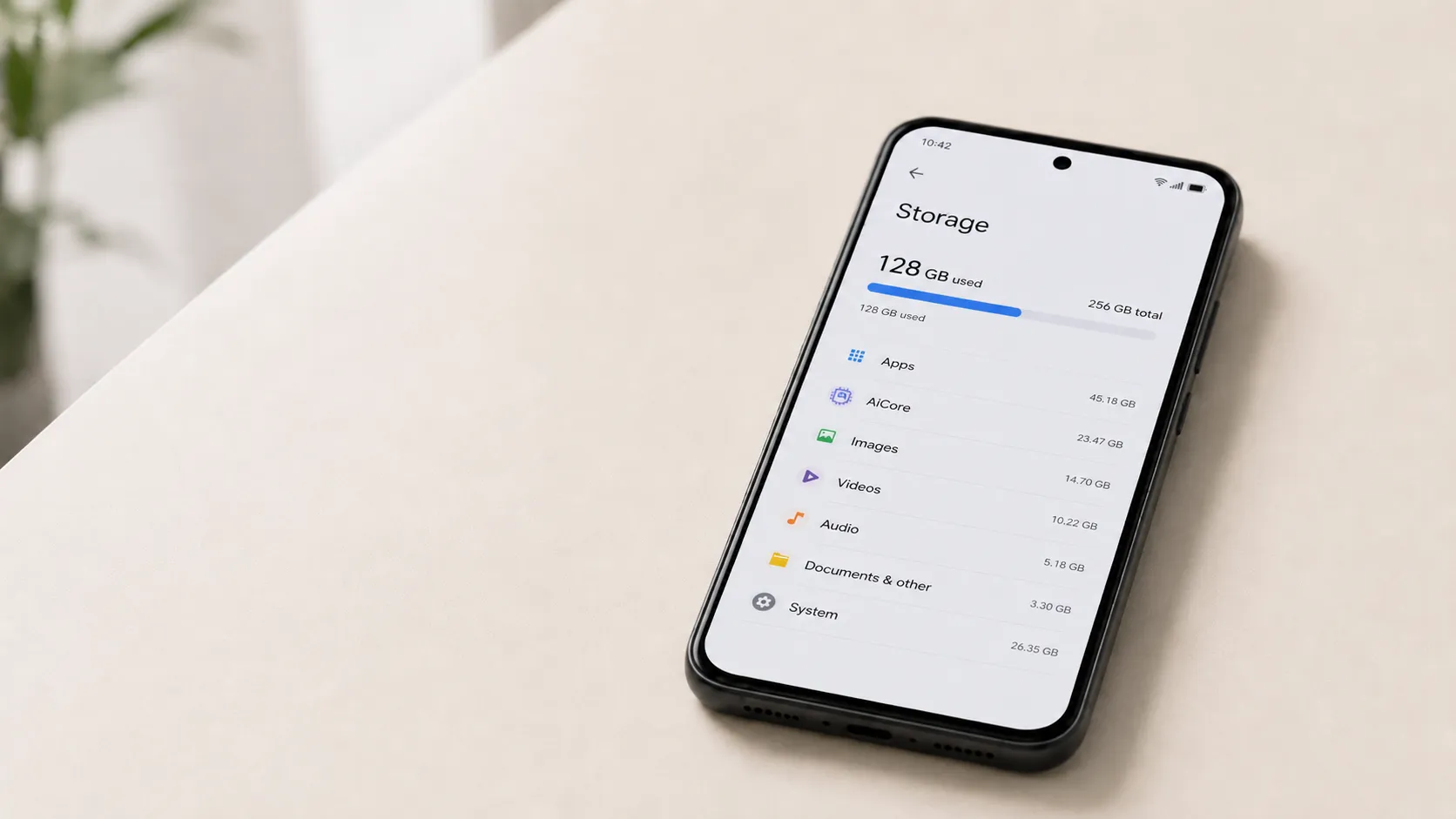
Starting today, Google is counting all Android backup data toward your Google Account storage limit, but the rollout isn't instant for everyone, and the actual impact for most users is smaller than the policy change might suggest.
New Android backup users are subject to the change immediately. Existing accounts will see it migrate over the coming months. Google says the newly counted categories SMS messages, call history, and device settings will add roughly 40MB on average to a user's storage footprint. That's a fraction of the free 15GB tier that covers Gmail, Drive, Photos, Android backups, and any WhatsApp backups that count toward the account.
For most users, this requires nothing. For anyone already pushing against that ceiling, it's a useful prompt to understand how the system works and where the real pressure points are.
What changed, and how the old policy worked
Under Google's previous policy, most Android backup data lived entirely outside the storage count. The only items that drew from the quota were photos and videos synced to Google Photos and media embedded in MMS messages. Text messages, call logs, device configuration, and app data — all backed up to Google's servers without touching the quota.
That changes starting July 7. Every data type that appears in Android's backup settings now draws from the same shared bucket as Gmail, Drive, and Photos. The 15GB free tier or whatever a user holds through Google One covers all of it together.
The rollout is staggered. New Android backup users are on the new accounting immediately; existing accounts will shift over in the coming months, 9to5Google reported this week. So if your storage counter hasn't moved, that's expected.
Why Android backup data counts toward Google storage but still isn't your biggest problem
Google's own estimate puts the average impact at 40MB. That's a company-supplied number with no published breakdown by user type, device age, or backup history. Google did not provide examples showing how the figure varies for people with unusually large message histories. Take it as a plausible order-of-magnitude guide, not a precise figure.
Even so, 40MB is smaller than two large email attachments. A single 20MB Gmail attachment occupies the equivalent storage of thousands of plain-text emails. WhatsApp backups on Android already share the same quota, and Google's own documentation flags them as potentially one of the largest single items in an account. Photos, videos, large Drive uploads, and active WhatsApp backups are almost certainly the more meaningful audit targets for anyone running low on space.
Android backup was never the dominant storage consumer in this ecosystem. This policy change doesn't make it; Google's estimate suggests the newly counted categories remain small compared with media libraries and large file uploads. What the change does do is bring backup data into the same visible, managed pool as everything else.
New backup controls: what they are and who should use them
Alongside the accounting change, Google is adding individual on/off toggles for the three newly counted categories: SMS and MMS messages, call history, and device settings. These sit in the device backup menu alongside the existing per-app controls, Engadget reported this week. They're rolling out over the coming weeks, so the options may not yet appear on all devices.
The tradeoffs are worth understanding before touching them. Disabling SMS or call history backup means that data won't be available when switching phones or restoring after a factory reset; it's gone from the backup, and recovery would depend on whatever's still on the device. Disabling device settings carries less risk to personal data; the consequence is having to reapply preferences manually rather than losing anything irreplaceable. 9to5Google's reporting confirms Google is framing these as user-configurable choices, not recommendations.
The controls are accessible through the device's backup menu. Check there once the new toggles appear, weigh the tradeoffs against your actual storage situation, and act accordingly.
The real stakes: what happens when Google storage fills
The reason users are right to pay attention to any policy change involving this quota isn't the 40MB. It's what happens when the quota runs out.
Google's shared storage covers Drive, Gmail, Photos, and WhatsApp backups on Android in a single pool. When it fills, Drive stops accepting uploads, and incoming Gmail messages can bounce back to senders, Android Police reported two weeks ago. Accounts that remain over quota for two years could have content across Gmail, Drive, and Photos permanently deleted, according to Google. Those are serious, fast-moving consequences once you hit the ceiling.
There's also a lag problem. After deleting a large volume of files, the storage counter can take up to 48-72 hours to update, Google's help documentation notes. Managing a nearly-full account means working with imprecise feedback, which makes the margin feel tighter than it is.
One additional data point worth flagging: Engadget reported this week that Google began testing a reduced default free storage limit for some new accounts earlier this year, dropping the cap from 15GB to 5GB unless the user linked a phone number. That detail comes from a single outlet and hasn't been corroborated by other sources. It's contextually relevant to the broader direction of Google's storage policies, but treat it as unconfirmed.
What to do now
If your Google account has several gigabytes of headroom, nothing about this week's change requires action. The 40MB addition has no practical effect.
If you're close to the limit, the backup policy is a minor factor. The more productive audit targets are photos and videos, large Drive files, and WhatsApp backups, the categories most likely to account for actual storage pressure, Android Police's breakdown confirms. Once the new backup toggles appear in your menu, check whether disabling call history or SMS backup is worth the restoration tradeoff for your situation. Disabling device settings is the lower-risk option if you're trimming wherever you can.
The broader significance here isn't the 40MB. It's that Google is making backup storage more visible and more user-configurable. Backup data now lives in the same managed, accountable space as everything else in your Google account and the new granular controls mean users have more say over exactly what goes there.


















Comments
Be the first, drop a comment!