





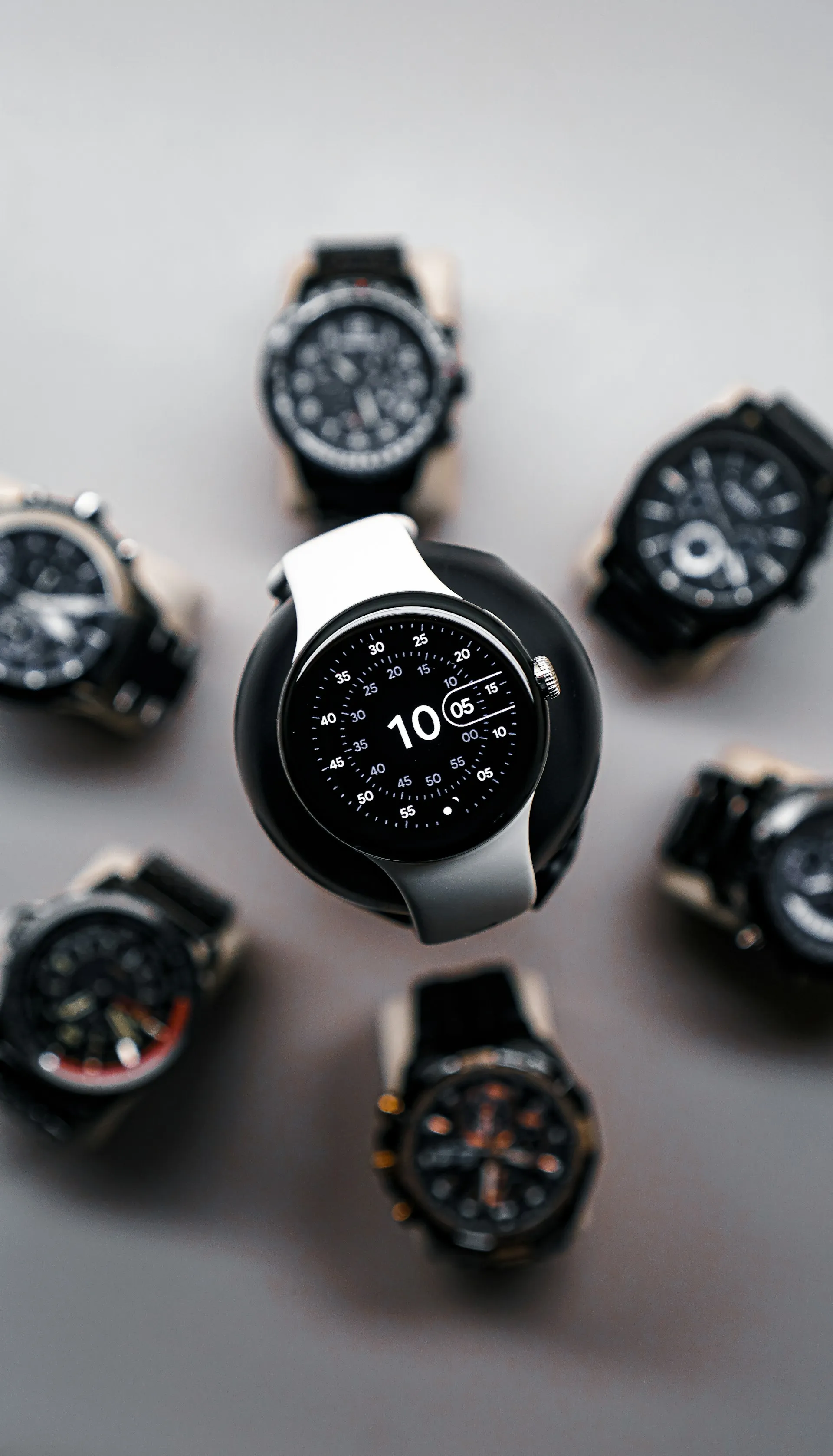
Pixel Watch Double Counting Steps and Calories: What to Do
The inflated numbers doubled steps, doubled calories, floors, and cardio load points running at twice their normal values are happening when Fitbit processes and aggregates data after sync, not while the watch measures your movement. The evidence points toward a Fitbit app or server-side problem, not a faulty sensor.
By the end of this guide, you'll be able to confirm whether this specific bug is affecting your watch, stop bad calorie data from flowing into nutrition apps, and work through the least-risky fixes in order. No permanent fix is confirmed as of March 23, 2026, but several users have found temporary or lasting relief through the steps below.
Three actions are worth taking immediately: disconnect Fitbit's calorie sync from any nutrition app you use (MyFitnessPal, myNetDiary, etc.), don't factory reset your watch, and try the least-disruptive workaround first before escalating. This guide walks through each in order.
The problem surfaced on March 18, 2026, and spread quickly across Pixel Watch 2, 3, and 4 paired with Pixel phones, Samsung devices, and others. 9to5Google updated its coverage three days ago to say this appears to be a Fitbit app or server-side problem, not a watch firmware issue. They reproduced it on a Pixel Watch 4 still running December 2025 software. Another report confirmed users on older builds were reporting the same phantom stats. The March watch update is not a necessary condition for this bug.
Note on scope: If you're also missing SpO2 or skin temperature readings after the March update, that's a separate issue. This guide focuses specifically on inflated step and calorie counts.
What you'll need: The Fitbit mobile app, access to Android's Health Connect settings, and optionally your nutrition app's connected accounts settings. No tools beyond your phone.
Confirm you have this Pixel Watch Fitbit stats bug before doing anything else
Don't start troubleshooting until you've verified the pattern. This takes two minutes.
Step 1: Compare a specific workout session against your daily total.
Open the Fitbit app and tap into a walk or workout from today or yesterday. Check the step count for that session against your normal pace and duration. If the session-level numbers look reasonable but your daily overview total is far higher, you have the aggregation bug.
Fitbit Community users consistently noted that per-session data appeared correct while daily totals were obviously inflated. One documented example: two walks totaling 4,482 steps, with the daily overview showing 9,827 steps and 4.7 miles.
Step 2: Restart your watch and check the step count before it syncs.
Power cycle your Pixel Watch. Immediately after it restarts, before it connects to your phone, check the step count shown on the watch face. One Reddit user documented this precisely: post-restart, the count showed the expected 5,368; after syncing to the phone, it jumped to 9,827. If you see the same jump pattern, the sync process is where inflation is being introduced.
Step 3: Check your calorie burn during sleep.
Open yesterday's sleep data in the Fitbit app and check the calories-per-hour figure. Compare it against your own typical sleep burn from earlier in the week or month. Fitbit Community reports describe sleep calorie burn doubling overnight: one user saw approximately 135 cal/hr instead of their usual 69, another reported 160 cal/hr against a normal 80. Inflation during sleep when movement is minimal is a reliable signal that the problem has nothing to do with the watch sensor.
If all three steps point to inflated totals alongside normal session-level data, proceed. If your session-level workout data also looks wrong, you may be dealing with a different issue. Pause here rather than following workarounds designed for a specific aggregation bug.
What not to waste time on
Don't factory reset your watch. No sourced reports show this resolving the problem, and it wipes your settings, paired apps, and stored data. The evidence points to Fitbit's sync or backend layer as the source of inflation; resetting the watch doesn't touch that.
Don't assume the March watch update caused this, or that skipping it would have helped. Reports span Pixel Watch 2, 3, and 4 across multiple phone brands, including users who hadn't received the March update at all. Android Police specifically noted users on older builds experiencing phantom stats.
Don't assume disabling phone tracking or Health Connect will fix it. It may help as part of a sequence covered below, but several users who had already disabled phone tracking before the bug appeared still saw inflation. One Fitbit Community user confirmed they disconnected phone counting in both Health Connect and the Fitbit app with no effect. Treat it as a step to try, not a reliable fix.
Don't trust Fitbit-sourced calorie data in nutrition apps right now. This is the most consequential caution in the piece. Inflated calorie totals are being written downstream to MyFitnessPal, myNetDiary, and any other app connected via Fitbit or Health Connect, and those apps are adjusting food intake targets based on the bad numbers. The next section handles this. Go there before attempting any workarounds.
Protect connected calorie apps first
Do this before attempting any workarounds. A workaround might take multiple attempts over several days. Inflated calorie data flowing into your nutrition app is causing daily decisions right now, based on false numbers.
Step 1: Disconnect Fitbit from your nutrition app.
In MyFitnessPal, go to More > Apps & Devices and disconnect the Fitbit integration. In myNetDiary, disable the Fitbit exercise calorie import in the account or connected apps settings. Set your calorie targets manually using your known baseline until the data is trustworthy again.
The scale of the problem is not small. One Fitbit Community user reported 503 calories pushed to MyFitnessPal before 8:30 a.m. on a sedentary morning. Another had myNetDiary automatically increasing their daily food allowance because Fitbit was syncing roughly double the actual calorie burn.
Decision rule: If Fitbit calorie data directly drives your food intake targets, pause the integration now. If you only track step trends and don't use calorie syncing, you can skip this step, but document the affected dates before proceeding.
Step 2: Check what Fitbit is writing to Health Connect.
Open Health Connect, go to Settings > Health Connect, or search for it in Settings if you don't see it there, as menu paths vary by device and Android version. Under Data and access, find the steps and calories categories, and check which apps have write permission.
If Fitbit is writing inflated data to Health Connect, every app with read permission on those metrics is also receiving bad numbers. Temporarily revoking Fitbit's write access stops it from passing bad step and calorie data to other apps, though it also cuts off Health Connect-reliant apps from any Fitbit data entirely until you restore it. Apps that rely on Health Connect for their data may stop updating. That's a reasonable tradeoff while the bug persists, and it does not repair the data those apps have already imported.
Step 3: Screenshot your inflated totals now.
There is currently no confirmed path for retroactive data correction. The Fitbit Community has been requesting historical repair, but Google has not publicly committed to it. Document each affected day with a screenshot of the inflated daily total, and note the dates. If Google eventually offers a correction path, or if you contact support, you'll have a record to work from.
How to fix Pixel Watch step count inflation: workarounds to try, fewest steps first
Attempt these in order. After each step, give it a full day of normal activity before judging whether the bug can appear or disappear unpredictably, so a single good sync isn't enough to call it fixed.
Step 1: Remove your phone as a tracking device in the Fitbit app.
In the Fitbit app, go to your profile, then Devices. If your phone appears as a connected step-tracking device, remove it. One Reddit user reported this stopped the double-counting for approximately one day before it returned. It won't fix already-inflated data.
What success looks like: Your daily total after the next sync is consistent with your workout session totals and your normal activity level.
Gotcha: This has not worked for everyone. Several users with phone tracking already disabled saw no benefit. If you don't see improvement after a full day, move to Step 2.
Step 2: Clear the Fitbit app cache and restart both devices.
On your phone: Settings > Apps > Fitbit > Storage > Clear Cache. Do not tap Clear data that logs you out and removes local records. Once the cache is cleared, restart your phone, then restart your Pixel Watch. One Fitbit Community user reported this appeared to fix the problem, while noting they couldn't be certain it would hold.
What success looks like: Step count after the first sync following the restart matches the value shown on the watch before sync.
Step 3: Disconnect, delete today's data, and reconnect.
This is the most involved option, with the best-documented anecdotal success in the thread, though anecdotal is still the right word. Based on the Reddit thread from March 18, start here only if bad data is severe enough that losing today's logged sessions is an acceptable tradeoff. Screenshot any workouts you want to preserve before you begin.
Power off your Pixel Watch.
In the Fitbit app, navigate to your device settings and disconnect the watch.
Manually delete today's step and distance entries from your Fitbit account (tap the relevant tile, then the edit icon to remove today's data).
Restart your phone and wait for it to fully boot.
Confirm the Fitbit app shows zero steps for today.
Power on the watch and check that its step count looks correct on the watch face.
Reconnect the watch in the Fitbit app.
Wait a few minutes and verify the app total matches the watch's reading.
The user who documented this sequence reported accurate step count and mileage in the days following. A separate user saw a temporary resolution before recurrence.
What success looks like: Post-reconnect sync shows the same step total as the watch. No upward jump occurs over the following hour.
Gotcha: Any workout sessions logged earlier in the day are deleted in step 3 and cannot be recovered from sync.
What to expect from Google and when to check back
As of March 23, 2026, Google has not publicly acknowledged the issue. 9to5Google and Android Police both noted the absence of any official statement as of March 19-20. One Fitbit Community user reported that Fitbit chat support described it as a known issue with a fix coming via an app update that's secondhand and unverified, but it suggests internal awareness.
Given that the available evidence points toward a Fitbit app or backend problem rather than watch firmware, a fix would most plausibly arrive without fanfare, a server-side correction or a Fitbit app update, not a watch system update requiring a manual install.
Three things worth monitoring:
Fitbit app updates in the Play Store. A version bump with release notes referencing activity data or step counts is the most probable delivery vehicle for a fix.
The original Fitbit Community thread from March 18. It's active and will likely surface any confirmed resolution before an official announcement.
Your own next-day data after any Fitbit app update. Run through Steps 1 and 2 from the confirmation section above to verify whether the session/total split has been corrected.
If none of the workarounds have held and you want to register your case formally, contact Fitbit support directly. The more users on record, the stronger the pressure for a retroactive data correction. Keep the screenshots. There's no guarantee bad historical data will be repaired, but a documented case gives you the best available use if that path eventually opens up.
The immediate to-do list: pause calorie syncs, verify the bug using the three-step confirmation above, work through the workarounds in order, and keep screenshots of every affected day.







Comments
Be the first, drop a comment!