



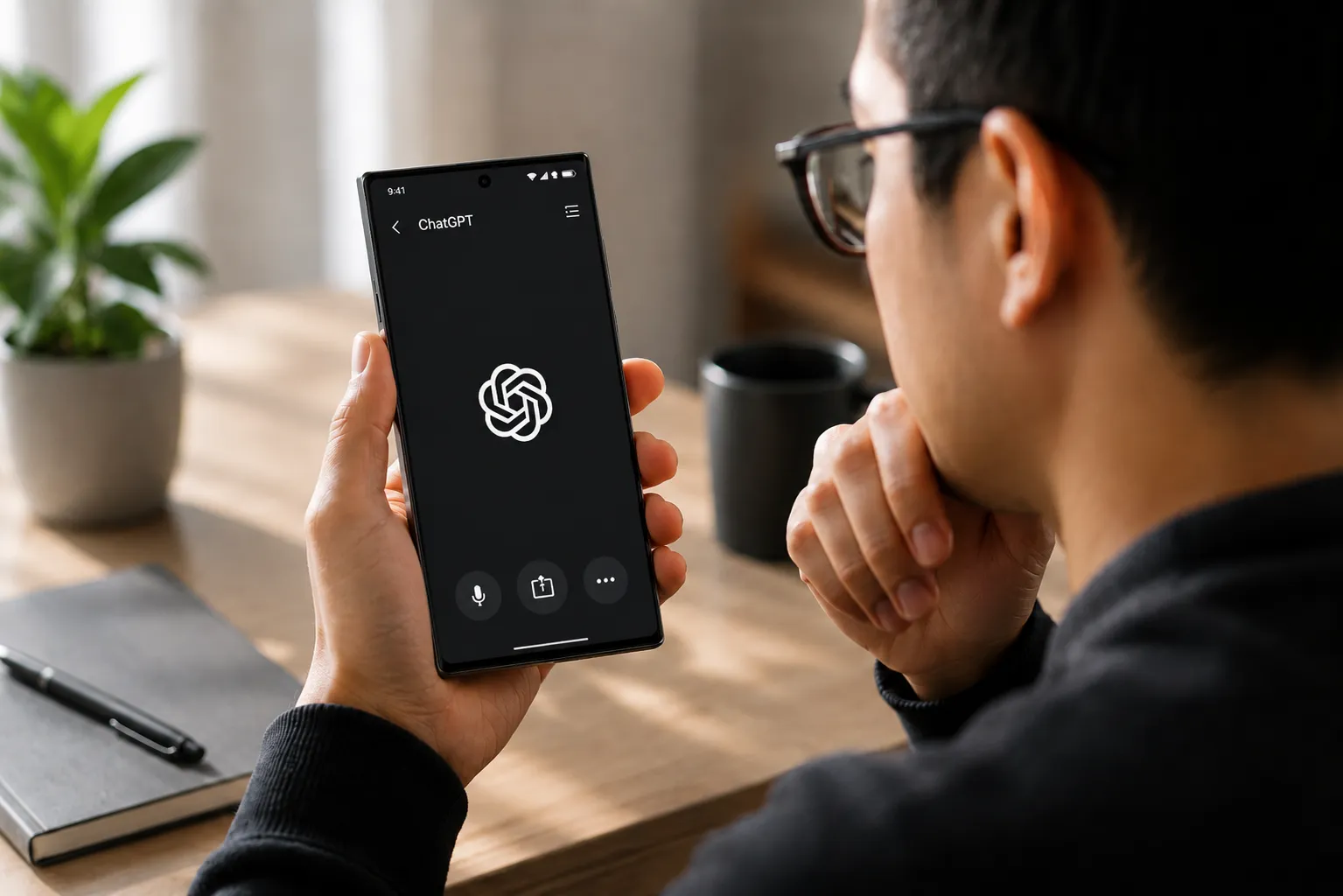
ChatGPT screen sharing on Android may be getting a less clunky alternative, and the possible replacement is worth understanding before it arrives. Code discovered this week inside version 1.2026.118 of ChatGPT's Android app points to a different method: instead of capturing your screen as video, the app would read visible text and interface elements directly, using Android's Accessibility API and Android's Bubbles feature, according to Android Authority.
This is not a live feature. Nothing below is a guide to something you can do today. What follows is an explanation of how the current method works, what the new approach appears to be, and why the permission it requires deserves a close look before you grant it if the feature ships.
How ChatGPT screen sharing on Android works today
ChatGPT already supports screen sharing during voice conversations for eligible subscribers on iOS and Android, through the three-dot menu's "Share Screen" option. The current setup runs on Android's MediaProjection API, the same system layer that handles screen recording and casting to external displays. Android Authority reports this can produce high resource utilization and slow processes, which makes sense given what the API was built for: video output, not persistent AI assistance.
Google's own documentation reflects the overhead of screen projection in a more limited way. Google says some Android devices may not have the necessary power for an optimized Cast experience, and it recommends keeping the Android device and Cast target close together on the same network.
That's the baseline cost of the current approach. For a quick AI query about something on your screen, a video capture session can be a heavier approach than the task appears to require. The API captures the screen continuously; what an AI assistant may need in many cases is a lighter read of visible text and interface elements at the moment you ask a question. Those are different tasks, and the mismatch helps explain why screen sharing in ChatGPT currently feels heavier than it should.
What ChatGPT Accessibility setup on Android could look like
The proposed flow, based entirely on teardown analysis published this week by Android Authority, would skip video capture entirely. Instead, users would grant ChatGPT access to Android's Accessibility API, letting the app read visible text, buttons, and on-screen elements directly. Combined with Android's Bubbles multitasking feature, this could keep a floating ChatGPT prompt available across the home screen and inside other apps.
Here's how first-time setup appears to be designed, based on what the teardown reveals. This is not available yet, and these steps are not confirmed production UI.
Enable "ChatGPT screen help" in Android's Accessibility settings. This would grant the app permission to read on-screen content, and Android's newer enforcement around Accessibility services shows why that permission is treated as sensitive.
Enable notifications and conversation bubbles for ChatGPT. Together, these settings prevent Android's memory management from killing the app between sessions, per Android Authority. The bubble only stays available if the app is allowed to persist.
Use the floating bubble. Once configured, a conversation bubble appears as a persistent overlay, present on the home screen and inside other apps. Tap it to open a prompt focused on whatever is currently visible. ChatGPT reads only what it currently sees, ignoring prior conversation context, per Android Authority.
Android version required: unclear. Android Authority ties the workflow to Android's Bubbles feature but notes the underlying API has existed since at least Android 11, so final compatibility may not be limited to Android 17.
Status: Not yet available.
No recording session would need to be initiated or stopped in that proposed flow. The bubble would sit in the corner, and you would tap it when needed. The resource footprint could be lighter than MediaProjection, since the app would be reading interface elements rather than encoding a continuous video stream, but OpenAI has not published performance details.
One thing to understand before enabling any of this: depending on how OpenAI implements it, the settings that keep ChatGPT available in the background could mean the app has Accessibility access beyond the exact moment you tap the bubble. That is a broader permission than a one-time "share screen" prompt, so the scope matters.
What you'd actually be granting: the Accessibility API
Android's Accessibility API was built to support users with disabilities: screen readers, switch inputs, voice controls, Braille displays. Apps granted broad Accessibility access can read on-screen content, interact with interface elements, and monitor what the user sees in real time, as Malwarebytes explains. That's exactly why the permission is useful, and exactly why it's been a persistent target for malware.
The abuse pattern is well-documented. Trojans use fake UI overlays to intercept credentials on banking screens; once they have your passwords, they can authorize their own transactions. Malwarebytes reported in March that the number of malware frameworks exploiting the Accessibility API has grown, including one that posed as a fake Google Security page. This is the behavior Google's latest enforcement is directly targeting.
What remains unanswered about ChatGPT's specific implementation: whether screen data would be processed on-device or sent to OpenAI's servers, and whether sensitive surfaces like banking apps, password fields, or 2FA prompts would be excluded from what the feature can read. OpenAI and Google have not addressed either question publicly. Those details determine whether granting the permission is a reasonable trade-off or a significant one.
Why this feature could be blocked before it ships
On March 17, 2026, Malwarebytes reported that Google introduced new enforcement in Android 17.2 restricting Accessibility API access under Advanced Protection Mode. Under the new rules, apps can be blocked from installing or activating Accessibility services if their core purpose isn't accessibility. Google's own examples of qualifying apps are screen readers, switch inputs, voice controls, and Braille displays. An AI assistant may fall outside that definition, though whether Google would treat legitimate AI use cases differently is a question the sources don't resolve.
The restriction is narrower than it first sounds. Android 17.2's enforcement applies specifically when Advanced Protection Mode is enabled, a higher-security configuration designed for users at elevated risk. It's not the default for all Android users. For everyone not running APM, the more relevant pressure is Google's longer-running Play Store scrutiny: in 2017 Google warned developers to justify Accessibility usage or risk removal, and starting in November 2021 it required formal permission forms for Android 12 and later apps, per Malwarebytes. That bar has risen with each release.
If you run Advanced Protection Mode, this feature may be unavailable regardless of whether OpenAI ships it. Worth knowing before you go looking for it.
Before you enable it: what to check when the feature arrives
When this does appear, run through these before granting the permission:
Where does screen data go? Check whether OpenAI's privacy documentation specifies what gets processed on-device versus sent to its servers. The answer changes the scope of what you're sharing.
Are sensitive surfaces excluded? Find out whether banking apps, password fields, and notification previews can be blocked from the feature. This is currently undisclosed.
Are you running Advanced Protection Mode? If yes, the feature may be blocked regardless of your preference.
What Android versions are supported? Android Authority connects the workflow to Bubbles, but because the underlying API exists on older Android versions, OpenAI's final compatibility requirements remain unclear.
The Accessibility approach could be an improvement over running a video capture session for a lightweight screen query: potentially lighter on resources, faster to invoke, and better matched to what mobile AI assistance often needs. The permission it requires is also broader than a one-time recording prompt.
Two announcements will settle this: an official launch from OpenAI, and any public statement from Google on how it classifies AI assistants seeking Accessibility API access. That second question isn't specific to ChatGPT. It will shape how every major AI assistant on Android gets built. If Google holds the line, OpenAI may have to keep relying on MediaProjection or find another path. If it carves out space for legitimate AI use cases, the Accessibility and Bubbles model could become the standard. That call belongs to Google.







Comments
Be the first, drop a comment!