





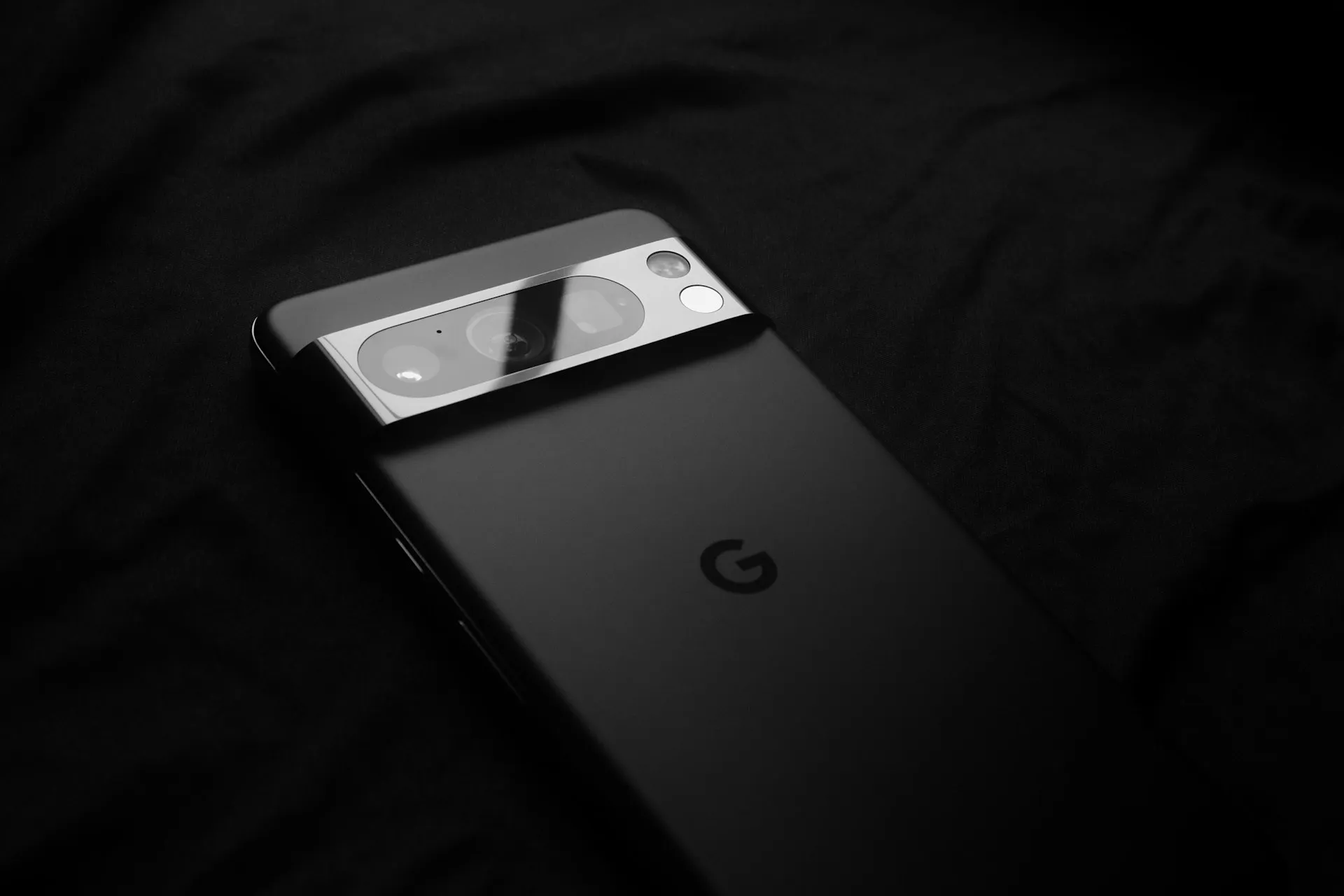
Pixel's Now Playing feature is recognizing music reliably again for many users, a meaningful turnaround after more than a year of widespread failures that had owners reaching for Shazam. The March 2026 Pixel Drop is responsible, but it arrived packaged with a platform transition that has quietly broken the lock screen experience for a portion of users who never got an explanation from Google about why.
The timing matters. For most of 2025, Now Playing was genuinely broken across the Pixel lineup. The March update fixes the core problem. But it also introduced new ones.
After more than a year of failures, the core feature is back
The collapse was severe. From late 2024 through early 2025, recognition failures spread across the Pixel 6 through Pixel 9 lineup. Android Authority confirmed it with hands-on Pixel 8 Pro testing in February 2025: one song identified out of ten played nearby, with manual searches returning "No Music Found" even with music playing loudly in the room.
One Reddit user described a four-hour drive during which the feature caught just two songs. Another called it "horrendously bad compared to earlier versions." The word "completely broken" appeared in community forums with regularity.
Google engineers acknowledged the problem began during the Android 15 beta period. An attempted fix was included before the stable release, but it clearly didn't hold. The December 2024 update offered no relief. More than three months after complaints peaked, Google responded on its IssueTracker in February 2025, confirming a fix was coming, without specifying when.
The March 2026 Pixel Drop followed. For users who got it cleanly, automatic recognition is working again. For those who didn't, Now Playing disappeared from the lock screen entirely, without clear public documentation from Google about what happened to the old trigger behavior.
What the March update changed: a better feature, an uneven rollout
Now Playing moved out of Android System Intelligence and became its own standalone app on the Play Store. The architectural shift matters: Google can now push Now Playing updates independently of full system releases. The Pixel Now Playing standalone app brings a Material 3 redesign, a rebuilt history tab, and manual song search within the app itself.
The lock screen experience also got a visual upgrade, introduced alongside Android 16 QPR3. Where Now Playing previously showed a quiet line of text at the bottom of the screen, tapping a recognized song now expands it into a pill-shaped bar displaying album art, plus one-tap options to play the track in YouTube Music, Spotify, Apple Music, or whatever streaming service you've set as your default. It's a real improvement over years of plain text, when it works.
The rollout isn't uniform. Android Authority confirmed in hands-on testing that album art sometimes loads as a blank white card before the image appears, and for some tracks, the artwork never loads at all. How widely the expanded UI is available by device and region hasn't been specified by Google.
One quiet casualty of the architecture shift: third-party tools that read Now Playing's song identification stream stopped working entirely. Apps like Pano Scrubber, which could pull track data from Now Playing and push it to Last.fm, relied on the notification channel the old system-bundled setup used. The new standalone app doesn't surface identified songs through that same channel, a breakage flagged publicly by developer Kieron Quinn, as 9to5Google noted. Google hasn't announced a replacement API.
Pixel Now Playing not showing on lock screen? Try these fixes
Step 1: Install the standalone app from the Play Store. The new architecture requires the Now Playing app to be installed. The old bundled behavior no longer handles lock screen display on its own. Search "Now Playing" in the Play Store and install it if it's missing. Then wait: Google's support documentation indicates the feature can take up to 24 hours after installation before it activates. If nothing seems to have changed after installing, that delay is the likely reason.
Step 2: Check that Battery Saver is off. Now Playing stops functioning entirely when Battery Saver is active, and this gets overlooked more often than it should. Swipe down from the top of the screen and check the Battery Saver tile, per Android Authority. Disable it if it's on, then check whether Now Playing reappears.
Step 3: Add Now Playing manually as a lock screen shortcut. If the app is installed, Battery Saver is off, and the lock screen entry point is still gone, go to Settings, then Display, touch, then Lock screen, then Shortcuts, and add Now Playing from there. This step has resolved the problem for users posting in Reddit threads and Google support forums. That it's required at all points to an undocumented behavior change. Google's March announcement described what the new standalone app adds, but said nothing about what would happen to the existing lock screen trigger for users mid-transition.
Once it's working, here's what to expect:
Automatic recognition should function without any action needed; the severe detection failures from the Android 15 era appear largely resolved
The manual search shortcut on the lock screen may be absent after the update, but the step above restores it
Album art will appear for many tracks when you tap the lock screen card, but some songs will still show a white placeholder while that part of the rollout stabilizes
If none of the above works, Shazam and the Google app's built-in sound search remain functional alternatives while Google's transition settles.
Core recognition is back, but the transition isn't finished
The recognition failures that defined Now Playing through most of 2025 appear to be behind most users. The current wave of reports reflects genuine relief after a long regression, not enthusiasm over a UI refresh. That distinction matters: this isn't a case of users noticing a new feature; it's users getting back something they'd given up on.
What remains unfinished is real. Album art loading is inconsistent. The manual search shortcut requires a fix Google never communicated. Third-party history integrations are broken with no replacement path announced.
The feature's architecture also deserves an accurate description, because it's often mischaracterized. According to Google's support documentation, Now Playing performs automatic recognition on-device using a local database: it matches ambient audio against a locally stored fingerprint database without sending raw audio to Google's servers. But there are cloud touchpoints. When the manual search button is used, a short digital audio fingerprint is sent to Google for identification.
When automatic recognition succeeds, the app may fetch additional song details, including album artwork, from the cloud. Unmatched songs may trigger a cloud search depending on settings and feature use. The fingerprints sent are used only for song recognition and not stored or shared with third-party services. That's a meaningfully different privacy posture than Shazam, which is fully cloud-dependent, but it's not a purely offline experience either.
For most Pixel owners today, the path forward is straightforward. Install the standalone app if you haven't. Add the lock screen shortcut manually. Automatic recognition should work again, and the expanded album art interface is a step forward when it functions properly. Whether Google treats the missing manual button and broken third-party APIs as loose ends worth resolving or considers this transition complete will determine whether this comeback holds.












Comments
Be the first, drop a comment!