





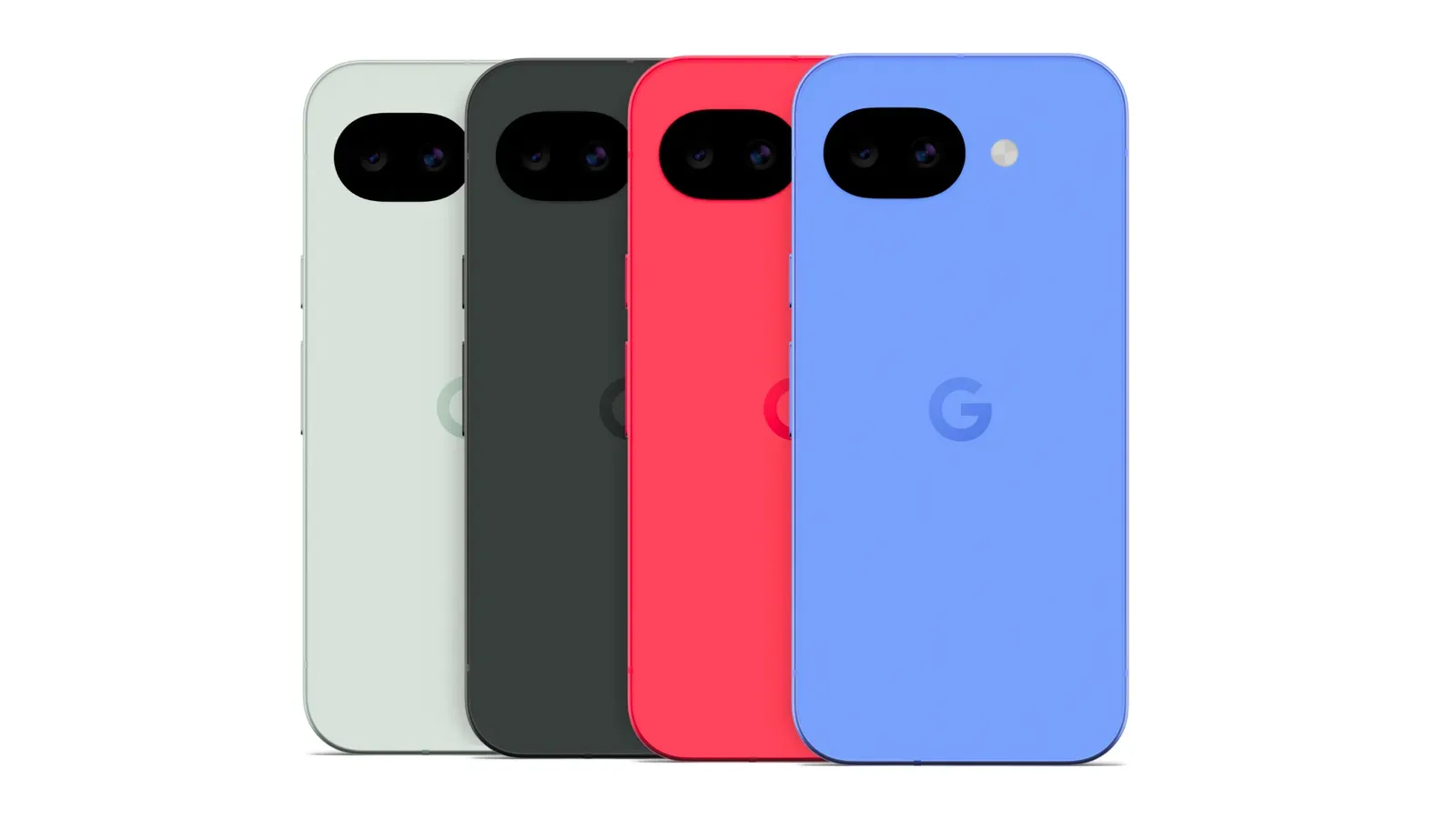
A Pixel 10a owner reported low audio recording volume during video capture, describing it as "extremely low and faint" in a complaint posted on the Google Pixel Community three weeks ago. A day earlier, a separate Pixel 11 Pro owner said recordings in any app sounded roughly half as loud as recordings made on an iPhone 17 Pro, according to a post on the Google Pixel Community.
Both threads describe some version of Pixel phone recording quiet audio, but they involve two different models with two different symptom patterns, and Google hasn't confirmed either one as a bug. The only way to know whether your own phone behaves the same way is to test it. Here's what each report documents, how to run that test yourself, and what Google's October 2026 update does, and doesn't, address.
What's actually being reported so far
Brandon Hatfield's Pixel 10a complaint is specific to video recording: voice and audio volume captured during video is described as low, with no mention of a playback or speaker issue. Hatfield said he'd already cleared the app cache, checked microphone permissions, and confirmed no case or debris was blocking the mic holes before posting, though those checks don't conclusively establish the cause.
A Pixel 11 Pro owner described a wider pattern in a separate thread: quiet recordings across multiple apps, not just video. That user compared Pixel 11 Pro recordings against an iPhone 17 Pro and asked directly whether the cause is software or a hardware defect, a question neither thread answers.
That same poster mentioned similar complaints tied to the Pixel 9 and Pixel 10, but didn't link to any underlying threads.
Confirmed territory right now is limited to two individual reports on two models describing two different symptoms. Owners of other Pixel phones shouldn't assume they're affected, or unaffected, without testing their own device.
What these reports don't tell us
Neither thread specifies whether the stock Camera app, a third-party voice recorder, or both were tested, which matters since the Pixel 10a complaint is scoped to video while the Pixel 11 Pro complaint spans "any app."
It's also unclear whether the two reports involve the same microphone, since Pixel phones can route audio differently depending on recording mode, whether that's standard video, a voice memo, or a call.
Neither poster says whether the problem started after a software update or survived one, and neither thread confirms Google has acknowledged or is tracking the complaint internally.
Nothing in either report rules out playback volume, Bluetooth audio routing, or file-processing differences as contributing factors. The Pixel 11 Pro comparison in particular ran across two separate phones with two separate recording and playback chains. These are gaps in the evidence, not conclusions to draw from it.
Testing Pixel 10a quiet video audio against recordings in other apps
Start with the basics Hatfield already ran: check for a case covering a mic opening, inspect the mic ports for debris, and confirm microphone permission is enabled for whichever app you're recording in.
Then run a controlled comparison on your own phone, rather than against a different device:
Record the same spoken phrase, at the same distance, in the stock Camera app.
Repeat that same phrase in a second recording app, like a basic voice recorder.
Play both clips back through the same speaker or headphones to compare levels.
This shows whether quiet audio shows up in one app or several, the central question behind most Pixel video recording audio too quiet complaints. It still can't fully separate a capture-gain problem from a playback-volume one, but it's steadier than comparing against another phone, since a cross-device test doesn't control for differences in recording and playback hardware.
Replies on both community threads suggest booting into Safe Mode and repeating the recording test, as a way to check whether a third-party app is interfering with mic capture. It's a reasonable low-risk step, but not a confirmed Google remedy.
What the test can and cannot tell you
If low volume only shows up in one app, and a second app or Safe Mode sounds normal, that makes an app-specific cause more plausible. It still wouldn't prove it.
If low volume shows up everywhere, including in Safe Mode, that's stronger evidence the behavior isn't limited to one app, closer to the pattern described in the Pixel 11 Pro thread. It still wouldn't prove a system-level or hardware fault; neither thread establishes whether the cause is software or hardware.
A reply in the Pixel 11 Pro thread suggested a factory reset without restoring from backup as a further step. Neither thread documents whether that reset, or Safe Mode testing, actually resolved anything, so treat it as an untested, high-cost option rather than a confirmed fix. Back up your device first regardless.
Save your evidence before resetting anything or contacting Google support: sample recordings from each app you tested, your exact software build number, which apps showed the problem, and your Safe Mode results.
What Google's October 2026 update does and doesn't fix
Google's October 2026 Pixel update lists three user-facing bug fixes, according to the company's official October 6 announcement. The only audio-related entry addresses audio noise or distortion in ringtone during certain VoIP calls, affecting Pixel 8 through Pixel 10.
That's a ringtone and call-audio fix, not a fix for low microphone capture volume during video or app recording. The changelog Android Authority reviewed doesn't name or reference the recording-volume symptom described in either community thread.
The other two listed fixes address a virtual keyboard that occasionally fails to appear in search fields on Pixel 8 through Pixel 11, and photos or videos that save in the wrong orientation on Pixel 11 devices, per the same report.
Google's three listed fixes don't specifically address the recording-volume reports described here. If your Pixel is eligible for the October update, don't assume it will resolve low recording volume. Google's published changelog doesn't identify that symptom as a targeted fix.
What to do now
Treat reports of low audio capture volume on Pixel phones as unconfirmed, not a known Pixel-wide defect. Test the same phrase in Camera and a second recording app, repeat in Safe Mode if needed, and save the recordings and build number if the problem persists. The October update lists no fix for low microphone capture, so don't reset the phone or assume the patch solved anything until you've tested it yourself.


















Comments
Be the first, drop a comment!