





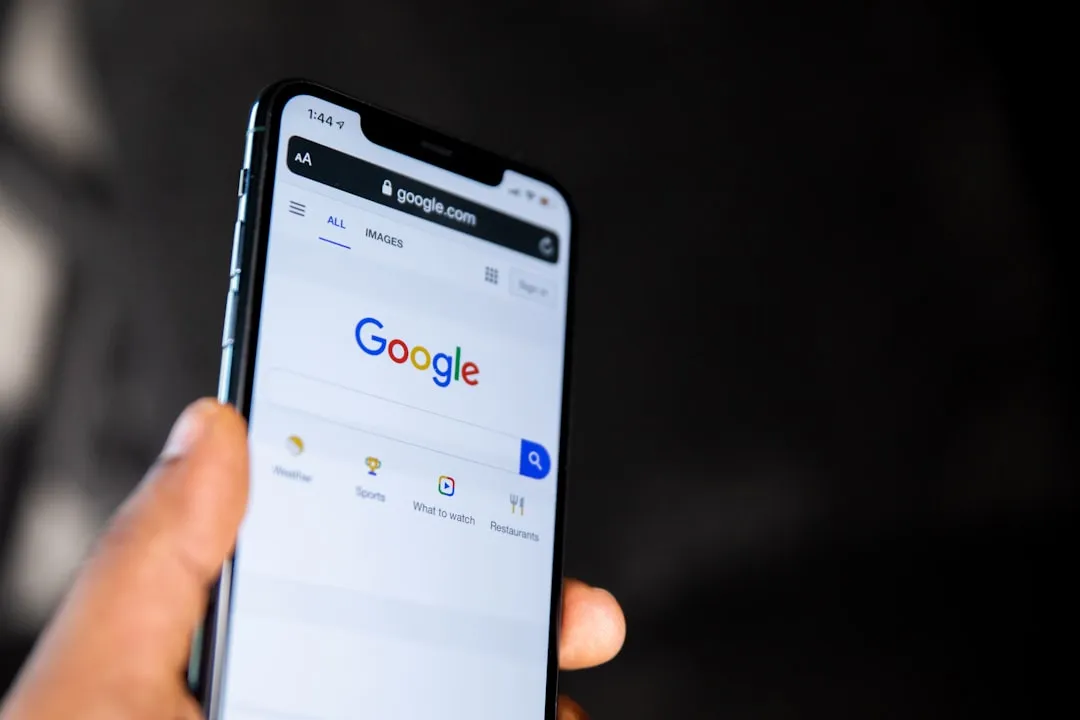
Move Passkeys to Another Password Manager on Android: Google's Current Limits
Android users can already choose where new passkeys get stored. Moving the ones already inside Google Password Manager to another provider is a different story and that capability does not exist yet.
Google has committed to supporting the FIDO Credential Exchange Format, the standard designed to let users transfer passkeys between managers without re-enrolling at every site, according to MojoAuth. As of May 2026, no public beta has shipped. There is no migration UI in Google Password Manager, no confirmed timeline, and no way to move passkeys to another password manager on Android through an export flow.
That gap matters more as the credential library grows. Passkeys authenticated Google account users more than 1 billion times across over 400 million accounts within their first year, and daily passkey usage on Google accounts now exceeds SMS one-time codes and authenticator app codes combined, per Google's blog. Every new passkey a user creates inside Google Password Manager is another credential they would have to manually re-register if they switch providers.
How Google Password Manager passkey transfer works today and doesn't
Google Password Manager syncs passkeys across Android devices and Chrome browsers signed into the same Google account, according to Google for Developers. That sync works well. What it doesn't do is let credentials cross the boundary into a different ecosystem.
On Android 14 and later, users can set a compatible third-party manager 1Password, Bitwarden, Dashlane as the default credential provider, which directs new passkeys there instead. Google noted two years ago that vendors like 1Password and Dashlane are already using Android's passkey management APIs for exactly this purpose. The setting lives under Settings > Passwords & accounts > Preferred passwords app on most Android 14 devices, though the path varies by manufacturer.
That covers new passkeys going forward. It does nothing for credentials already stored in Google Password Manager. An Android user who has spent the past two years building up passkeys across dozens of accounts banking, retail, email would need to visit every one of those sites, delete the existing passkey, and set up a new one through their chosen manager. CXF is designed to replace that process with a single export-and-import flow. Google supporting the standard is the precondition for that to become possible.
What the FIDO Credential Exchange Format actually does
The FIDO Alliance published its Credential Exchange Protocol and Credential Exchange Format specifications in October 2024, with an updated draft in February 2026. The specs define a standardized method for transferring passkeys and other credentials between managers so that transfers are not made in the clear and are secure by default, the Alliance announced. The working group includes Apple, Google, Microsoft, 1Password, Bitwarden, Dashlane, Samsung, and others broad enough to suggest these won't be shelf-ware specs.
One thing worth being clear about: this is a point-in-time migration, not a continuous sync layer. The user initiates the transfer; the passkey copies to the new manager; the original stays in the source until the user manually deletes it, IDPro explains. The format preserves metadata tags, notes, usage history so the migration doesn't strip credentials of context.
The copy-not-move design creates a specific cleanup obligation. If a user exports passkeys from Google Password Manager into Bitwarden and doesn't delete the originals, the same credentials exist in two places. Should either manager later be compromised, IDPro notes, that same credential may be reusable from the other. The practical guidance is straightforward: commit to one provider, then clean up the source after migrating.
There's also a limitation on the relying party side. Websites and apps that issued a passkey have no standard way to know whether that credential has moved or where it now lives, per IDPro. The FIDO working group is aware of this, and future hints during passkey use not just creation are planned to address it. For now, it's a known gap rather than a design flaw, and one that doesn't affect day-to-day sign-ins.
Where Apple sits, and why it matters for Android users
Apple has moved further along the same standard. iOS 18.4 and macOS 15.4 have shipped CXF export in beta channels, gated behind a Settings toggle. CXF import is rolling out behind a feature flag. 1Password 8.10 has also implemented CXF import in beta channels, MojoAuth reported last week.
That partial progress is relevant to Android users for a practical reason: even with Apple's export side available in beta, a user cannot migrate passkeys from iCloud Keychain into Google Password Manager right now, because Google hasn't shipped the receiving end. Portability requires both sides. And for Android passkey export to password manager alternatives to become real, Google needs to build the export side, too.
Why this is a control issue, not just a UX problem
More than 12 billion online accounts are now accessible via passkeys. Sign-ins with passkeys are up to 20% more successful than passwords plus SMS OTP, the FIDO Alliance reported. Passkey sign-in on Google accounts runs roughly four times faster than the password-plus-SMS combination, according to MojoAuth's summary of Google I/O 2024 data. The faster and more frictionless passkeys become, the faster credential libraries accumulate and the higher the cost of switching without a migration path.
The structure here mirrors phone number portability. Before number portability, switching carriers meant losing your number, which was effective at keeping customers in place regardless of service quality. Passkeys stored in a single vendor's manager, with no export path, create the same dynamic. IDPro frames the issue plainly: credential exchange is about control, not convenience it's about having a secure way to leave when you're ready, not about making credentials work everywhere at once.
What Android users can do now
Two things are available today. First, Android 14 users can change their default credential provider to a compatible third-party manager in Settings. That routes new passkeys away from Google Password Manager going forward, which limits further lock-in without solving the existing one.
Second, users who want to avoid the problem entirely can set up new accounts from scratch using a third-party manager as the default. That's a clean slate approach useful for anyone early in their passkey adoption, less useful for anyone who has been building credentials inside Google's ecosystem for the past two years.
Migrating existing passkeys from Google Password Manager into another provider through an Android passkey export flow remains unavailable. When Google ships CXF support the thing to watch for is import/export controls appearing in Google Password Manager settings on Android or in Chrome that changes. Until then, the choice for existing credentials is the same one it has always been: stay, or re-enroll manually.















Comments
Be the first, drop a comment!