





Google Private AI Compute Explained: Pixel 10's AI Architecture
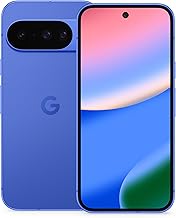
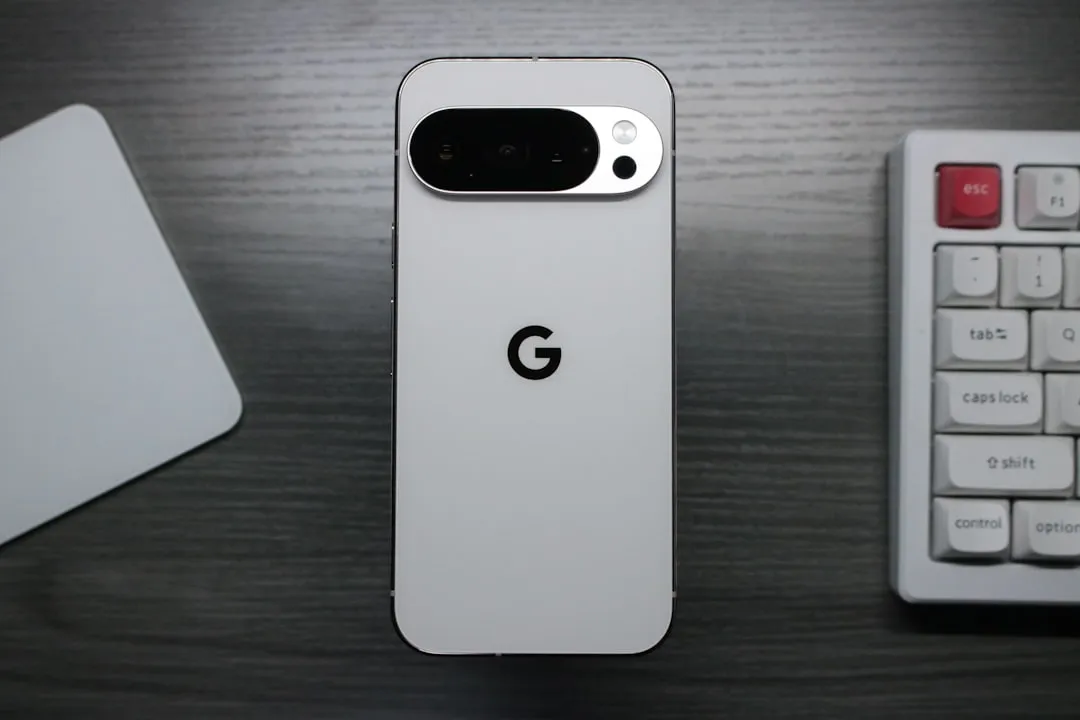
Google introduced Google Private AI Compute in November 2025, three months after the Pixel 10 launched with on-device AI features built around a simple premise: the phone should surface what you need before you ask. That gap between launch and the cloud architecture announcement is worth understanding. It defines what the Pixel 10's proactive AI actually is, how it works, and why the privacy question it raises has not yet been answered by anyone other than Google.
The core feature is Magic Cue, which Google describes as linking information across Gmail, Calendar, Screenshots, Messages, and more to surface relevant details and suggest actions at the right moment, according to Google's Magic Cue overview. Flight details when you call an airline. Event locations when a friend asks about plans in Messages. Confirmation numbers when you're on hold with customer support. No query required.
This is not a phone that autonomously books travel or reschedules meetings. The distinction matters: Magic Cue offers contextual suggestions and assisted retrieval, not autonomous action. But those suggestions are the output of persistent, cross-app access to some of the most personal data a user carries. That is the tradeoff, and it's worth naming clearly before getting into the architecture.
What Magic Cue actually does on the Pixel 10
Google says Magic Cue intelligently anticipates your needs by linking information across your apps, per Google's feature breakdown. When a user is texting about weekend plans, it can pull a confirmed event location and time from a calendar entry or confirmation email and present the details as a one-tap share in Messages, no app-switching required.
In the Phone app, Magic Cue proactively suggests information from Gmail and Messages with your permission, according to Google. If you're on the line with a customer support agent, relevant order numbers or booking confirmations can surface in the call UI automatically.
Magic Cue also feeds Daily Hub, a personalized morning digest that draws on calendar data, reminders, and curated topics. Proactive suggestions, in other words, extend beyond active tasks into ambient inference that runs before you've opened a single app. Pixel Screenshots can suggest adding relevant captures to a NotebookLM notebook. Pixel Journal uses on-device AI to surface writing prompts and, as Google puts it, offer insights into your patterns and progress over time, per Google's AI feature overview.
Magic Cue gets the headline, but this is a platform direction. The value proposition is real. So is the data access it requires. Users can enable or disable Magic Cue at any time and control which apps it can reach, Google emphasizes consistently across its product materials. That control is meaningful, but so is what enabling it in full actually grants: persistent, cross-app access to Gmail, Calendar, Messages, Screenshots, and the Phone app simultaneously.
The architecture behind Google Private AI Compute and Pixel 10 proactive AI
Tensor G5 is the first chip to run Google's newest Gemini Nano model, enabling fully on-device generative AI inference at launch. On that hardware, Gemini Nano runs 2.6 times faster and twice as efficiently as on previous hardware for applications like Screenshots and Recorder. The chip also delivers a TPU up to 60% more powerful and a CPU 34% faster on average than its predecessor. That performance gap is what makes real-time, cross-app inference practical on a phone rather than a server.
New dedicated security hardware in Tensor G5 protects the device throughout its lifecycle, from manufacturing to active use. Combined with the Titan M2 security chip, on-device processing carries hardware-level security guarantees, according to Google. The security architecture is not incidental. It is Google's argument for why users should trust a chip that is always-on and context-aware.
Then, three months after launch, came the cloud layer. Google Private AI Compute, announced in November 2025, is a cloud-side processing platform built on hardware-secured Titanium Intelligence Enclaves, remote attestation, and encryption. The goal, per Google's announcement, is to combine the capability of Gemini cloud models with the same privacy assurances expected from on-device processing, keeping sensitive data inaccessible even to Google itself. At the time of that announcement, Magic Cue was described as getting "even more helpful" through the new platform, language that suggests the feature's scope had grown beyond what Gemini Nano alone could support.
Google launched the Pixel 10 on a message of on-device AI privacy, then added a cloud privacy architecture three months later. Whether that reflects a planned expansion or a mid-cycle shift is not established by the available materials. What is clear is that the proactive AI system is now hybrid: local processing by default, cloud-assisted when needed. The privacy story has grown more complex than the launch framing suggested, which could complicate how users and regulators evaluate Google's original positioning.
The architecture is sophisticated on paper. It is also, based on the source materials reviewed for this article, unaudited. No independent security review, regulatory commentary, or third-party technical assessment of Google Private AI Compute appears in the public record. Google's claim that processed data is inaccessible even to Google is exactly the kind of assertion that demands external verification before it can be treated as settled.
Where the tradeoff gets concrete: the Phone app
Phone calls are live, personal, and time-pressured. They're also where Magic Cue's proactive suggestions are most visible, which makes calling features the clearest test of whether this approach helps or intrudes. They involve capturing speech from people who didn't choose a Pixel 10, which is a consideration Google addresses through disclosure rather than consent.
Call Notes transcribes conversations and surfaces suggested calendar events, tasks, and reminders as one-tap actions after the call ends. A 3-second initiation timer lets users cancel capture before it begins. Both parties receive an automatic disclaimer that the call is being processed, per Google. That disclaimer is also a signal: the phone is listening, and it has been designed to be transparent about that fact.
Take a Message provides real-time transcripts for missed or declined calls, filters spam using Google's detection algorithms, and uses AI to identify next steps based on the message content, according to Google. The feature effectively delegates judgment about what a caller's message requires you to do.
Voice Translate runs entirely on-device, translating calls in real time in audio that approximates each speaker's voice. It supports ten languages when translating to or from English: Spanish, German, Japanese, French, Hindi, Italian, Portuguese, Swedish, Russian, and Indonesian, per Google's feature overview. This is the most straightforwardly useful of the calling features, and the one that most clearly demonstrates what purpose-built on-device AI can do.
Call Screen and Scam Detection are expanding to Australia, Canada, Ireland, India, and Great Britain. Manual Call Screen in India launches as a beta. Android Auto gains call screening now, with Call Notes coming later this year, according to Google. The AI calling layer is extending to the car.
The guardrails Google has built are meaningful. They don't resolve the underlying question of how much ambient data capture users will accept once novelty wears off.
The trust problem: what you're agreeing to, and what Google still hasn't proven
Users can disable Magic Cue entirely or selectively restrict which apps it can reach, controls Google emphasizes across every product announcement covering the feature, per the Magic Cue overview. Enabling it in full means granting persistent, cross-app read access to Gmail, Messages, Calendar, Screenshots, and the Phone app simultaneously. That is the actual scope of the agreement, and it is worth naming plainly.
Google Private AI Compute processes data in a sealed cloud environment using Titanium Intelligence Enclaves and remote attestation. Google says sensitive data processed there remains accessible only to the user, not even to Google, per the platform announcement. This is a more sophisticated claim than standard cloud privacy assurances. It is also one that rests entirely on Google's own public materials, which are the only sources available.
What is absent from the record: independent security audits of Google Private AI Compute, third-party benchmarks on Magic Cue suggestion accuracy, any data on opt-in rates or how often suggestions land as helpful versus intrusive, and battery impact figures for always-on inference. Google's privacy assurances are technically detailed and clearly framed. Technically detailed and externally validated are not the same thing.
That gap, between what Google says and what independent reviewers have confirmed, is the unresolved center of this story. Proactive, cross-app AI is only as valuable as users' willingness to keep it running. That willingness will ultimately be shaped not by product announcements but by what security researchers, independent auditors, and regulators find when they examine the architecture closely.
The pieces to watch: whether third-party security audits of Google Private AI Compute emerge, how privacy-focused reviewers assess Magic Cue's actual data handling in practice, and whether regulators in the EU or UK move to scrutinize the "inaccessible even to Google" claim. The Pixel 10 is a well-built proposal. The proof of concept phase ends when someone other than Google looks under the hood.













Comments
Be the first, drop a comment!