





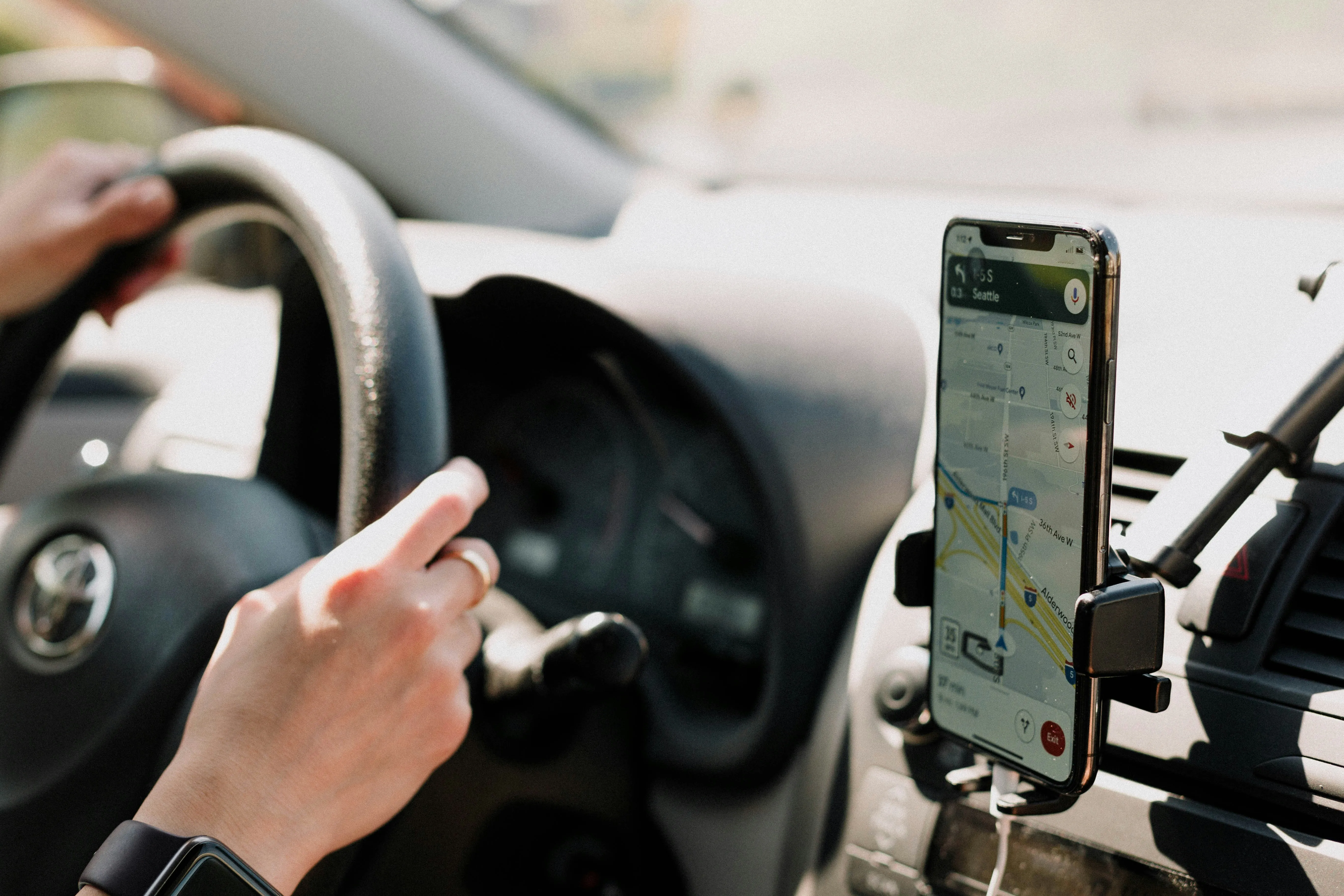
Google Maps' live speedometer is reaching more Android Auto users after first appearing in a limited test. The feature shows the vehicle's estimated current speed beside the posted limit on the car's display, closing a gap that remained after Google brought the tool to Android phones and Apple CarPlay.
Before the rollout, Google Maps could show the road's speed limit on Android Auto but not the vehicle's estimated current speed. Drivers had to glance at the instrument cluster to compare the two, while Waze could display both on the infotainment screen.
Google has not formally announced the Android Auto rollout or published a schedule for wider availability. However, reporting published July 25, 2026, found the feature on more devices, including some running stable versions of Google Maps and Android Auto.
How the Android Auto speedometer works
The speedometer appears as a floating current-speed indicator beside the posted speed limit while a route is active. In the interface documented during the rollout, the indicator changes from its normal color to yellow and then red when Maps detects that the vehicle is exceeding the displayed limit.
Without an active route, the observed interface can show the estimated current speed by itself.
The available control is in Google Maps on the connected phone, not in Android Auto. Open Maps, tap your profile picture, and go to Settings → Navigation → Driving options, then enable Speedometer. Speed-limit information may also be available, depending on the location and app configuration.
Google's official instructions explain how to turn the speedometer on or off. Google also warns that the Maps speedometer is for informational use and may differ from the vehicle's actual speed because of external conditions. Drivers should use the car's instrument cluster to confirm how fast they are traveling.
The phone setting alone does not confirm that the Android Auto display is available. Google appears to be activating the dashboard feature separately, so people using similar phones and app versions may still see different results.
How to check whether you have it
The first widely documented sighting involved a Canadian user running Google Maps beta version 26.29.02.946673643. The feature was difficult to reproduce on other devices when the report was published on July 19, 2026.
That build should not be treated as a minimum requirement. Later sightings showed the speedometer on stable installations, indicating that neither the Google Maps beta nor the Android Auto beta is required.
To check for the speedometer:
Update Google Maps and Android Auto through Google Play.
Open Google Maps on the phone connected to the car.
Tap your profile picture, then open Settings → Navigation → Driving options.
Enable Speedometer.
Connect the phone to Android Auto and open Google Maps on the car display.
Start a route and look beside the posted speed-limit icon for a separate current-speed reading.
Seeing the Speedometer toggle on the phone does not prove that the dashboard feature has reached the connected setup. If the reading does not appear on the car display, keep both apps updated and check again as Google expands the rollout.
Joining a beta program cannot guarantee access because availability is controlled separately from the installed app version.
Why Android Auto was the last to get it
Google Maps had offered a speedometer on Android phones for years and added it to iPhones and CarPlay in July 2024. Android Auto remained the exception until the first rollout sightings appeared on July 19, 2026. Google has not explained the delay.
The omission forced drivers to look between Google Maps' posted limit and the vehicle's instrument cluster instead of seeing both numbers together on the infotainment display. Waze had already offered that side-by-side view through Android Auto.
The new display removes one of the clearest feature differences between Google Maps and Waze on Android Auto. Availability remains uneven, but its appearance on stable installations means users do not need to join a beta program before checking their dashboard.


















Comments
Be the first, drop a comment!