





Gemini Gmail Integration in Android Auto Explained
Google started rolling out Personal Intelligence to Android Auto yesterday, giving Gemini permission-based access to Gmail, Calendar, Photos, Maps, YouTube, and Search while a driver is behind the wheel, according to Google's announcement. The Gemini Gmail integration in Android Auto is opt-in from the start: no app connects until a driver turns the feature on, and it can be switched off anytime in Gemini's settings, per the same post.
Eligibility is narrower than the feature list suggests. Personal Intelligence is limited to personal Google accounts for users 18 and older, which rules out Workspace business, enterprise, and education accounts, and it isn't available in the European Economic Area, Switzerland, the UK, or Nigeria, according to Google. The rollout has started on Android Auto for eligible accounts, but Google describes it as an ongoing rollout rather than something every eligible driver has instantly, so availability may still vary even outside the excluded regions; cars with Google built-in follow "in the coming months," per Notebookcheck.
What Personal Intelligence actually adds to Gemini in Android Auto
This isn't Gemini's first look at personal data in the car. In the earlier Android Auto rollout last year, Gemini could already read Gmail while driving and connect to Calendar, Tasks, Keep, Samsung Calendar, Samsung Reminder, and Samsung Notes, according to Google's November 2025 post. Personal Intelligence expands those sources rather than bringing personal-data access into the car for the first time.
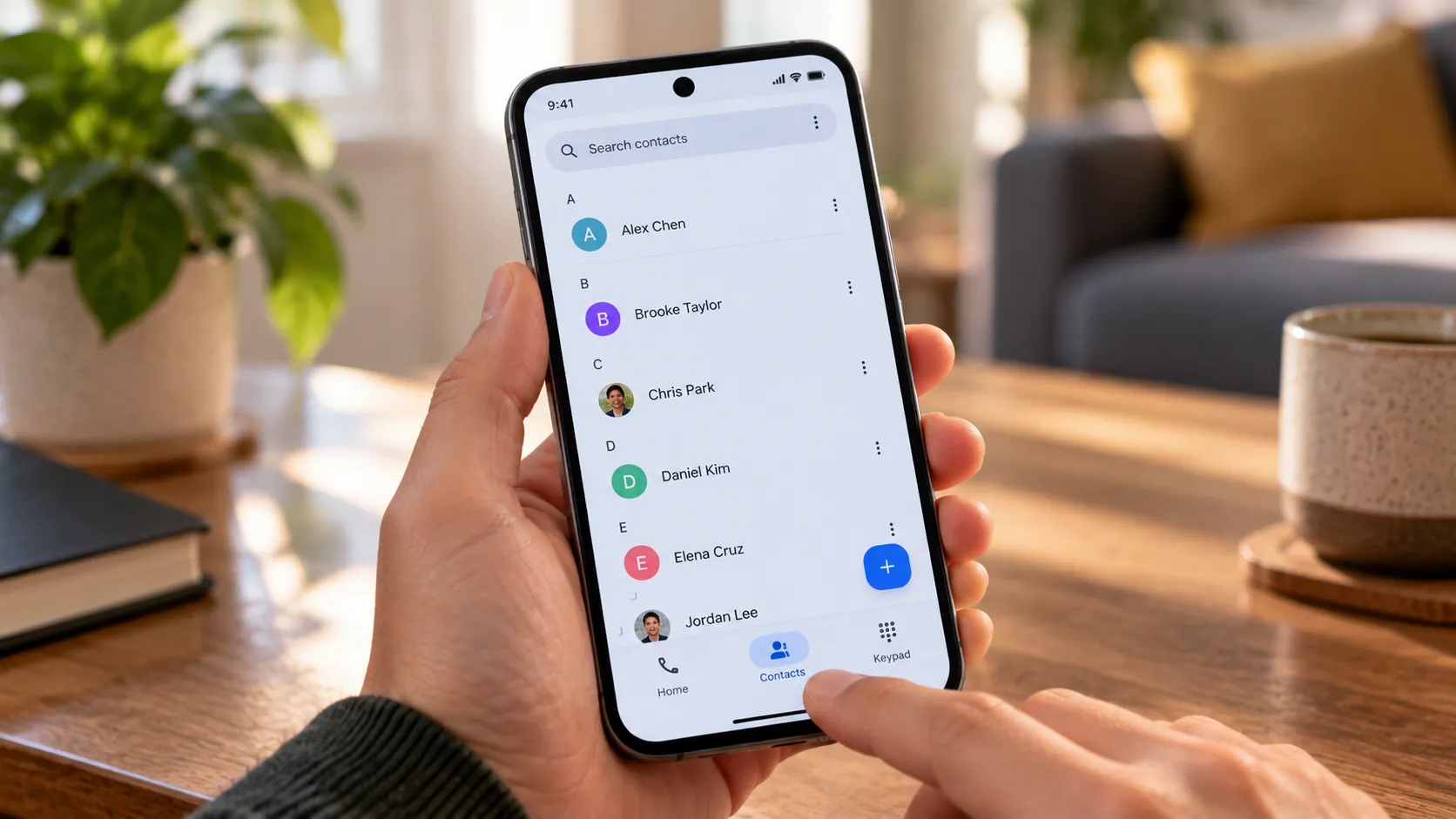
The update adds a new Personal Intelligence control for connecting supported services, extending reach to Photos, Maps, YouTube, and Search on top of what was already there. Google describes two core functions: pulling a specific detail out of one connected app, or reasoning across several sources at once to answer a single question, according to Google's announcement.
Google's own examples show the range it's claiming. On the way to the airport, Gemini is supposed to find a flight confirmation email and report the gate and whether the flight is delayed in one answer; a request to drive to an appointment can pull the address straight from Calendar; a saved photo from last week might help locate a car wash, and a route suggestion can lean on past restaurant preferences, according to Notebookcheck. These are company demonstrations of intended behavior, not independently verified results, and worth testing against a real inbox and photo library before relying on them during a time-sensitive drive.
Drivers who skip Personal Intelligence entirely still get a working assistant. Navigation, music, calls, and general questions continue to function without it; they just aren't tailored to the driver, per Notebookcheck.
Who's eligible for Gemini Android Auto Gmail access right now
The rollout started on Android Auto yesterday, and Google built-in cars are scheduled to get it "in the coming months," which means Android Auto owners are first in line, according to Google.
There's a wrinkle worth flagging from the original rollout. Last year's Gemini-in-Android-Auto launch required upgrading from Google Assistant to Gemini on the phone itself, with a tooltip appearing on the car display once that upgrade unlocked the feature, according to Google. Google's October announcement doesn't restate that requirement specifically for Personal Intelligence, so it's unclear whether it still gates access. If the feature doesn't show up, checking whether the phone is running Gemini instead of the older Assistant is a reasonable thing to check, not a confirmed eligibility rule.
Account type and age are confirmed restrictions. Personal Intelligence is limited to personal accounts for users 18 and older, and Workspace business, enterprise, and education accounts don't qualify, even though Gmail and Calendar are explicitly named as connectable sources for eligible personal accounts, per Google.
Region matters too. The EEA, Switzerland, the UK, and Nigeria are excluded from Personal Intelligence specifically, though standard Gemini still answers general questions in Android Auto there without touching personal-app data, and Google hasn't explained why the feature skips those regions, according to Notebookcheck.
iPhone owners using CarPlay don't have this option. Gemini was missing from CarPlay's list of available AI assistants as of last month, per Notebookcheck, though that only confirms the state of things then, not Apple or Google's longer-term plans for CarPlay.
How to control Gemini Personal Intelligence in Android Auto
Google confirms three real choices. Leave Personal Intelligence off entirely and keep using Gemini for navigation, music, and general questions; turn it on and choose which services to connect, such as Gmail and Calendar, inside Gemini's settings; or switch the whole feature off again at any time from that same settings screen, according to Google.
The documentation gets thinner from there. Google confirms picking individual services to connect and turning Personal Intelligence off as a whole, but it doesn't spell out whether a driver can disconnect a single app, say Gmail, while leaving Calendar and Photos connected. Anyone who wants to connect Gmail to Gemini in Android Auto selectively should check the settings menu directly rather than assume a granular toggle exists, since Google hasn't published exact menu labels or a navigation path.
Drivers who already turned Personal Intelligence on in the phone's Gemini app won't need to do anything extra in the car. That setting carries over to Android Auto automatically, according to Notebookcheck, though whether the car's display shows any confirmation when that happens isn't addressed in current reporting.
Invocation hasn't changed from the Assistant era: say "Hey Google," tap the on-screen mic button, or long-press the steering wheel's voice control button, per Google.
What to check before turning it on
Before deciding whether to turn off Gemini Gmail access in Android Auto or leave it running, confirm the basics line up:
- A personal Google account, not a Workspace business, enterprise, or education account
- Age 18 or older on that account
- A supported region, meaning outside the EEA, Switzerland, the UK, and Nigeria
- Gemini active on the phone rather than the older Google Assistant
- Personal Intelligence controls actually visible inside the Gemini app's settings
If the feature doesn't appear after all five check out, Google hasn't published a complete troubleshooting flow for that scenario.
What Google says about privacy, and what it leaves unanswered
Google's stated safeguard for cars with Google built-in is that personalized responses only surface when a driver is in the car with the phone connected, according to Google. That language is specific to Google built-in vehicles; Google's announcement doesn't state whether the same safeguard applies to Android Auto.
On training data, Google said at Personal Intelligence's January launch that Gemini doesn't train directly on a user's Gmail inbox or Photos library, training instead on limited inputs like prompts and the model's own responses, according to Notebookcheck.
Several questions remain open in the supplied announcement and reporting. It's not addressed whether Gemini filters sensitive content before reading it aloud with passengers in the car, how a shared vehicle or multiple Google accounts on one car system are handled, or how long retrieved content and voice requests are retained.
Anyone eligible for the Gemini Gmail integration in Android Auto should confirm the phone itself is running Gemini rather than the older Assistant, then make a deliberate choice instead of accepting whatever's on by default. Users who want to limit exposure can begin by connecting only the services they need, if the available settings offer that choice, and revisit the rest once Google clarifies how shared-car use and data retention actually work.












Comments
Be the first, drop a comment!