



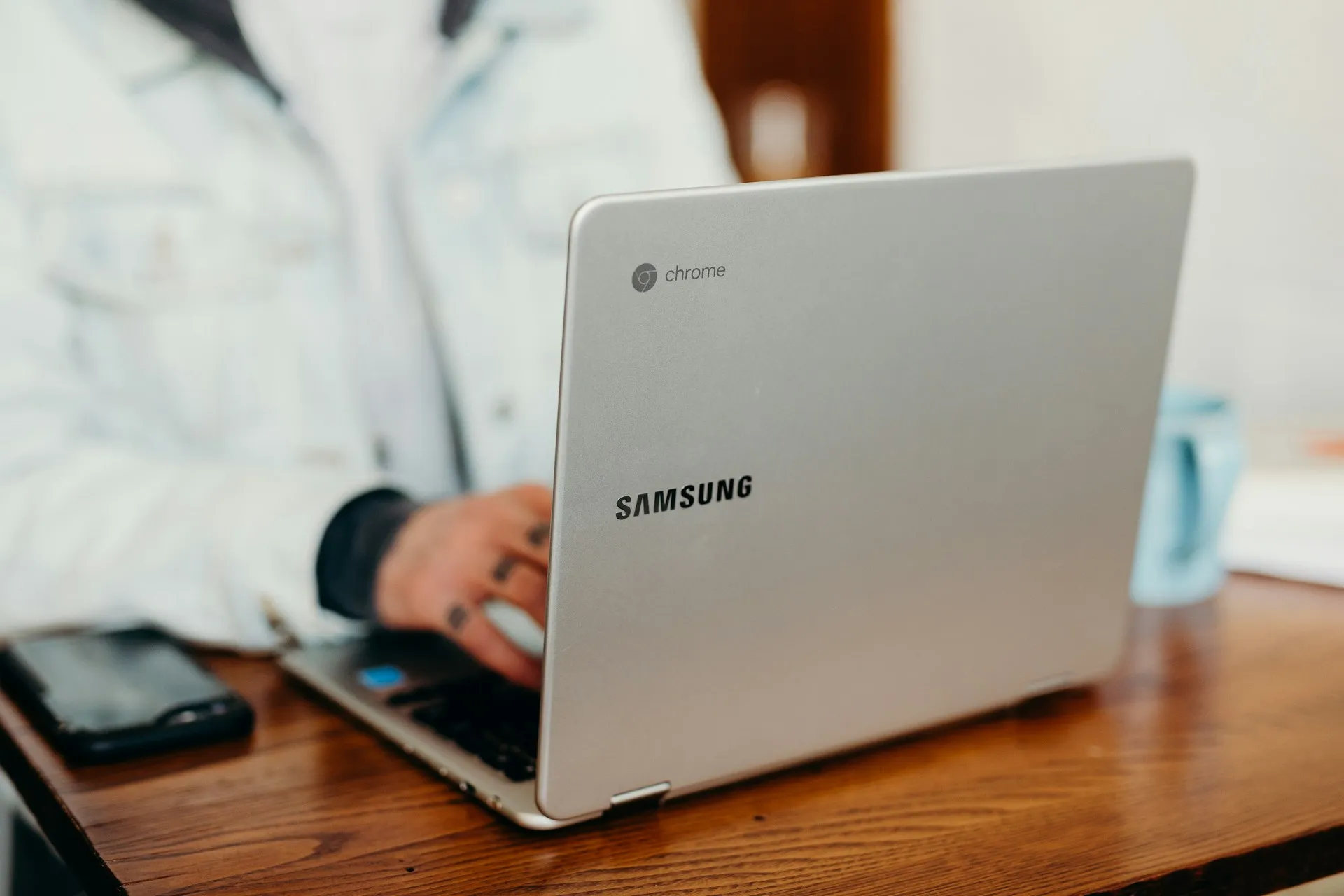
Google wants enterprise IT buyers to stop thinking of Chromebooks as school devices. The pitch behind Chromebook Plus enterprise adoption has become markedly more credible over the past eighteen months: ten years of automatic updates, zero reported ransomware incidents, hardware substantially better than legacy Chromebooks and positioned against Windows 11 AI PCs, and Gemini-related features increasingly tied into the platform. That is a substantive offer. It is also the front half of a two-sided arrangement.
The back half: every improvement Google has made to Chromebooks deepens the device's dependence on Google's own infrastructure. The security model runs through Google's update pipeline. The AI features are bound to Gemini. Fleet administration happens inside Google Admin Console. And ChromeOS itself is being rebuilt on the Android Linux kernel and Android frameworks, a platform-level change that will progressively make ChromeOS less separable from Google's mobile and AI stack. Google confirmed this in mid-2024 and acknowledged the transition "won't be ready for consumers for quite some time."
Three things are worth examining in order: what Google's reassurance actually covers, where the enterprise case is genuinely stronger than it was, and what the Android convergence means for organizations making long-cycle procurement decisions.
What Google's reassurance actually covers and the fine print
The centerpiece of Google's longevity argument is a ten-year automatic update commitment, more than any competing operating system currently offers, according to Google. Devices released from 2021 onward receive this guarantee automatically. Older hardware gets an opt-in extension after its last scheduled update expires.
One detail matters practically: the ten years is measured from the platform's release date, not the purchase date. A buyer acquiring a Chromebook today on a platform released in 2022 has eight years of support remaining, not ten. That is still a longer runway than most Windows hardware provides, but enterprise planners pricing a five-year refresh cycle should confirm the platform vintage of devices they are evaluating, not just the headline number.
The security claim that no ransomware attacks against ChromeOS have been reported is backed by a specific architectural feature worth naming. Google describes a Verified Boot mechanism that runs a self-check every time the device starts; if tampering or corruption is detected, the system rolls itself back to a clean state. That is a meaningful design difference from Windows, where the OS surface area for malware is substantially larger. The claim originates with Google and has not been independently verified in available evidence, but the mechanism is concrete rather than marketing language.
The administrative model completes the picture. Chrome Education Upgrade exposes more than 1,000 configuration policies through Google Admin Console, as Google documented in early 2024. The education comparison is deliberate. Schools are where Google stress-tested centralized, cloud-based fleet management at scale, and the architecture it built there, where the device, the OS, the identity layer, and the application suite all run through a single Google console, is now the template for enterprise.
Whether the enterprise SKU delivers identical policy depth is not explicitly documented in available evidence; the safer reading is that Google is using the education model as proof this approach can work at scale, not a guarantee of feature-for-feature equivalence.
That model is the offer. Understanding its outer edges is what comes next.
Why Chromebook Plus enterprise adoption looks more plausible now
Chromebook Plus devices deliver roughly double the processing power, memory, and storage of standard Chromebooks, per Futurum's analysis. According to Futurum, Google is positioning Chromebook Plus as a lower-cost, cloud-native alternative to Windows 11 AI PCs and Apple Intelligence-compatible MacBooks, not a compromise device. AI-enhanced video conferencing with noise cancellation, Live Translate, and generative AI backgrounds in Google Meet and Zoom, plus Gemini integration across Chrome and Google productivity tools, are now core to the pitch.
Google cites 55% lower device cost and 57% lower operational cost versus competing devices, with savings exceeding $800 per device over three years. These figures originate with Google; no independent verification is available.
The directional claim, that cloud-managed thin-client devices cost less to operate than full Windows endpoints, is plausible. The specific numbers are a starting point for internal modelling, not a procurement conclusion. Any honest TCO analysis also needs to price in the Google Workspace licensing tier required to unlock the AI features central to the Chromebook Plus pitch, a dependency that Google's cost comparisons tend to leave in the background.
The more useful signal comes from buyer behavior. A Futurum survey of enterprise IT decision-makers found that 37% make AI PC configuration choices based on specific use cases rather than incumbent platform defaults. That is the segment Google is targeting: cloud-native information workers, frontline field staff, call-center agents, and remote workers, roles where browser-based workflows, video conferencing, and managed security matter more than local application compatibility.
Futurum's analysis suggests this use-case-driven buying cohort could give Chromebook Plus a genuine advantage over Chromebook Plus vs Windows 11 AI PCs in those specific contexts, particularly as Chromebook specs continue catching up to the Copilot+ PC ecosystem.
For those personas, on those workflows, Chromebook Plus is a more credible option than it was eighteen months ago. The question is how much weight that assessment can carry.
Where the evidence is still thin
The honest answer is: quite a bit of weight is still missing.
No public enterprise deployment case studies appear in the evidence reviewed here. No independent TCO comparisons against Copilot+ PCs. No quantified app-compatibility data showing what proportion of typical enterprise software runs adequately in ChromeOS's web and Android app layer versus requiring Windows-native execution. No third-party security analysis of what the Android-stack transition means for ChromeOS's enterprise security posture over time.
Futurum's analysis is predictive and broadly favorable toward Google. The window of opportunity it describes for the second half of 2025 may have opened; whether organizations actually walked through it remains unconfirmed. Google's Google Chromebook Plus strategy relies heavily on reframing the device's reputation among IT professionals, a narrative challenge as much as a technical one. Reputations move slowly, and the evidence of enterprise traction that would confirm the narrative shift has not reached the public record.
The comparison also breaks down clearly in a few scenarios Google's messaging largely sidesteps: organizations with significant Windows-native application dependencies, environments requiring local AI processing for data-sovereignty reasons, and hybrid fleets where consistent cross-platform management is more valuable than per-segment cost optimization. These are not edge cases. They describe a substantial portion of the enterprise market.
The Android convergence: what it means before you standardize
The most structurally significant development in ChromeOS has received the least attention in Google's enterprise messaging. In mid-2024, Google confirmed that ChromeOS would incorporate large portions of the Android stack, including the Android Linux kernel and Android frameworks, as part of its foundation going forward. The goal is to accelerate AI feature delivery, simplify engineering across Google's device portfolio, and improve interoperability between Chromebooks and Android phones. Google says the work has started, but the user-facing result is still some distance away.
For current Chromebook Plus buyers, this is not an immediate problem. The user interface, security model, and management architecture are not changing in the near term. But for organizations thinking about platform standardization over a five-to-seven-year horizon, the convergence raises questions Google has not publicly answered: whether the Android-stack transition will alter ChromeOS's security architecture in meaningful ways, what it implies for enterprise update cadence, and whether future hardware requirements will shift as the Android foundation matures. These are not hypothetical concerns. They are the natural consequence of a platform-level architecture change at a company whose mobile and enterprise priorities do not always move in lockstep.
The practical implication is not "avoid Chromebook Plus." It is "ask specific questions before you standardize." These are the actual fault lines in the current evidence:
App compatibility: Does your critical software run adequately in ChromeOS's web and Android app layer, or does it require Windows-native execution? This is the single biggest determinant of fit, and it requires auditing your actual application estate, not relying on category generalizations.
Licensing dependencies: What Google Workspace tier is required to access the AI features central to the Chromebook Plus pitch? The total cost picture shifts once those licenses are included alongside the hardware price.
Admin-console reliance: Managing a Chromebook fleet exclusively through Google Admin Console is an operational capability investment, not just a software subscription. It requires trained staff, process changes, and an organizational commitment to Google's tooling that outlasts any individual device refresh.
Data and governance posture: ChromeOS's data processor mode, which approximately 1,500 schools in the Netherlands have adopted according to Google's documentation, offers meaningful control over what Google processes. Enterprise equivalents exist but require deliberate configuration. Organizations with strict data-residency requirements should verify what that configuration actually covers before deployment.
Exit costs: Cloud-native architectures are theoretically portable. Deep Google Admin Console integration and Workspace dependencies create real switching friction in practice. If Google's platform direction diverges from your needs in five years, migration is not costless.
What to make of the Google Chromebook Plus strategy
Chromebooks are becoming more viable by becoming more Google. That is the clearest summary of where the AI-enabled Chromebooks for business pitch currently stands, and it is also the most precise description of its strategic tradeoff.
For organizations already standardized on Workspace and Google Admin Console, that dynamic is largely good news. The ecosystem deepens, AI features arrive faster as the Android stack integration matures, and the management architecture they have already invested in becomes more capable. For those organizations, the case for Chromebook Plus as the default device for cloud-native, frontline, and remote worker roles is now worth seriously evaluating rather than reflexively dismissing.
For organizations running mixed or Windows-primary environments, the calculus is different. The ten-year update commitment, the longest of any major operating system per Google, gives IT departments an actual planning horizon. The hardware is genuinely competitive for the use cases Google is targeting. But the platform commits you to a deepening Google dependency at the same time the underlying architecture is in transition, and the evidence of real-world enterprise uptake that would validate the pitch at scale is not yet in the public record.
Roughly one in three enterprise IT decision-makers makes AI PC choices based on use-case fit rather than incumbent platform loyalty, per Futurum's survey data. That is a genuine commercial opening. Google doesn't need to displace Windows everywhere, and it knows that. It needs to become the obvious answer for a well-defined set of roles. That goal no longer sounds far-fetched. Whether the deployment data to support it exists yet is a different question, and the answer matters before you let a refresh cycle lock in the answer for you.















Comments
Be the first, drop a comment!