



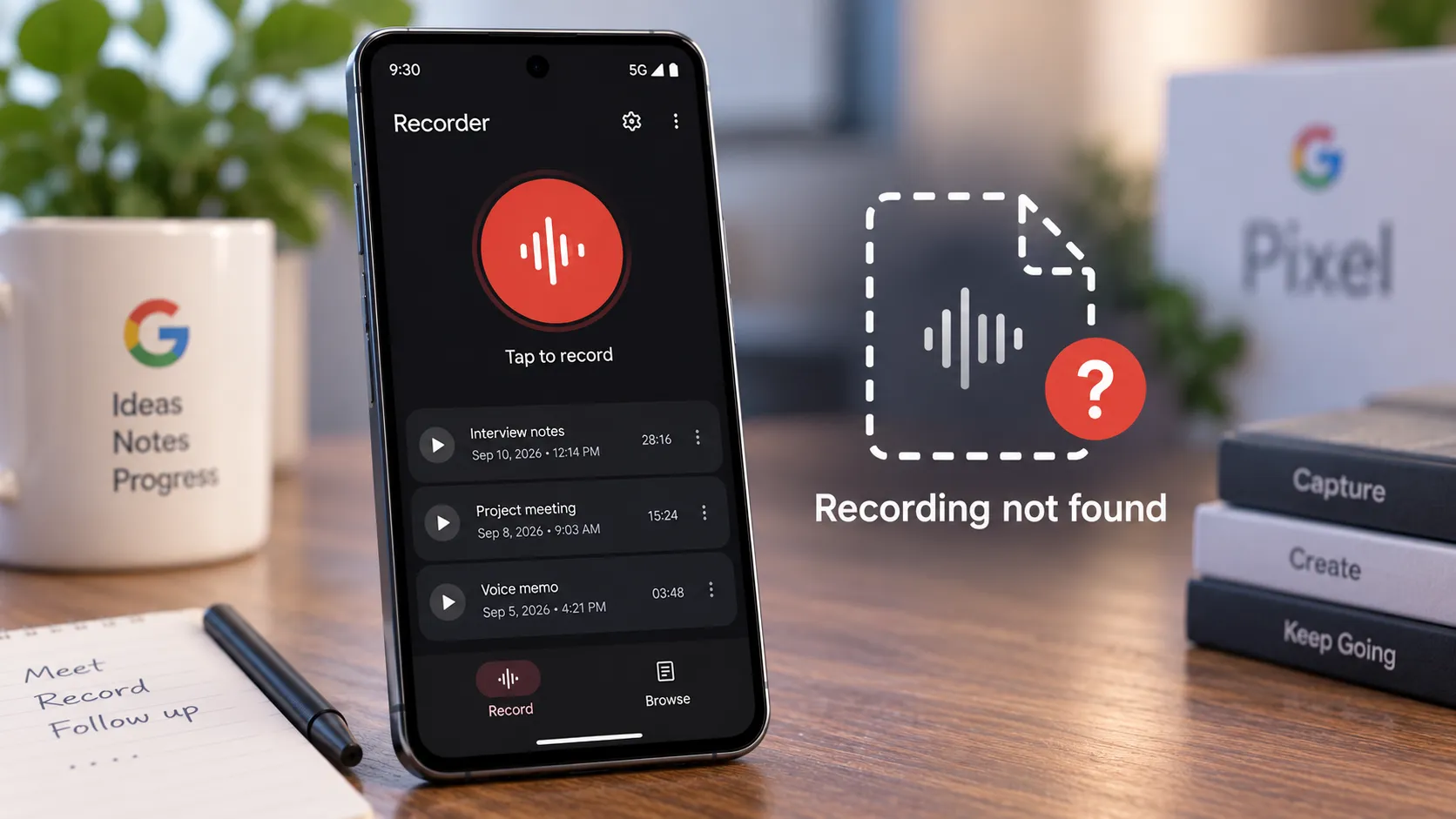
Several Pixel owners say Recorder has captured audio normally but then failed to show the saved recording afterward, and Google still hasn't explained why.
At least half a dozen users on the Google Pixel subreddit described the problem in July, according to Android Authority. The original poster said a recording appeared to complete normally but then wasn't visible in Recorder and couldn't be found where they expected it in the phone's storage.
The scope is still murky.
Five people replying to the same Reddit thread described similar experiences, while at least one commenter said Recorder worked normally. Android Authority itself said it was unclear how widespread the problem was.
Google's current support documentation says Recorder works on Pixel 3 and later phones and Pixel Tablet. Anyone relying on it for an interview, meeting, or anything else that can't be recreated should make a short test recording first and confirm that it actually appears in the library.
What Pixel Owners Are Reporting
The original Reddit report described Recorder behaving normally during capture, then leaving no visible recording behind afterward.
Five other users replied with comparable experiences, a small self-reported sample from one thread rather than a verified failure rate.
Affected users told Android Authority they tried common troubleshooting steps such as clearing the app's cache and restarting their phones without success.
Google has not published a support bulletin acknowledging the issue or identified a cause.
One additional report posted to the Google Pixel Community on July 7 gives a little more configuration detail.
That Pixel 7 Pro owner reported:
Android 16
Recorder version 4.2.20260521.936533072
Previously saved local recordings disappearing from the app
New recordings also failing to appear afterward
That's still one user's report, not proof that the problem is limited to that phone, Android version, or Recorder build.
The lack of a confirmed affected-version list is exactly why there's no reliable way to say yet whether this is a specific app bug, an indexing problem, corrupted local data, or something else.
What Recent Google Recorder Updates Actually Changed
The Recorder version discussed in older coverage isn't the latest build anymore.
In December 2025, Google rolled out Recorder version 4.2.20251104 with several changes documented by Android Authority.
That update:
Renamed Clear Voice to Auto Clear Voice.
Added an account switcher.
Added a chip identifying recordings processed with Auto Clear Voice.
Let users revert enhanced recordings to their original audio.
Warned that Auto Clear Voice uses additional storage.
Those changes don't explain the July 2026 save failures.
Google Play now lists Recorder as updated on September 7, 2026, with a generic changelog saying Google fixed bugs and made performance improvements.
The current Play Store listing doesn't say those fixes address disappearing or unsaved recordings.
So there still isn't evidence tying the missing-recording reports to Auto Clear Voice, the account switcher, or another named Recorder feature.
Google Recorder Recording Management: Failed Save or Storage Problem?
Google's Recorder support documentation describes several account and storage behaviors that can make a recording seem missing even when the underlying problem is different.
Missing From Recorder After Recording
This is the scenario closest to the July Reddit reports.
A recording appears to complete, but it doesn't show up in the Recorder library afterward.
There is currently no Google-published cause or fix for that specific behavior.
Also be careful with the phrase "not in internal storage."
Recorder can keep data inside app-managed storage that isn't exposed like a normal audio file in a public folder. A user failing to locate an .m4a file manually doesn't prove that no Recorder data exists anywhere on the device.
What the affected users can establish is that the recording isn't visible or usable through the normal Recorder interface.
Saved Locally but Not Backed Up
Recorder doesn't automatically put every recording in the cloud unless backup and sync is enabled.
Google says backed-up recordings are saved to the selected Google Account and can be accessed at recorder.google.com.
Google Account storage is shared across services including Photos, Drive, and Gmail.
If that storage is full, Google says Recorder can't back up new recordings.
That can explain a file that remains on the phone but never appears in the web library.
It doesn't explain a recording that vanishes from the local Recorder library too.
Backed Up Under a Different Google Account
Recorder lets users switch between Google Accounts.
Google says each account has its own recording library, and only one library is displayed at a time.
If you're using Recorder while signed in, a newly created recording is linked to the selected Google Account and can't later be migrated to another account.
So before assuming a recording disappeared, switch through any Google Accounts used with Recorder and check the matching library at recorder.google.com.
Intentionally Kept on the Device
Recorder can also be used without backing recordings up.
Google says users can keep recordings private on the phone rather than syncing them to a Google Account.
That means a missing cloud copy isn't automatically a failure.
But local-only recordings are also more vulnerable if the phone is reset, lost, damaged, or if Recorder's local data becomes inaccessible.
Don't Clear Recorder Storage if Important Local Recordings Are Missing
There's an important distinction between clearing cache and clearing app storage.
The users cited by Android Authority reported clearing Recorder's cache.
That isn't the same as deleting the app's stored data.
In the July Pixel Community thread involving missing local recordings, a Google Product Expert specifically warned the user not to clear Recorder storage or uninstall and reinstall the app while trying to recover the missing files.
That advice isn't an official Google engineering diagnosis, but it's sensible if valuable recordings may still exist inside Recorder's private app data.
If important local files suddenly disappear:
Don't clear Recorder's app storage.
Don't uninstall Recorder before investigating.
Don't factory-reset the phone.
Check recorder.google.com if backup was enabled.
Note the Recorder version, Android version, and Pixel model.
Contact Google support before taking destructive troubleshooting steps.
Three Checks Before You Trust an Important Recording
A short test can't prove Recorder will never fail, but it can catch an obvious problem before something irreplaceable is recorded.
1. Confirm the Local Save
Record 10 to 20 seconds of something unimportant.
Stop the recording and confirm it appears immediately in Recorder's main library.
Open it and play part of it back.
If it doesn't appear, stop using Recorder for important work until the issue is resolved.
2. Check the Selected Google Account and Backup Setting
Open Recorder and check which Google Account is selected.
Then open Recorder settings and confirm whether Back up & sync is enabled.
If you expect cloud backup, also make sure the Google Account has available storage.
Google says a full account prevents new Recorder files from being backed up.
3. Confirm the Cloud Copy
If backup is enabled, sign in to recorder.google.com with the same account.
Make sure the test recording appears there.
Google's web interface also lets you play recordings, edit titles, search the library, and otherwise confirm that you're looking at the correct account.
If the file exists locally but not on the website, that's a backup or sync problem rather than the exact missing-local-recording problem reported in July.
Consider a Second Copy for Irreplaceable Recordings
Google's support documentation says Recorder files are available only on the Pixel device unless you choose to back them up, share them, copy them to another app, or save them elsewhere.
For an interview, research session, legal record, important lecture, or other recording that can't easily be recreated, don't rely on one unsynced copy.
If the recording is important enough to keep:
Turn on Recorder backup if that fits your privacy needs.
Confirm the recording reaches recorder.google.com.
Export or share another copy after recording when appropriate.
Keep a second recording device or app running for truly irreplaceable sessions.
That isn't evidence that Recorder fails routinely. The July reports remain a small cluster.
It's simply a way to reduce the consequences if the unexplained failure happens again.
What to Do Now
Google still hasn't published a cause for the July Recorder save failures, and its September 7 Play Store update doesn't specifically mention fixing them.
Before an important recording, make a short test and confirm it appears in Recorder's library.
If backup is enabled, verify the selected Google Account, make sure that account has free storage, and confirm the test recording appears at recorder.google.com.
If recordings suddenly disappear from the app, avoid clearing Recorder's storage, uninstalling the app, or resetting the phone until you've checked whether important local data can still be recovered.
And until Google identifies the affected configurations or publishes a fix, keep a second recording method available for anything you can't recreate.
















Comments
Be the first, drop a comment!