



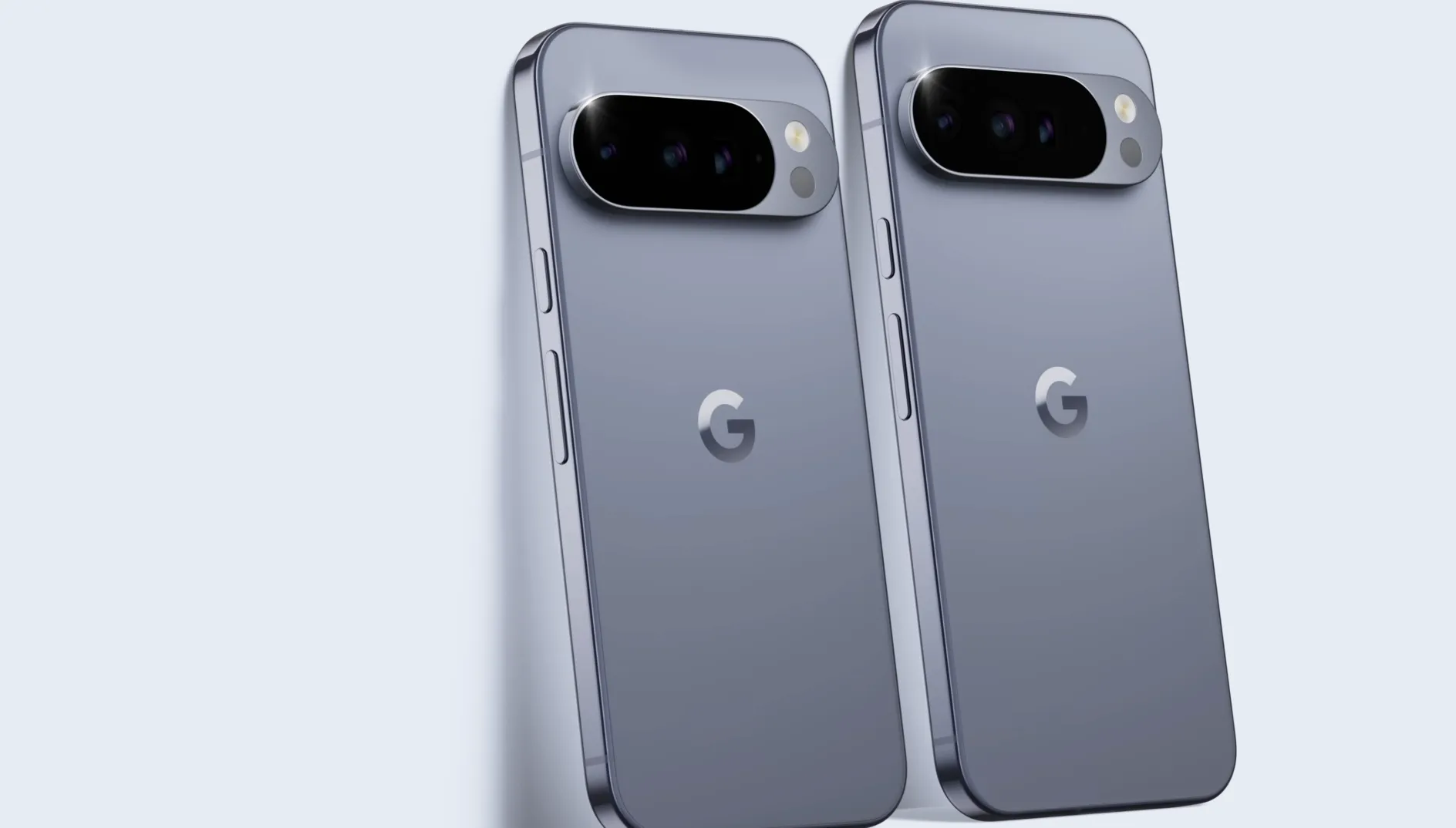
Trading in an old phone with Google Store can turn a drawer relic into real money toward a new Pixel. At the Pixel 11 launch, Google's trade-in program offered $150 for a Pixel 4a and $200 for a 2019 iPhone 11, numbers that catch owners off guard who figured those phones weren't worth listing anywhere. The U.S. trade-in ceiling also climbed from about $800 at the Pixel 10 launch to $1,000 this year, with top-tier phones like a Galaxy Z Fold 7 or iPhone 17 Pro Max eligible for $900 to $1,000.
There's a catch worth knowing before checkout. U.S. buyers who qualify for instant trade-in get their discount applied at purchase, before Google ever inspects the phone. Google's support documentation confirms the final value depends on what the company finds when the device arrives, and if the condition doesn't match what you described, the discount can be reversed.
One Thurrott writer experienced this firsthand: Google issued a $600 instant credit for a Pixel 10 Pro trade-in, then said it would reverse that same $600 and charge the payment method to cover it, all despite reporting an identical $600 figure for both the original estimate and the inspection result. Thurrott documented one case, while 9to5Google separately reported similar failed trade-ins affecting several Pixel 10 owners; neither report establishes how widespread the issue is.
Step 1: Get your Google Store trade-in estimate for your exact device
Skip the published averages and go straight to checkout. Google's eligible device list only shows up after you've selected the new Pixel you want, and that list refreshes every 30 days, so a phone that qualifies today might not next month.
The numbers in trade-in charts assume an unlocked phone at base storage. 9to5Google's published Pixel 11 figures don't establish whether carrier-locked phones or different colors get a different quote, so don't assume a discount or penalty applies until your own checkout page shows it.
Location matters too. 9to5Google flagged one case where a Galaxy S10+ traded in for roughly $30 in the U.S. but a much higher figure in local currency in the UK. That's a single reported example, not a confirmed exchange-rate pattern, but it's a reminder that a Google Store trade-in estimate can shift by region.
Enter your exact model and storage size at Google Store checkout. That's the only number worth trusting.
Step 2: Compare Google's offer against other retailers
Before committing, get a live quote elsewhere. Amazon was reportedly adding up to $250 in bonus trade-in credit, with the amount depending on the device, which could beat Google's number on lower-value phones. Best Buy advertised trade-in-plus-gift-card combinations worth up to $1,000 around the same period. Both were launch-period promotions, so check whether they're still running before assuming either applies to you now.
Also confirm your country supports the program at all. Google Store trade-in is limited to a specific list of markets, including the U.S., Canada, the UK, and several EU and Asia-Pacific countries. Pull a like-for-like quote from at least one other retailer before checking out with Google, especially if your old phone is mid-tier rather than a flagship.
Step 3: Determine whether you qualify for instant trade-in
This is the step that decides how much risk you're carrying. Instant trade-in is currently available to a limited number of U.S. users, and only for one trade-in per user. It's not universal, so don't assume you have it just because you're in the U.S.
If you're eligible, the estimated trade-in value shows up as a discount applied directly at the checkout page, before Google has received your old phone. Once you ship the device, Google typically checks it within five business days, and the final value depends on whether the condition matches what you described. If it matches, you keep the full credit.
If you don't have instant trade-in, the sequence runs the other way. You ship the phone first, Google inspects it, and only then issues a refund to your original payment method. There's no upfront discount to claw back, because none was given.
Check your checkout page for an upfront trade-in discount applied to the order total. If you see one, you're likely on the instant path, and the reversal risk covered later in this guide applies to you directly. If your total doesn't drop until after Google receives the phone, you're on the standard path.
Google trade-in device condition requirements
Google spells out exactly what knocks value down on inspection, and it's worth reading before you box anything up. According to Google's condition requirements, trade-in value may decrease if:
The device doesn't turn on or off
There's a problem with the charging port
The screen or body is unresponsive, cracked, damaged, or bruised
There are missing pixels
The LCD is dark or burnt out
A factory reset hasn't been performed, and activation lock is still on
The model received differs from the one selected
The device ships more than 30 days after your new phone arrives
The device is reported lost or stolen
One condition issue disqualifies a device entirely rather than just lowering its value: Google says phones with damaged or swollen batteries can't be returned for credit at all (Google Store Help). Check battery health before you do anything else.
How to prepare a phone for Google trade-in before shipping
Once you've confirmed your phone doesn't trip any of the issues above, prepare it properly. Perform a factory reset and remove any activation lock. Skipping this step is one of the specific reasons Google lists for reduced value.
Match the exact model and storage to what you selected at checkout. Sending a different model than the one you claimed is called out directly as a reason value drops.
Photograph or record video of the phone's screen, body, and power-on state right before you seal the box. This isn't something Google asks for, and it won't override an inspection result. But it gives you your own timestamped record to compare against whatever Google reports back, which matters if the numbers don't line up later.
Ship within 30 days of your new Pixel's arrival. Google explicitly treats later shipments differently, and if you don't send the trade-in device within that window, your original payment method gets charged for the value difference.
What to do if Google lowers or reverses your trade-in value
Here's what actually happened to one buyer, and it's worth walking through step by step because the resolution path matters more than the story itself. A Thurrott writer traded in a Pixel 10 Pro and received a $600 instant credit at checkout based on the condition they described: device turns on, no cracks, factory reset completed.
Days later, Google emailed saying the inspected value was lower than the estimate, then listed the assessed value as $600, the identical figure, without explaining the discrepancy. Google's message said it would return the device and charge the payment method $600 plus applicable taxes to reverse the instant trade-in credit. Thurrott's case was not the only reported Pixel 10 trade-in failure, though available reports do not establish how common the problem is.
If you get a similar notice, work through it in order:
Save the original email or order page showing the condition answers you submitted and the estimate you received.
Compare those answers line by line against whatever Google's inspection notice claims about the device's condition.
Contact Google Store support directly and reference the discrepancy, including your pre-shipment photos or video if you took them. Documentation helps make your case, but it's not a guarantee the assessed value gets restored.
Figure out whether the adjusted price still makes the new Pixel worth keeping, or whether returning it changes the math in your favor.
Check the return deadline attached to your specific order. Thurrott reports Google allows phone returns within 15 days of arrival, but confirm the exact terms on your order page rather than assuming that window applies uniformly.
What to do next
Start by pulling a live quote for your exact model and storage size at Google Store checkout rather than trusting a published chart. Check whether your checkout page shows an upfront trade-in discount, which tells you whether you're on the instant path or the standard one. Run through the condition requirements before you pack anything, factory reset included, and photograph the phone as your own record.
If you qualify for instant trade-in, keep enough room on your payment method to absorb a reversal charge until Google's inspection clears, and ship the phone well before the 30-day cutoff. That's the difference between a smooth trade-in and a surprise charge on your statement.


















Comments
Be the first, drop a comment!