




Reviewed by: Jame Jimenez
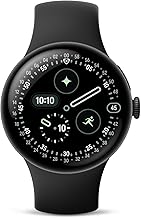
Google's bold promise of 40-hour battery life for the Pixel Watch 4's 45mm model seemed almost too good to be true when I first heard it. After years of Android smartwatches struggling to keep pace with Apple in the endurance department, Google's latest wearable lands as what the company calls its biggest smartwatch update yet. Two sizes, two batteries. The 41mm gets a 325mAh cell rated for 30 hours, and the 45mm jumps to 455mAh with a target of 40 hours, according to Android Central.
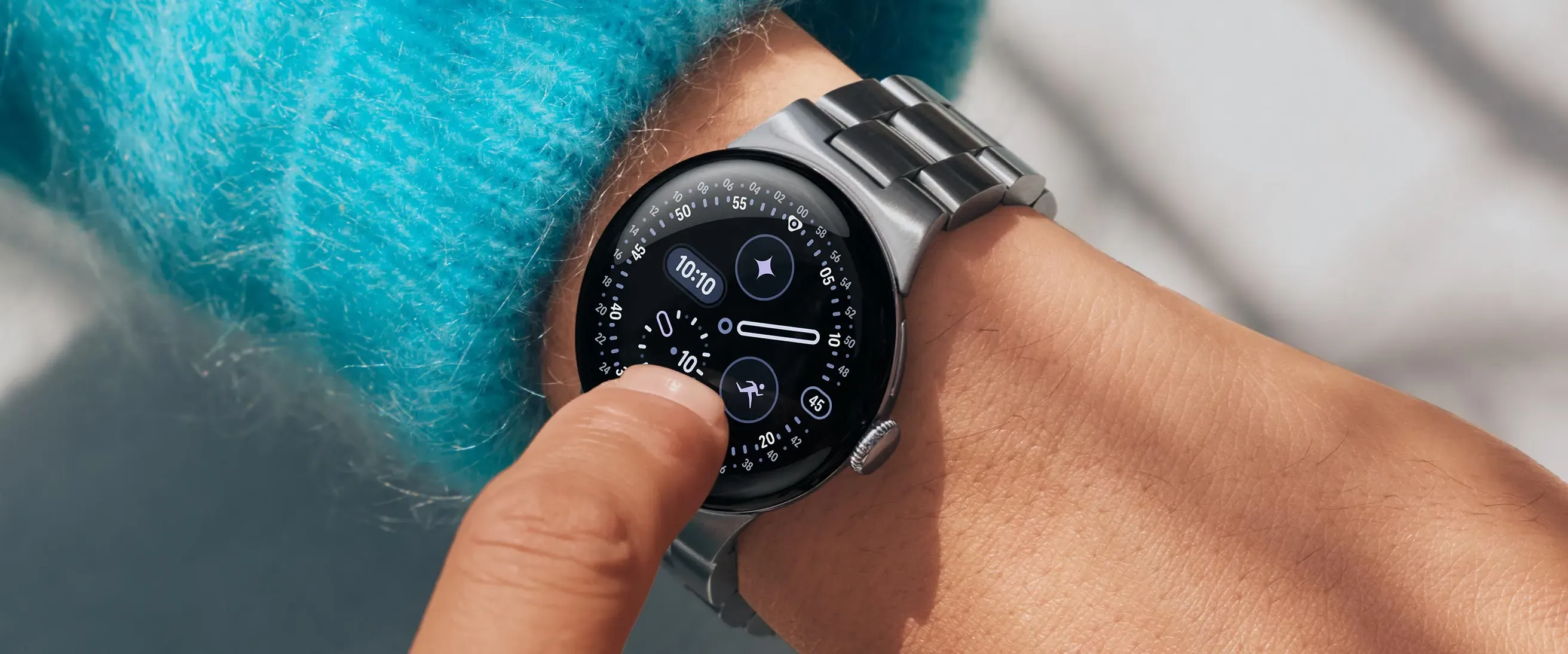
Here’s the twist. Those numbers arrive alongside dual-band GPS, cellular options, and a 3,000-nit display that looks like it was built for bright sidewalks, as reported by multiple sources. After weeks of testing, I can say it plainly. Google didn’t just meet the claim. In everyday use, it usually beats it.
Bottom line: Finally living up to the promise
After weeks of mixed-use testing, the Pixel Watch 4’s battery feels like a turning point for Wear OS. The 45mm model reliably hits the 40-hour mark and often pushes well past it, with some testers logging 48 to 60+ hours, as documented by Stuff.
Just as important, it is steady. The performance stays predictable over time, which strips away that constant “can I make it to bed” mental math, according to Android Central and Gadget Hacks.
If you have been waiting for an Android watch that can finally go the distance without dumbing down the smart stuff, this is it. Multi-day battery life makes 24 or 48 hours of health tracking feel normal, not heroic. You charge when it fits your life, not the other way around.
Image via Google



Comments
Be the first, drop a comment!