



The world of web browsing just got a lot more convenient (and potentially concerning). Google's been busy making Chrome even more helpful with a major autofill upgrade that goes way beyond the usual address and payment details. The browser now taps directly into your Google Account to streamline form filling across the web, and according to Google's latest announcement, Chrome can now remember loyalty card numbers and flight details for faster submission. This enhanced integration transforms how your browser interacts with personal data—Chrome can now securely pull your name and email address whenever you need to sign up or log into websites, creating a seamless bridge between your digital identity and web forms. The timing reflects Google's understanding of user behavior: these new autofill features were designed specifically to simplify holiday tasks when online shopping and travel bookings are at their peak.
What's new in Chrome's autofill arsenal?
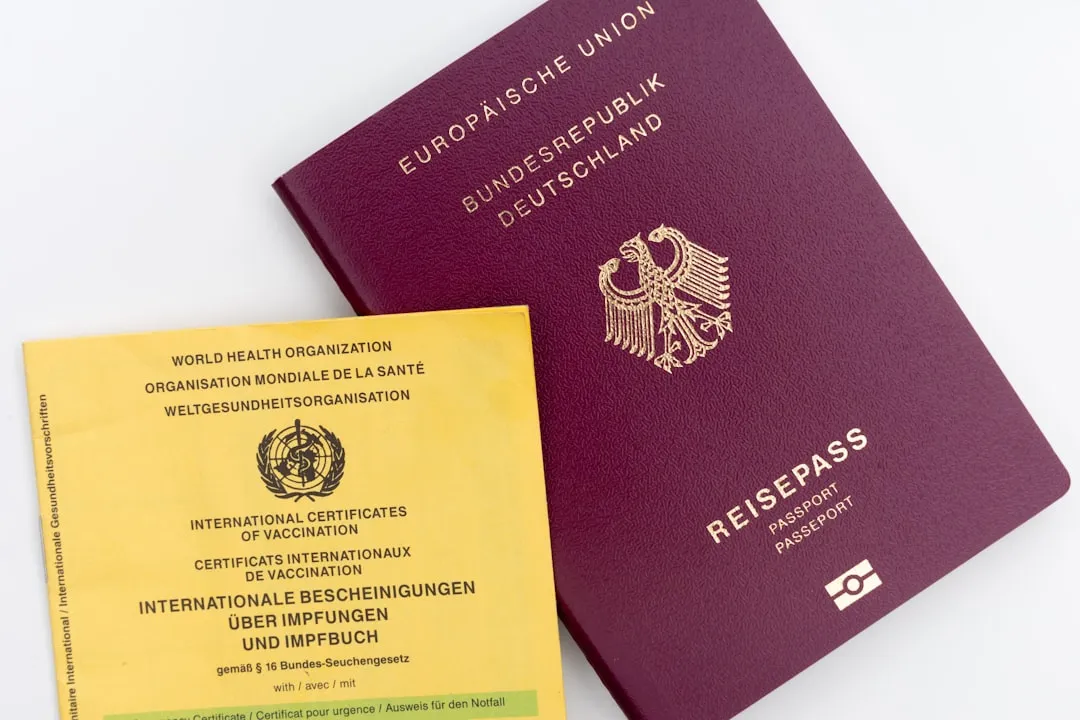
Here's where things get interesting—Chrome's autofill capabilities have expanded into territory that was previously off-limits. The browser can now handle some of your most sensitive personal documents, including passport numbers, driver's license details, and vehicle identification data. We're talking about a significant leap from basic contact information to documents that require serious security consideration.
The Google Wallet integration creates a unified ecosystem for your personal data. Chrome now integrates with Google Wallet so you don't need to remember details like loyalty card numbers, travel information, and vehicle specifics. When booking travel or renting a car, Chrome recognizes travel form details like confirmation numbers and dates from your saved Google Wallet bookings. Even vehicle registration details get the autofill treatment—Chrome on desktop now supports saving and filling vehicle details to and from Google Wallet.
Beyond data integration, Chrome's gotten substantially smarter about interpreting different websites. Chrome on Android now shows autofill suggestions in two lines for easier and more accurate form completion, while address recognition has been improved worldwide, meaning Chrome can accurately fill forms everywhere, including complex addressing systems like Mexico's "between streets" descriptions and Japan's phonetic names. The browser can now parse complex forms with varied formatting requirements, understanding everything from oddly-named fields to inconsistent layouts across different sites—effectively eliminating those frustrating moments when autofill puts your phone number in the zip code field.
How Google's tackling the security question
Let's address the elephant in the room—storing sensitive documents like passports and driver's licenses in your browser raises legitimate security concerns. Google hasn't ignored this reality, implementing sophisticated privacy engineering that separates form recognition from data access. The company states that Chrome encrypts autofill data, only saves information with permission, and asks for confirmation before pasting it into forms.
The privacy approach involves clever technical architecture designed to protect your actual data. Chrome sends generic field labels like "first name" to Google servers instead of your actual details during recognition. Additionally, Chrome adds random data to those labels so your real information stays on your device while the system learns what each field expects. This creates a learning system that improves form recognition without exposing personal information to Google's servers.
However, security experts remain cautious about the broader implications. Chrome's market share of over 73% makes it the internet's biggest target for criminals. The concern isn't necessarily Google's security measures, but rather the concentration of sensitive data in one highly visible platform. When cybercriminals get the right kind of access through stolen browser sessions, unlocked devices, or rogue extensions, your sensitive information could be at risk. Recognizing these risks, Google has made enhanced autofill turned off by default, requiring users to make a conscious decision about storing this level of sensitive information.
The convenience factor: real-world impact
The numbers tell a compelling story about why Google's pushing these autofill enhancements so aggressively. Recent Google research shows that website visitors using autofill had a 75% reduction in form abandonment and a 35% reduction in completion time. For online merchants, this translates directly to revenue impact—guest checkouts using autofill had a 45% higher Checkout Conversion Rate than those without autofill.
These statistics become meaningful when you consider complex real-world scenarios. Imagine filling out insurance quotes, car rental forms, or travel documentation without manually typing passport numbers, license plate information, or driver's license details. Chrome can fill in trip and vehicle details for tasks like insurance quotes or car rentals, streamlining processes that previously required digging through wallets and documents. The time savings compound when you're dealing with multi-page forms that require consistent information across different sections.
Google's confidence in the feature's utility shows in its aggressive global rollout. These updates are available globally in all languages, with plans to support even more document types soon. The international scope demonstrates sophisticated localization work—Chrome now accurately recognizes and fills forms for addressing systems that vary dramatically by country, from Mexico's descriptive "between streets" system to Japan's phonetic naming conventions. This isn't just about American or European web forms; it's about creating universal form-filling capability that works regardless of local customs or data formats.
Should you trust Chrome with your most sensitive data?
The decision ultimately comes down to your personal risk tolerance and security infrastructure. Chrome's enhanced autofill can be reasonably safe when your device and account are well protected, and you stay attentive to what you approve. The foundation requires implementing Google's recommended security practices: keeping your operating system and Chrome updated, using two-factor authentication, setting up a Chrome sync passphrase, and only using autofill on secure HTTPS pages.
But the risk calculus extends beyond individual security practices. A single compromised Google account could give attackers access to both your messages and sensitive identification data stored in the same digital location. Information like passports and vehicle details can reveal much more about a person than basic contact information, making the potential impact of a breach more severe. This concentration risk means that strong Google account security becomes absolutely critical when storing sensitive documents.
For users seeking alternatives, most dedicated password managers let you store sensitive data with similar autofill capabilities and often provide additional security layers. These standalone solutions typically offer zero-knowledge encryption, meaning even the service provider can't access your data—a level of privacy that Google's approach, with its server-side form recognition, can't match. However, convenience often trumps perfect security for many users who are already deeply embedded in Google's ecosystem and comfortable with their data handling practices.
What this means for your digital future
Google's expanded autofill capabilities represent more than just a convenience upgrade—they signal a strategic shift toward browsers becoming comprehensive digital identity managers. Chrome's latest autofill update combines convenience with stronger safeguards, but it also centralizes more of your personal data within Google's ecosystem, creating deeper integration points that extend the company's reach into daily digital interactions.
The feature rollout reflects broader industry trends where the boundaries between browsers, password managers, and digital wallets continue to blur. Google's turning Chrome into a comprehensive digital wallet for personal documents, positioning the browser as the central hub for your online identity. This transformation has strategic implications beyond user convenience—when your browser stores everything from your credit cards to your passport details, switching to a different browser becomes a complex migration project rather than a simple preference change.
The convenience benefits are undeniable—autofill saves time and reduces hassle by automatically remembering and entering form field information. But this evolution also requires careful consideration of your overall digital security posture and whether you're comfortable with this level of data centralization. The most secure approach involves understanding exactly what you're enabling, maintaining strong security practices across all your digital accounts, and regularly evaluating whether the convenience gains justify the concentration risks in your specific situation.
The bottom line? Chrome's enhanced autofill capabilities offer genuine convenience benefits that can streamline daily digital tasks, but they come with the responsibility of securing what essentially becomes your digital identity vault. Whether you enable these features should depend on your security setup, risk tolerance, and trust in Google's data protection measures—because once your browser becomes your digital identity manager, the stakes for security become significantly higher.















Comments
Be the first, drop a comment!